

McDonald’s Digital Displays
Between 2018 and 2019 I worked freelance at Leo Burnett London, designing and building HTML5 display advertising for McDonald’s in the UK and Ireland. This page brings together six of those campaigns: the Breakfast “pocket dial” campaign, Big Mac Bacon, McCafé Quality, the Breakfast Dashboard, Happy Meal Wraps and Chicken Selects. Each was produced as a full set of display sizes, from MPUs (300×250) and half-page ads (300×600) to billboards (970×250), with mobile versions and end frames, and the Big Mac Bacon set was built for both UK and Irish media.
Every banner is hand-coded HTML5 and CSS, with all of the motion written in JavaScript using GSAP (GreenSock’s TweenLite and TimelineLite). Each ad runs from a single labelled timeline, so a whole sequence – product slides, roundel reveals, copy fades and the end frame – can be retimed, looped or trimmed in one place, and GSAP’s tweening engine keeps the movement smooth and consistent across browsers and on mobile.
The builds were scaffolded with Bannertime, an open-source toolkit for HTML5 banners. It gives every size the same structure (a shared Banner class, a DoubleClick Studio loader and a separate animation file) and compiles, minifies and packages each banner ready for trafficking. That consistency mattered when one campaign meant a dozen or more sizes and several rounds of client amends.
Every size also had to come in under a strict file-weight limit set by the ad server and publishers, so artwork was cut into small, compressed layers rather than stacked as full-frame images. The animation libraries were polite-loaded from a CDN only once the ad was in view, so they didn’t count against the initial load, and each banner shipped with a static backup image for environments that couldn’t run HTML5.
Services
Design, HTML5 Build, Animation (GSAP)Client
McDonald’s UK & IrelandAgency
Leo Burnett LondonTECHNOLOGY
Built and animated for McDonald’s UK and Ireland at Leo Burnett London, 2018–19.
Frame by Frame Storyboard
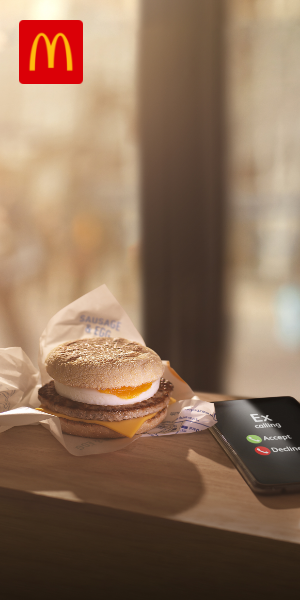
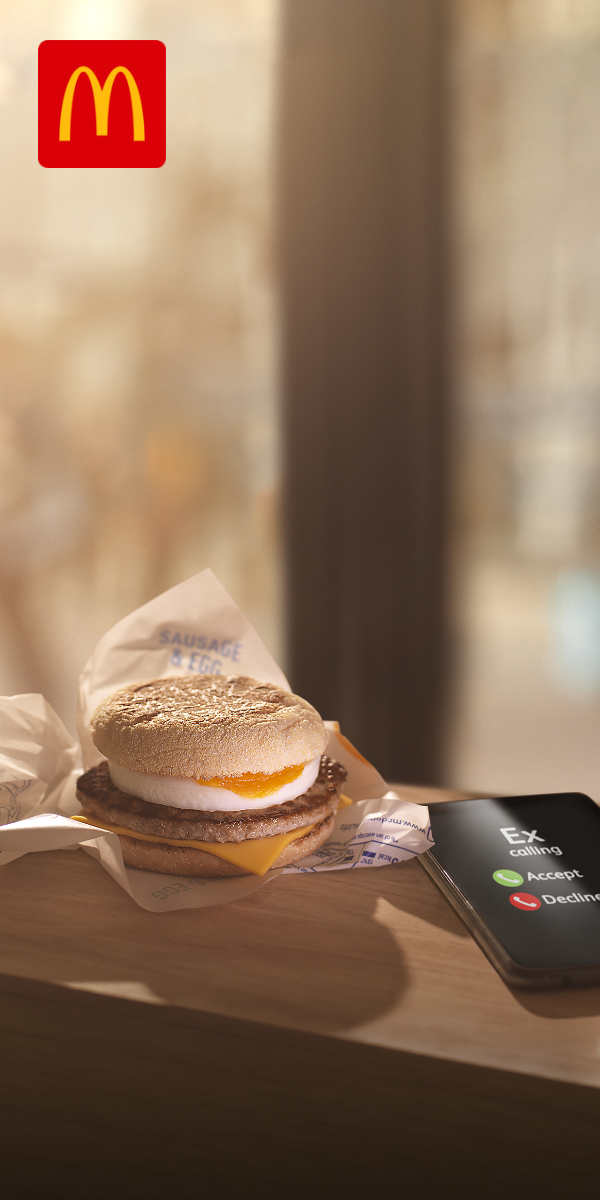
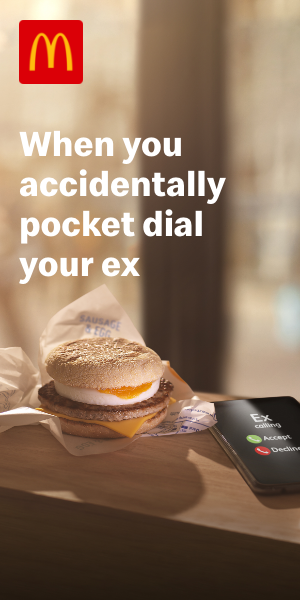
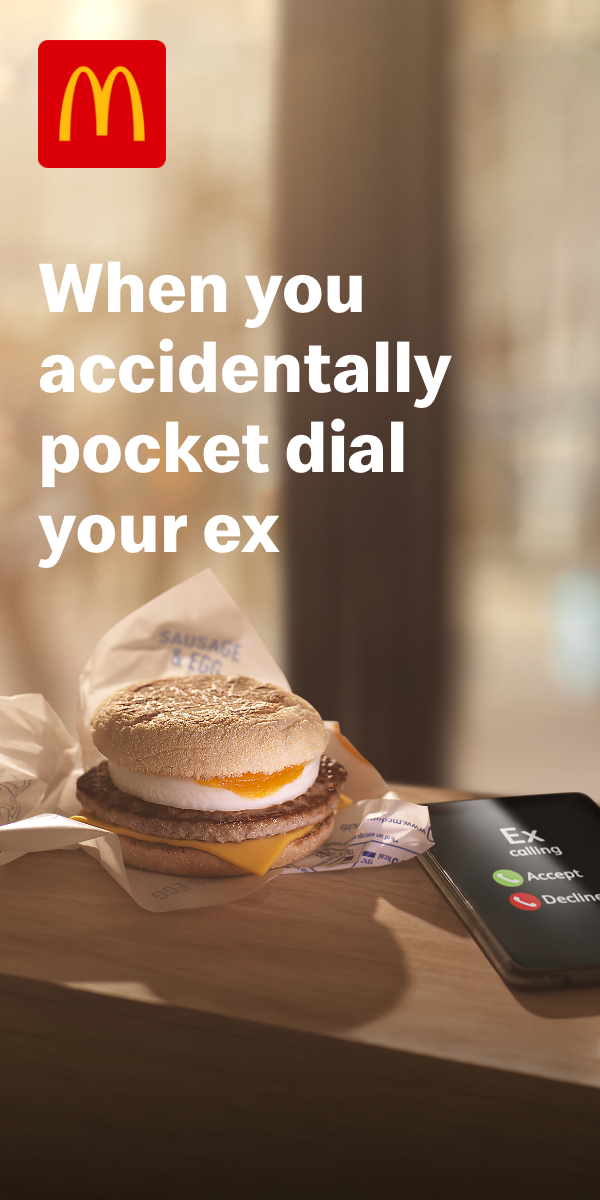
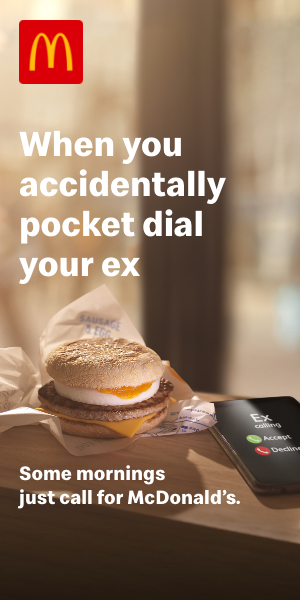
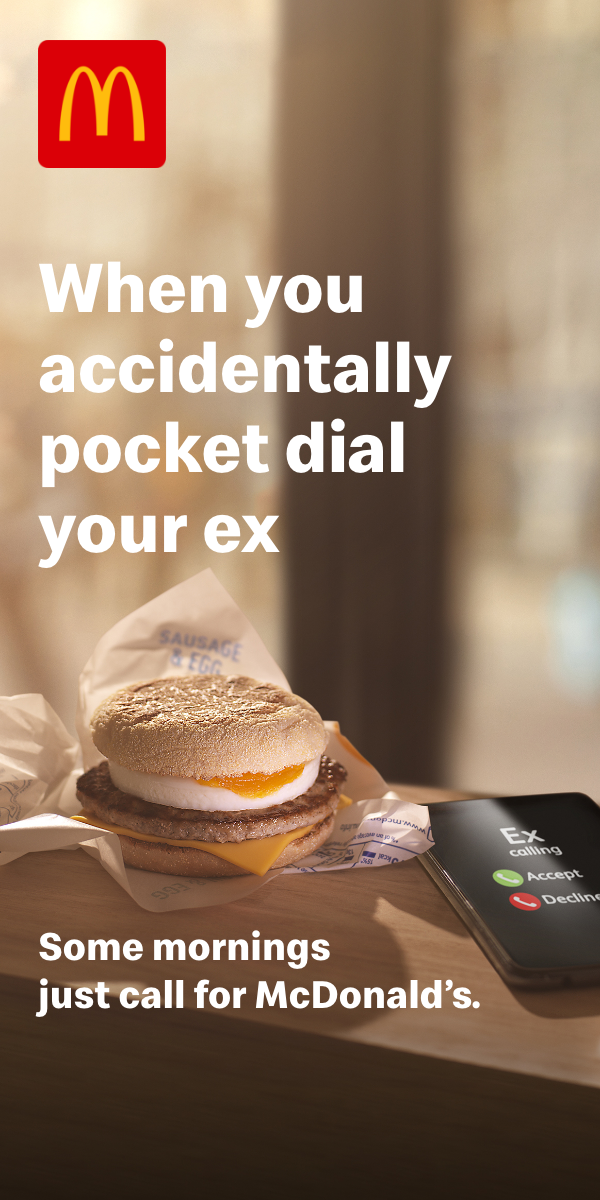
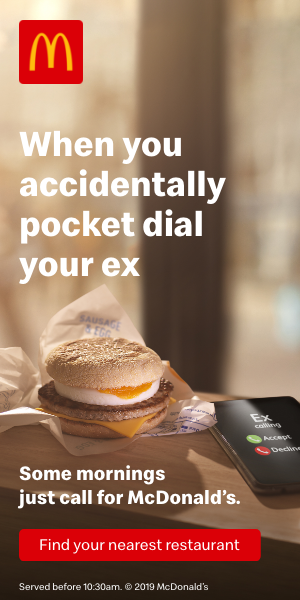
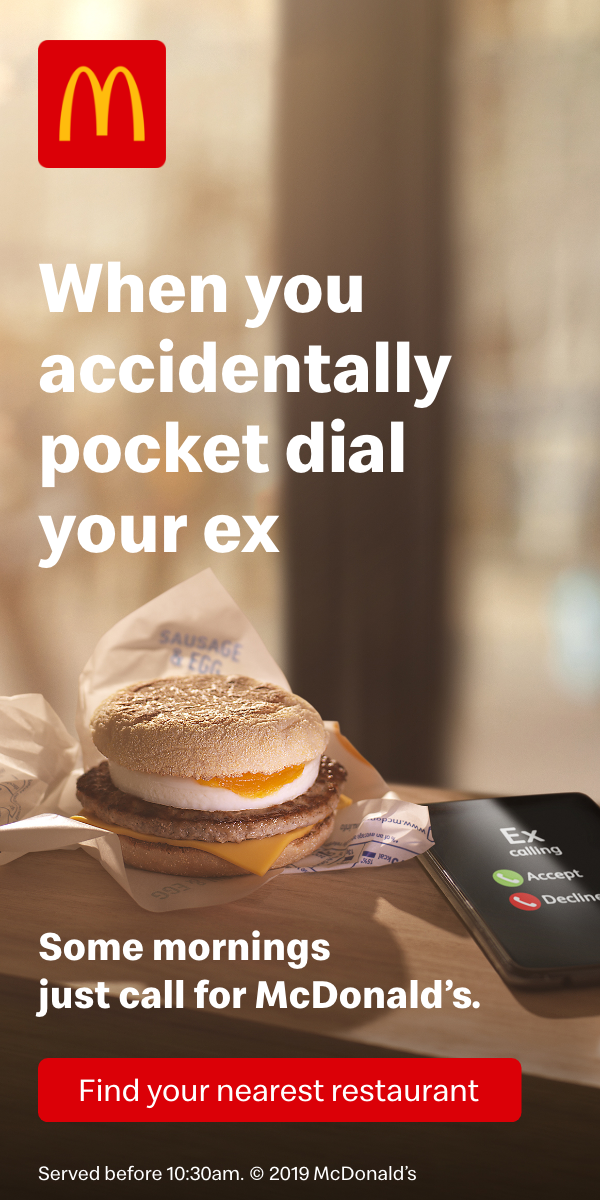
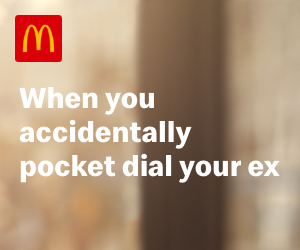
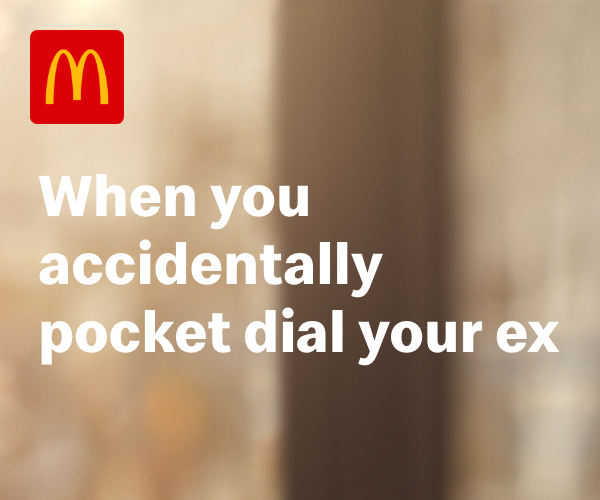
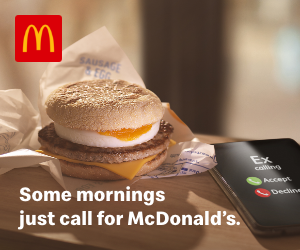
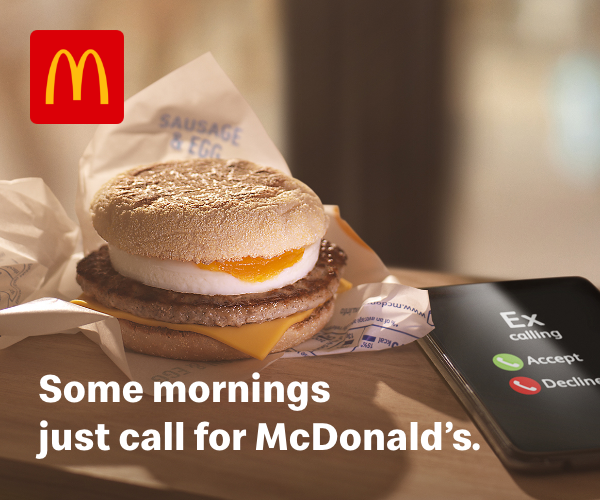
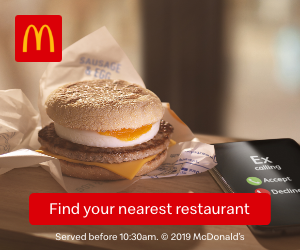
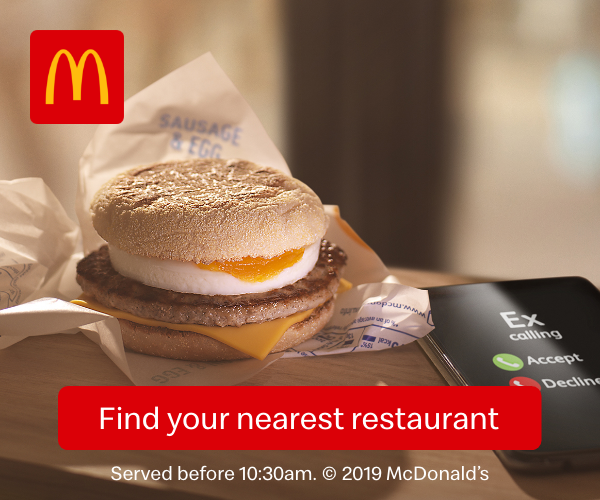
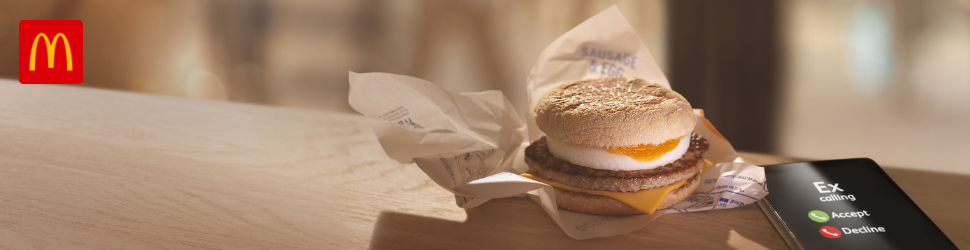
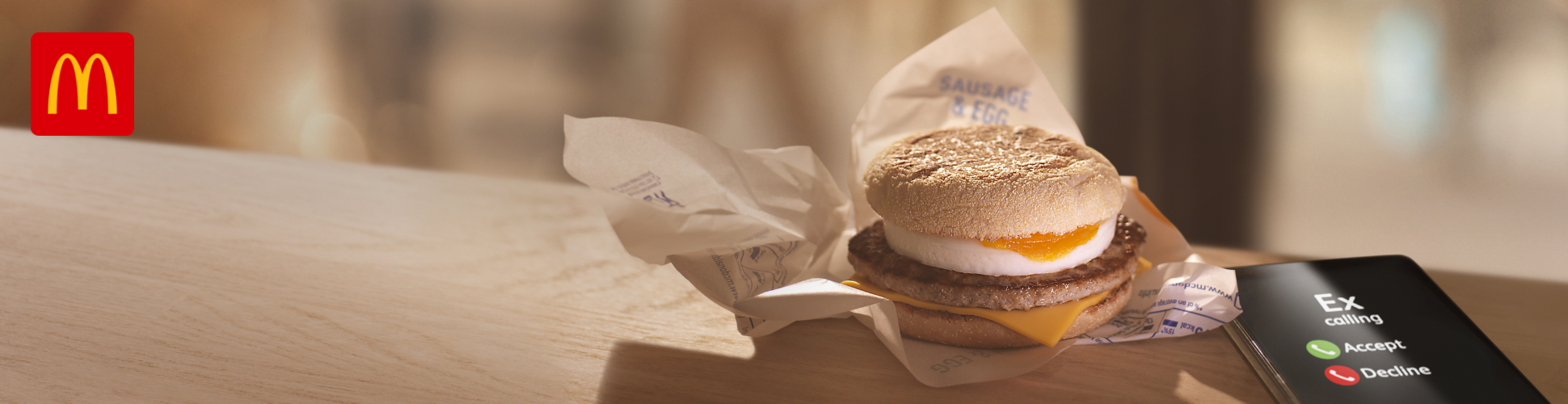
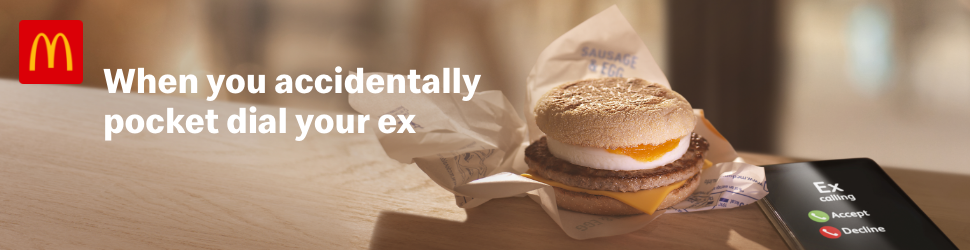
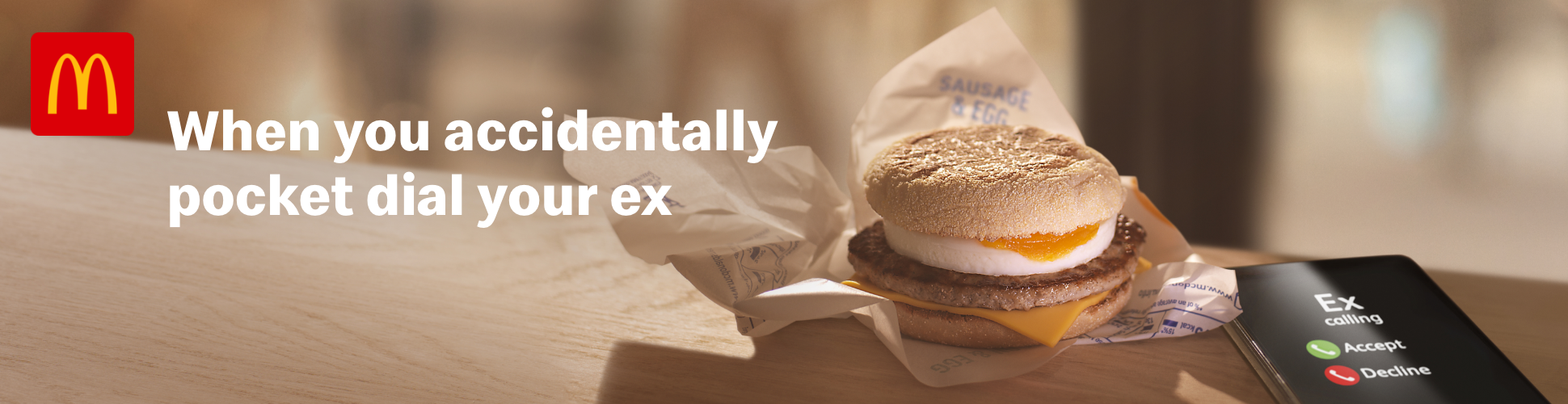
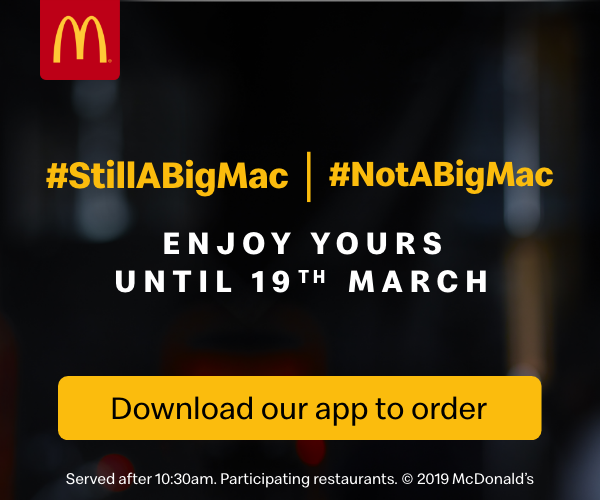
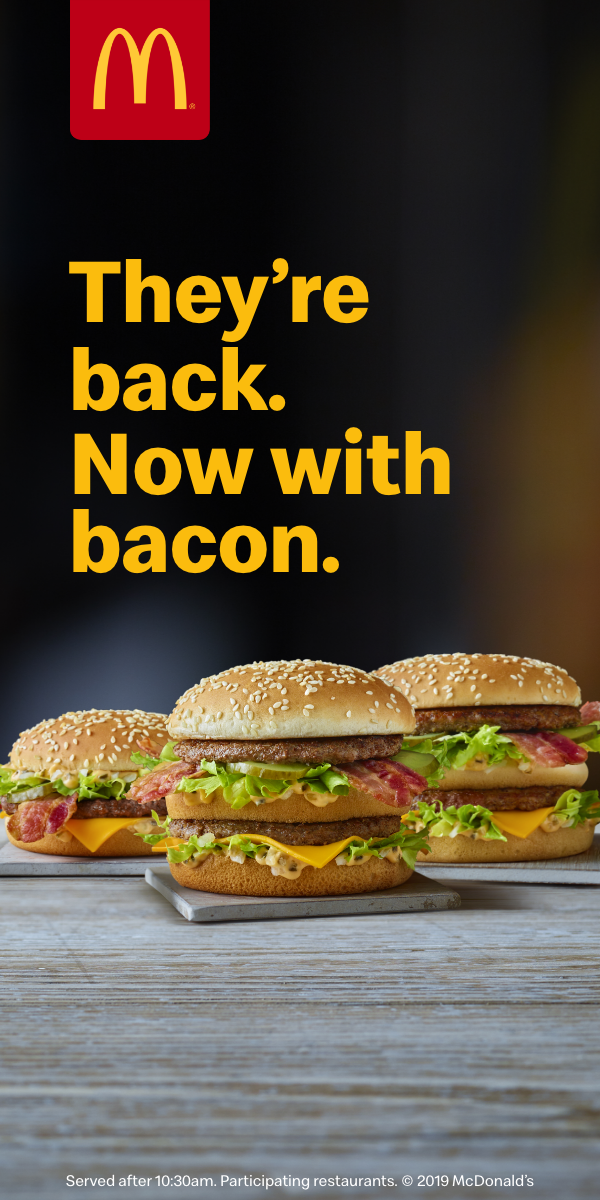
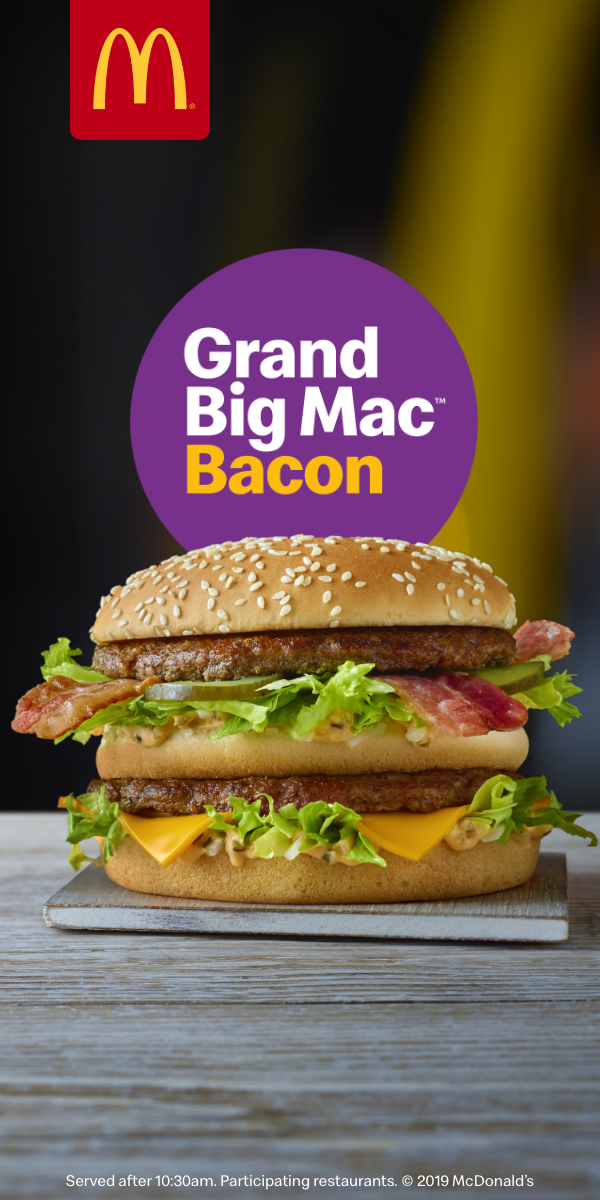
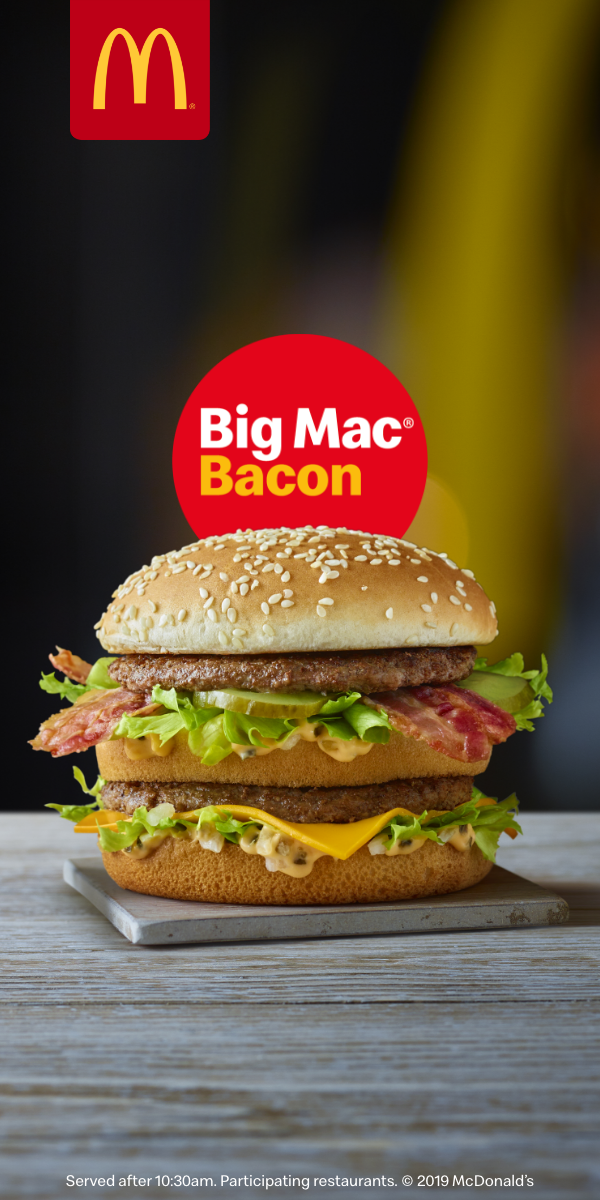
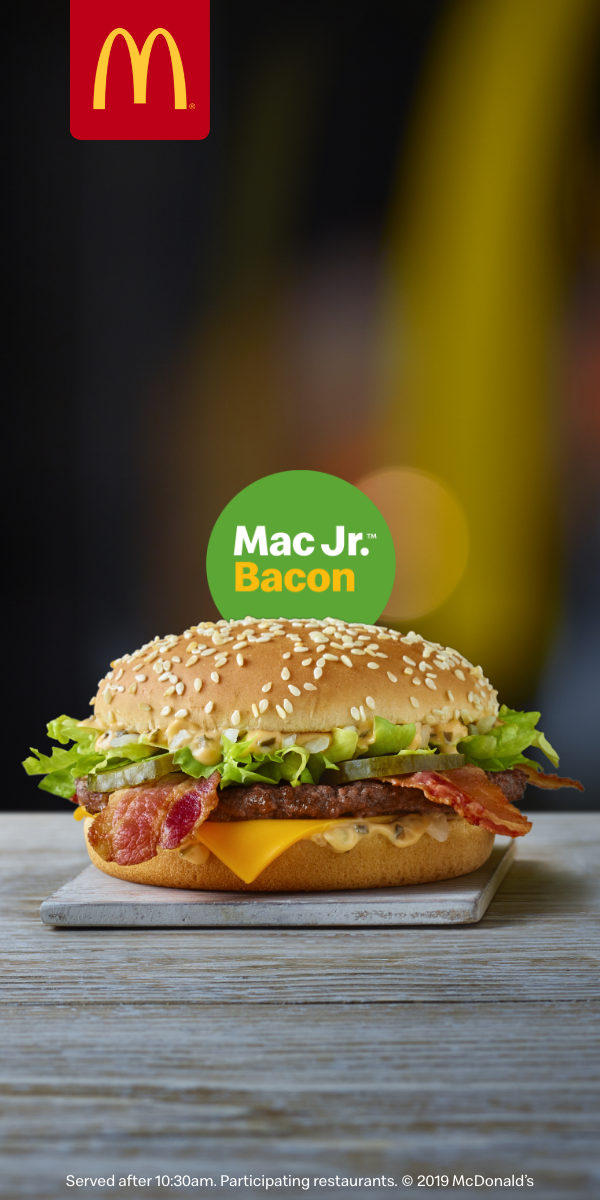
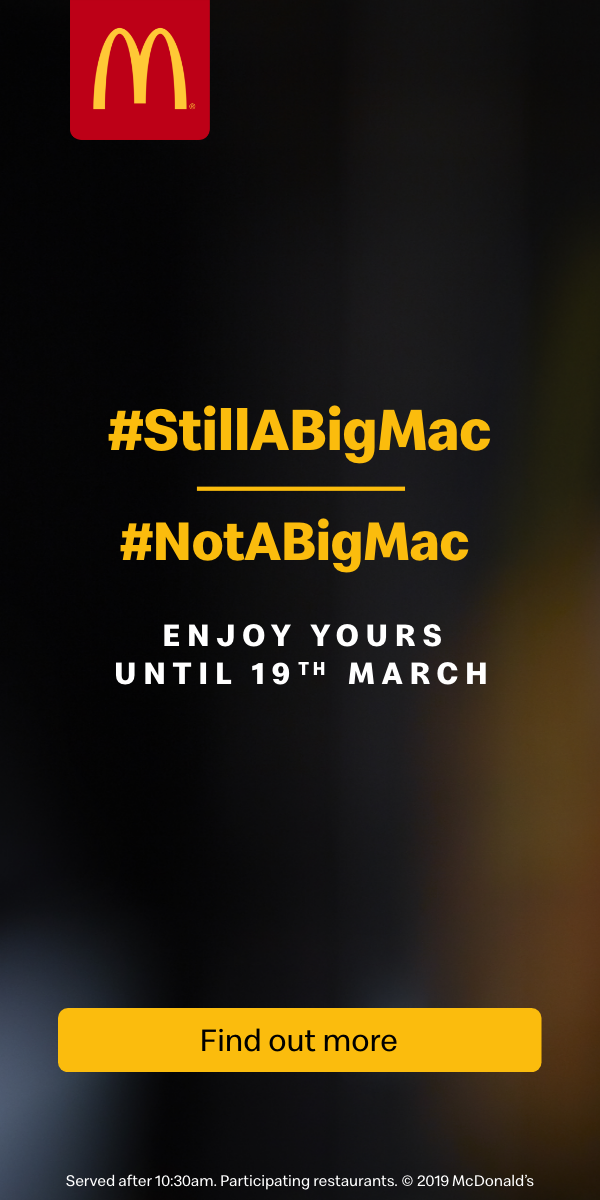
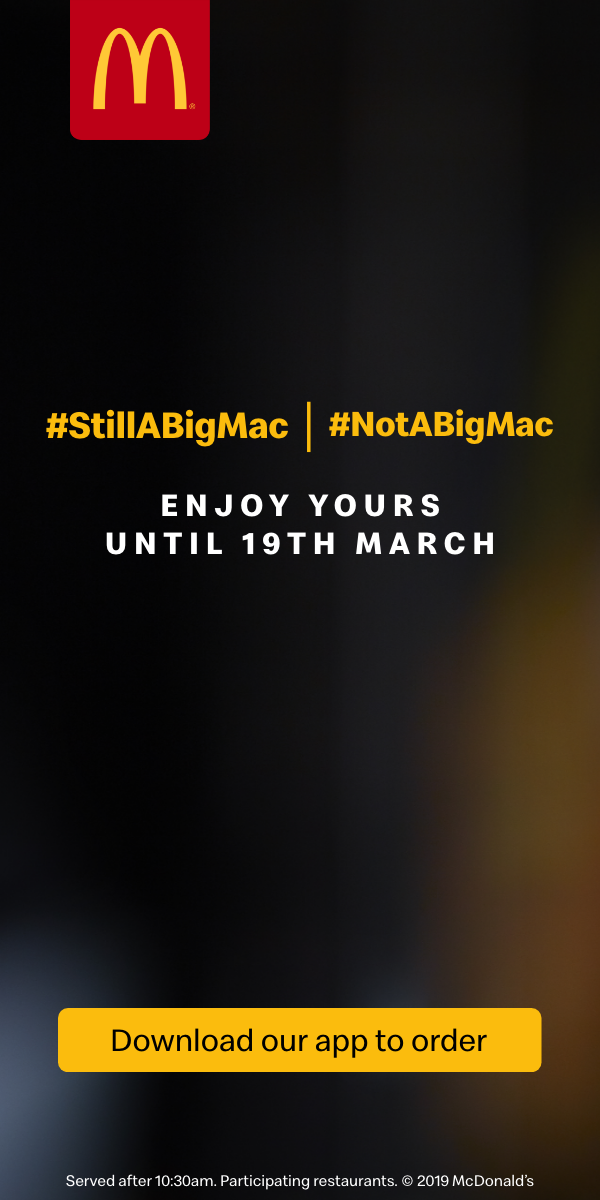
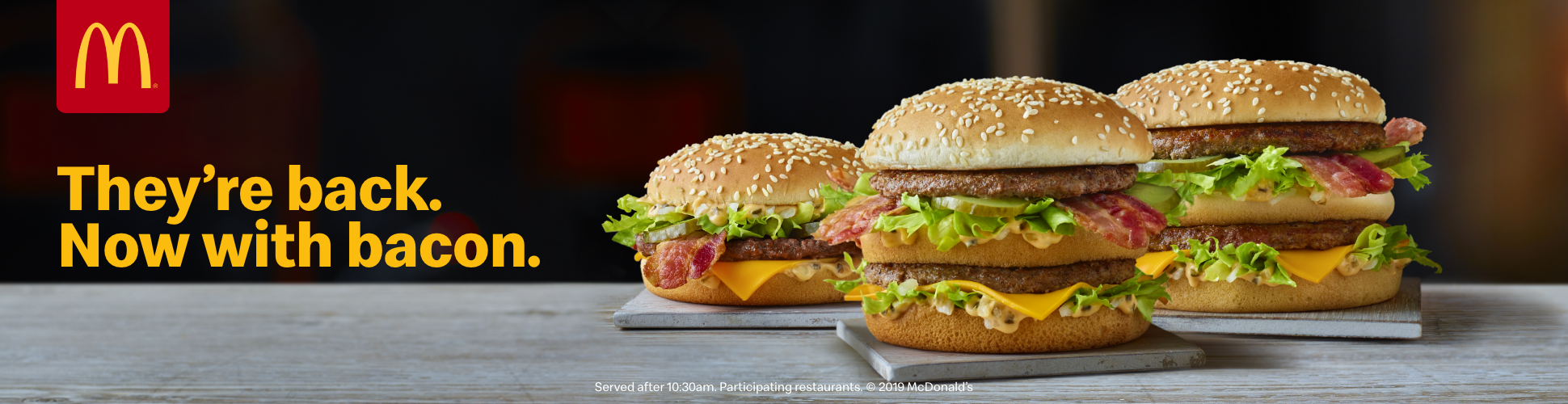
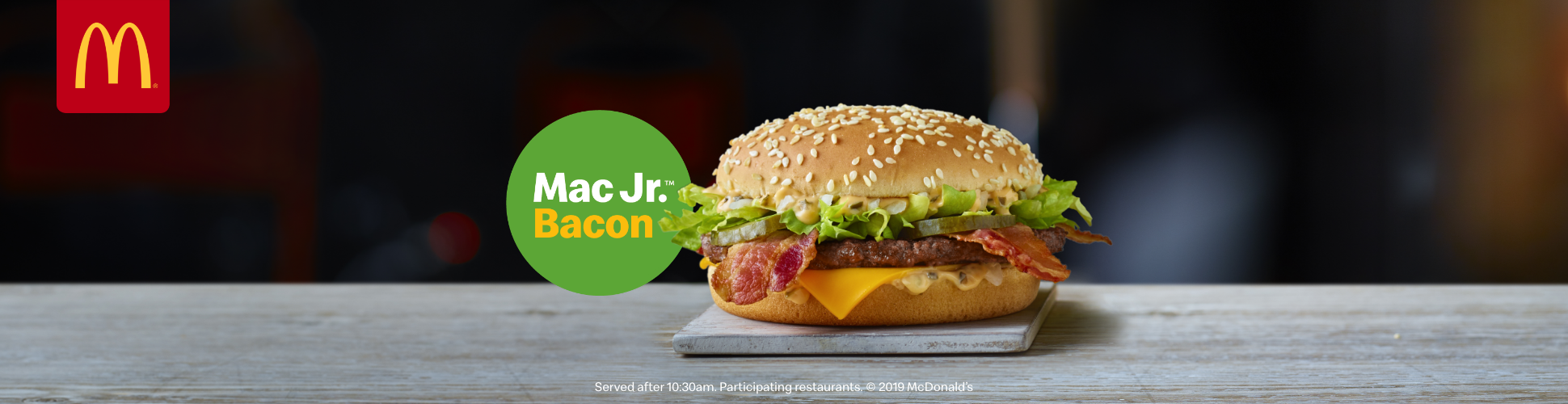
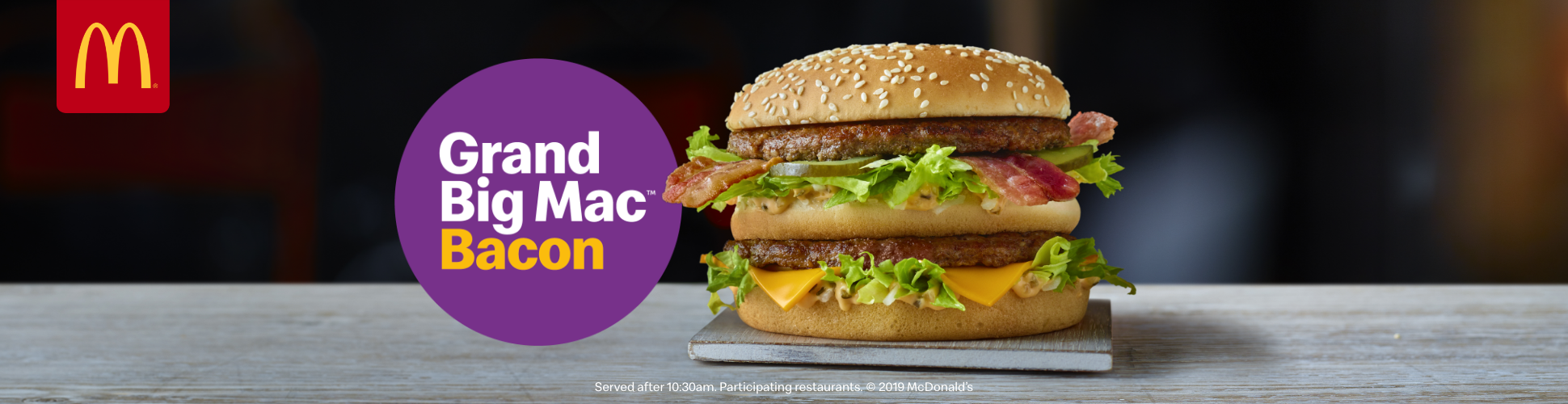
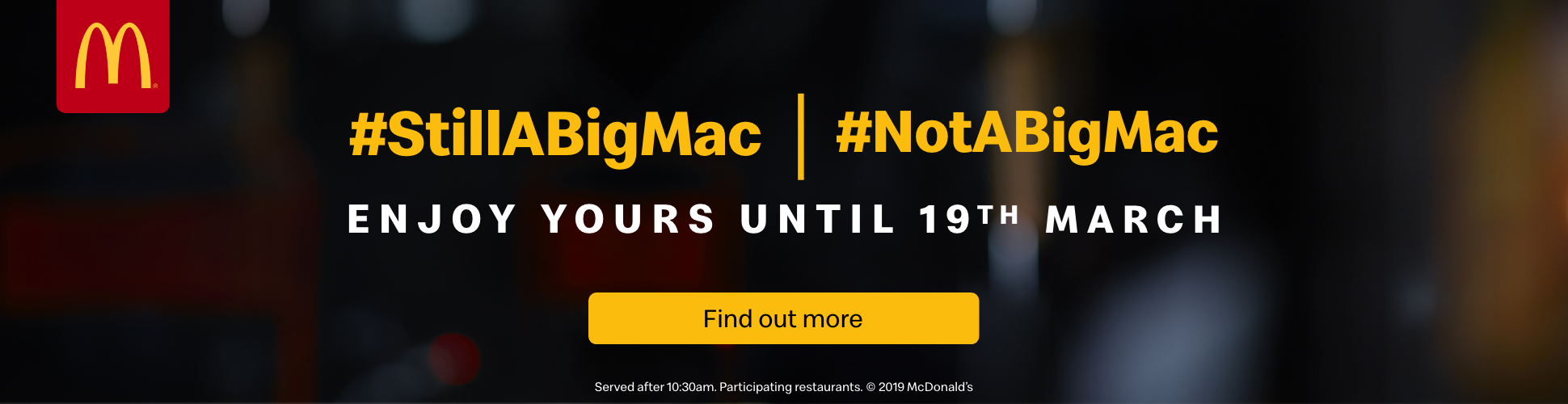
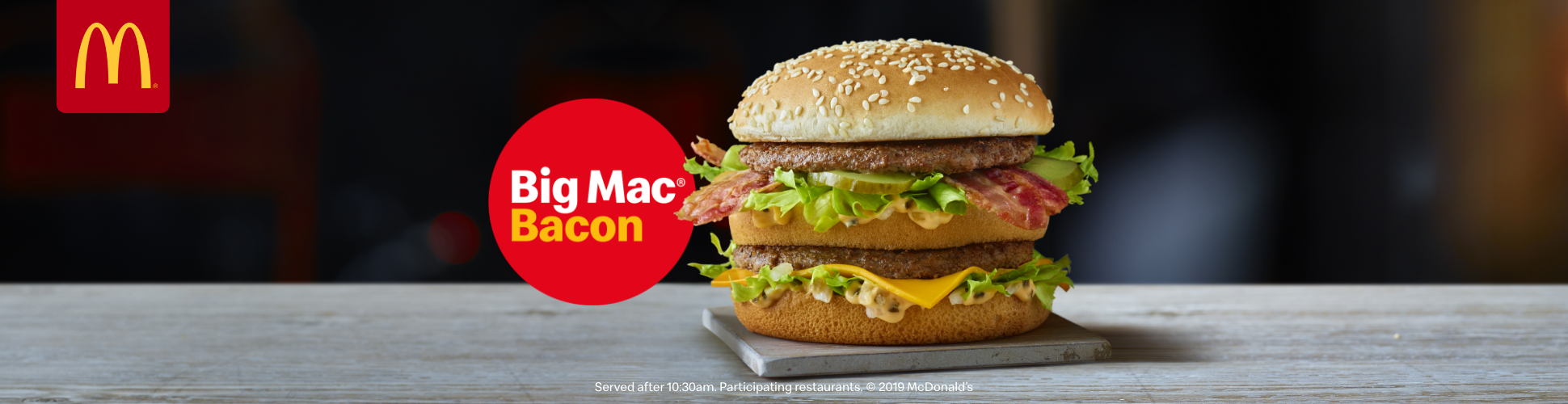
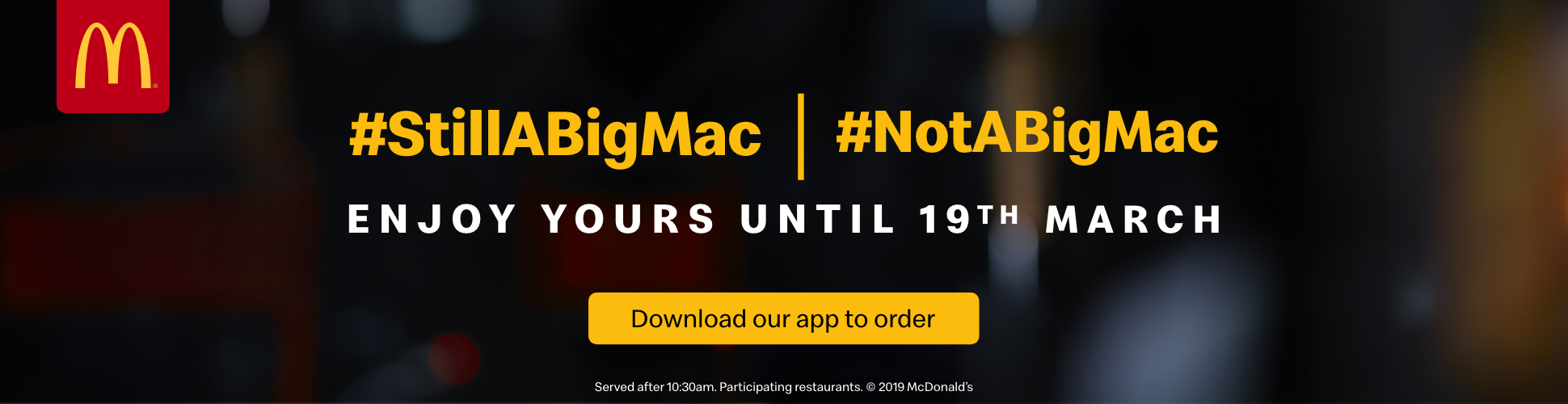
The static frames below show each campaign size by size, as they were designed and signed off. The live banners are the original HTML5 builds, running in the page with their GSAP timelines intact; only the ad-server click-throughs have been switched off.
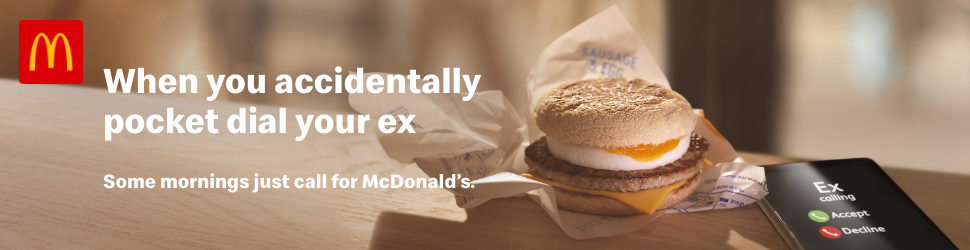
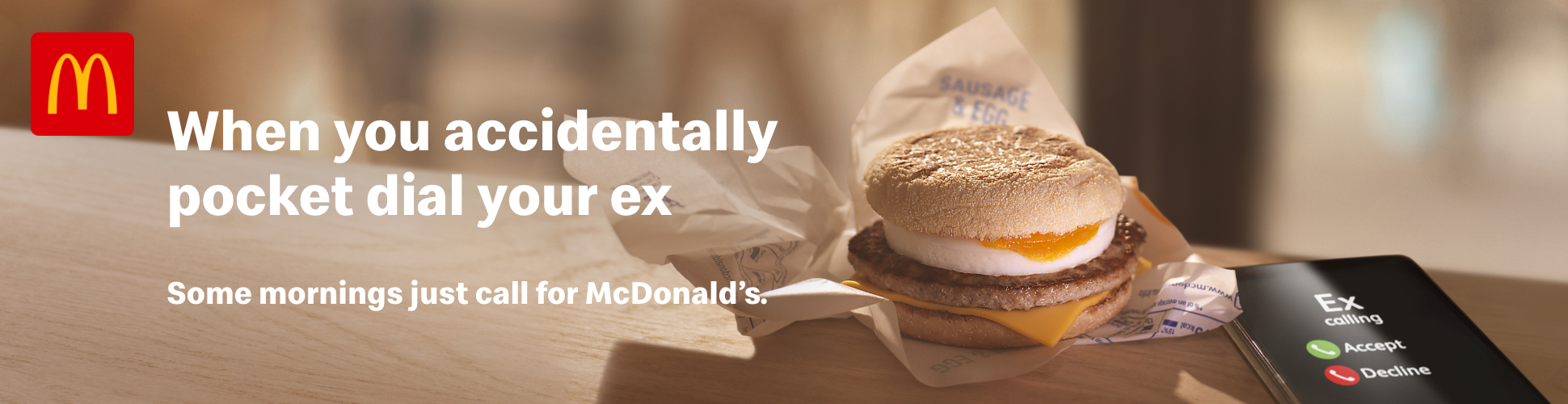
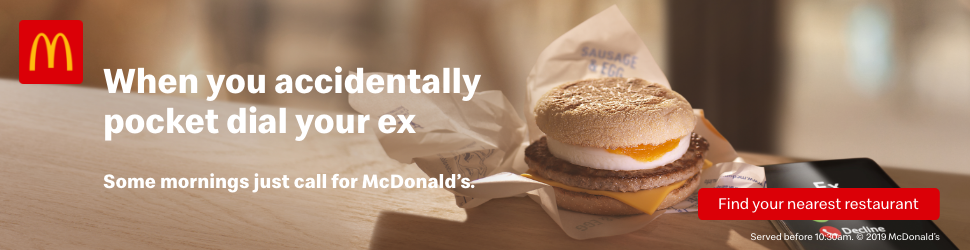

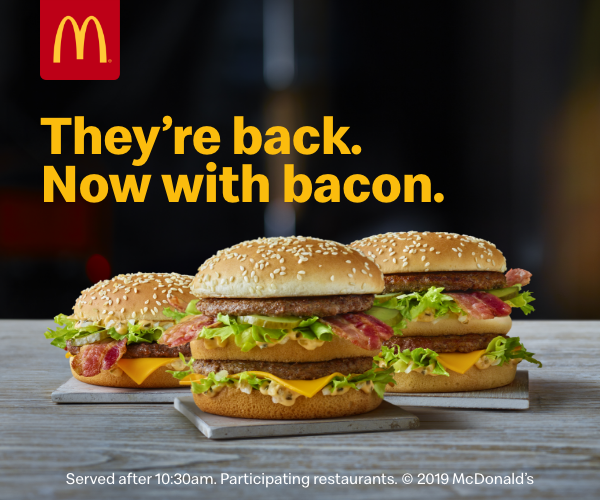
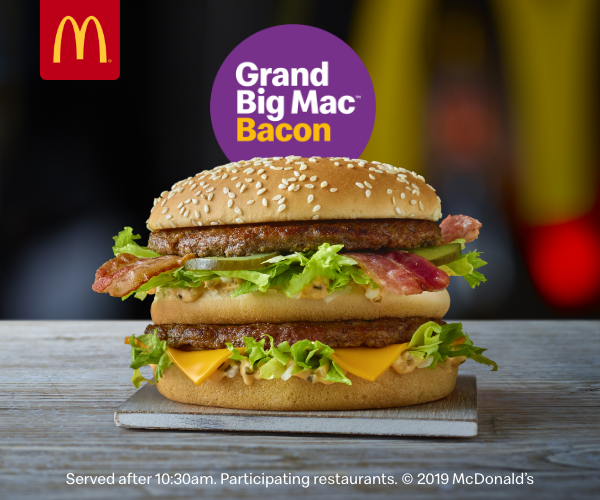
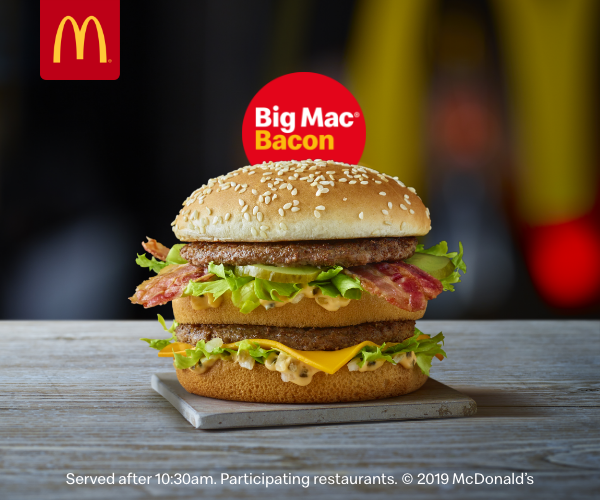
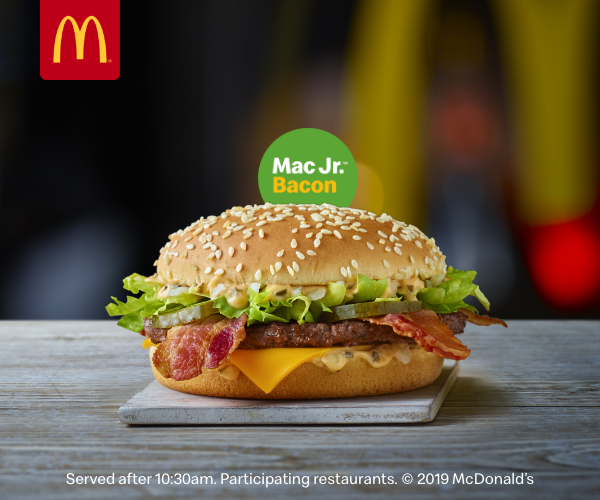
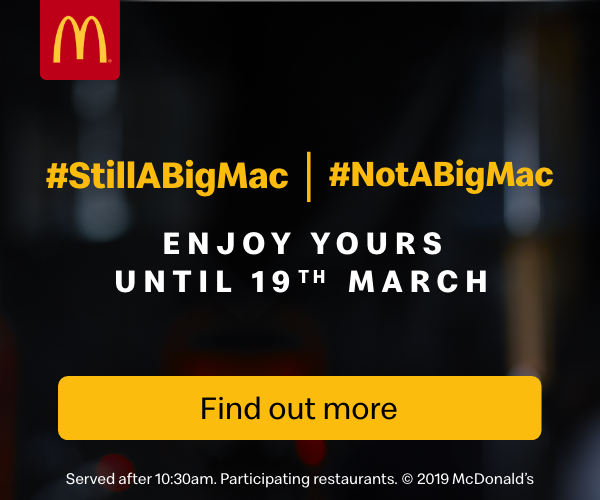
Live HTML5 Banners
These six banners aren’t recordings: they’re the original HTML5 builds, running in the page just as they ran through DoubleClick Studio. Each one sits in its own sandboxed frame at its real size, like an ad slot on a publisher’s page, and loads the same GSAP libraries (TweenLite, TimelineLite, CSSPlugin and EasePack) from the CDN, so every tween, timing and loop plays exactly as it did in the campaign. The only change is a small stand-in for Studio’s Enabler, so the ads run outside the ad server, with their click-throughs switched off.
OVERVIEW
The banners were built for and trafficked through DoubleClick Studio, Google’s rich-media ad platform (now part of Google Marketing Platform). Each build loads Studio’s Enabler library, which handles polite loading – holding back the heavier assets and animation libraries until the page has finished loading and the ad is in view – as well as the click-through exits and the reporting on how people interacted with the ad. Finished banners were uploaded to Studio, previewed and QA’d there, then published straight into Campaign Manager to be trafficked across the media plan.
At the time, Studio competed with rich-media and ad-serving platforms such as Sizmek, Flashtalking, Adform and Celtra, each with its own SDK, click-tracking conventions and file-weight rules. Studio’s advantage was that it sat inside Google’s own ad stack, so creative, trafficking and reporting stayed in one place, and polite loading, exits and dynamic content came built in rather than bolted on. The trade-off was lock-in: a banner built on the Enabler was tied to Studio, so running the same creative through another platform meant swapping its loader and click-handling code for that platform’s own.