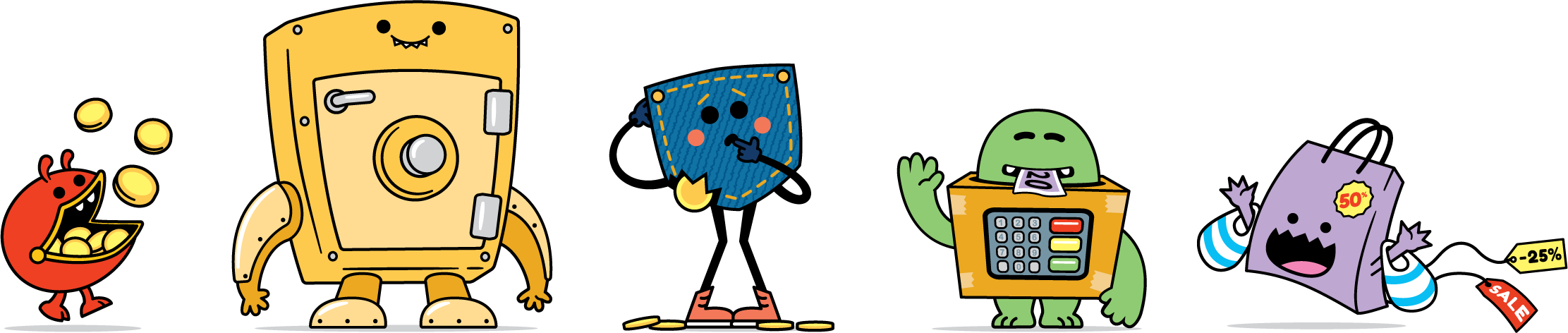
AR MONEY GAMES FOR 5–8 YEAR OLDS
MoneySense is NatWest Group’s financial education programme for schools and families. NatWest asked Blippar to find out whether augmented reality could make money lessons feel like play for 5–8 year olds, in the classroom and at home. At Blippar I designed the UX and UI for three short WebAR games. Each one teaches a single money skill: Sell, Save and Spend. The games run in the browser on a tablet or phone, so schools don’t have to install an app.
I was responsible for the user flows, wireframes, UI design and interactive XD prototypes, working from the client brief and the MoneySense brand toolkit. The brief set clear learning goals: know what things cost, understand where money comes from, and see why saving matters. The challenge was to turn each goal into a game a five-year-old could pick up with no instructions, while still giving teachers something they could use in lessons.
- Client
- NatWest Group – MoneySense
- Agency
- Blippar
- Year
- 2021–22
- Role
- UX, UI & prototype design
- Platform
- WebAR (mobile & tablet browser)
- Audience
- 5–8 year olds, teachers & parents

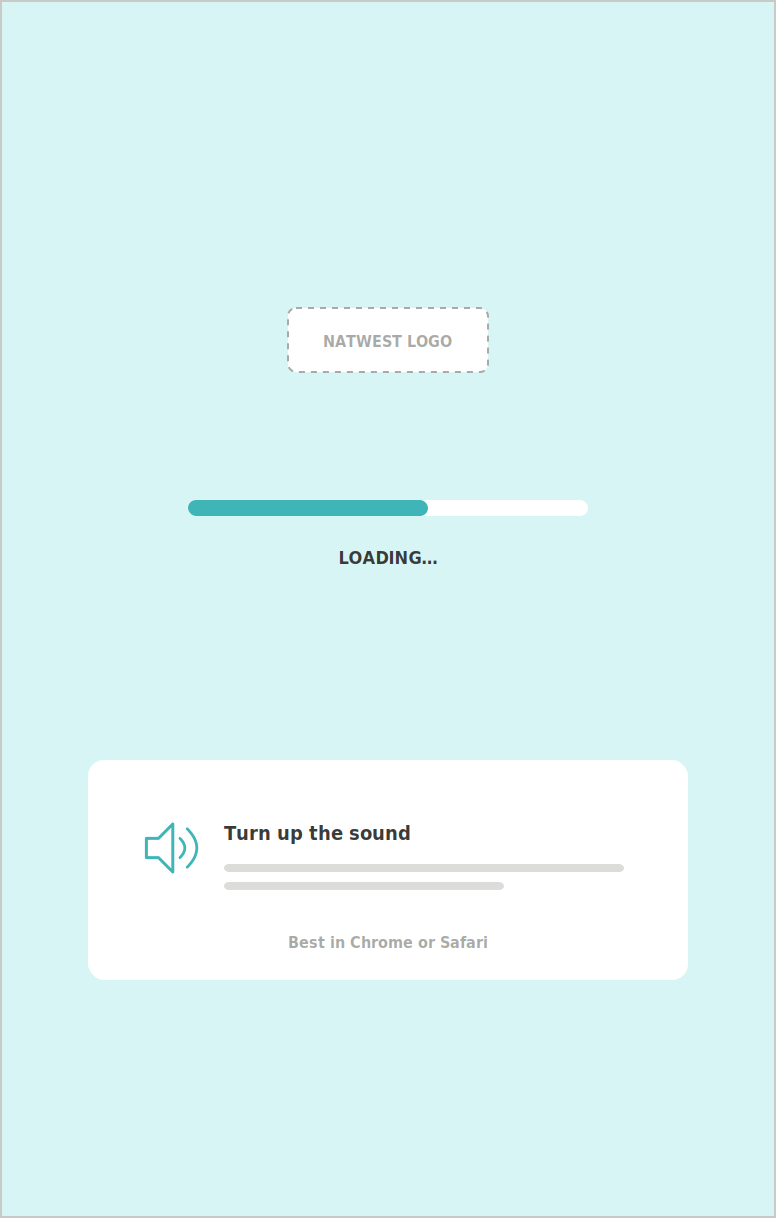
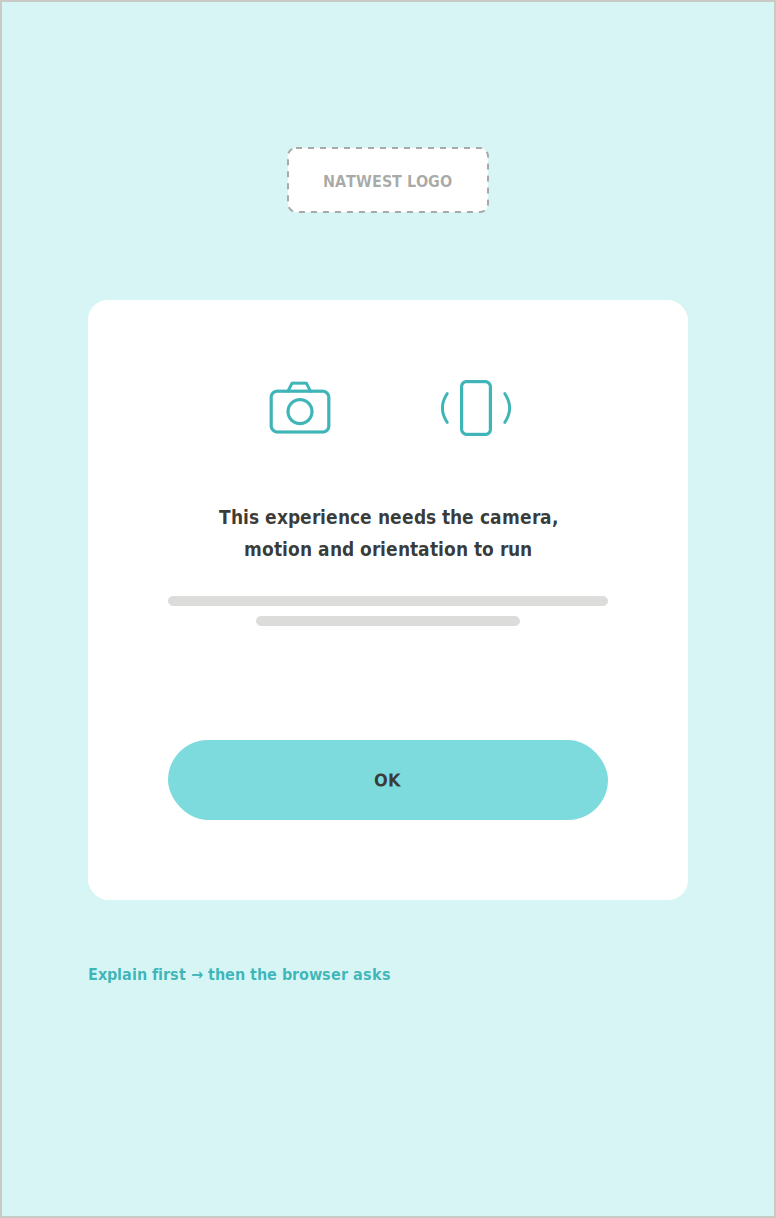
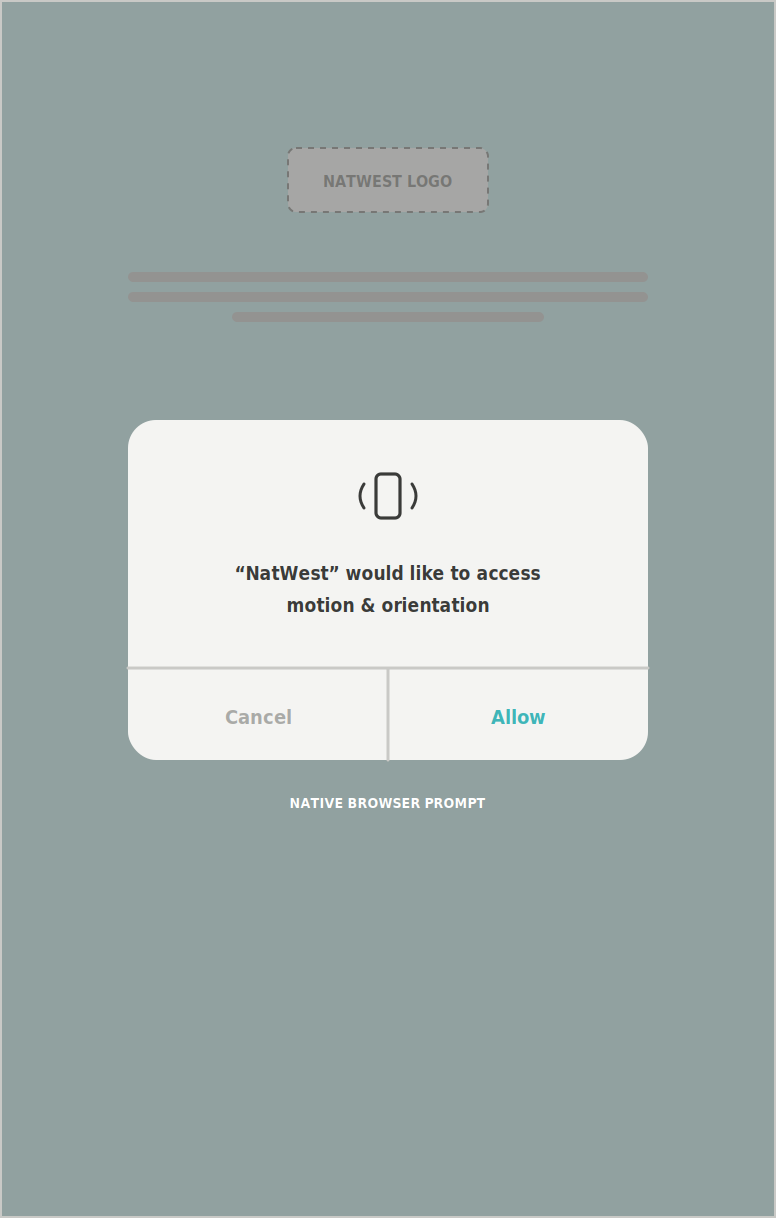
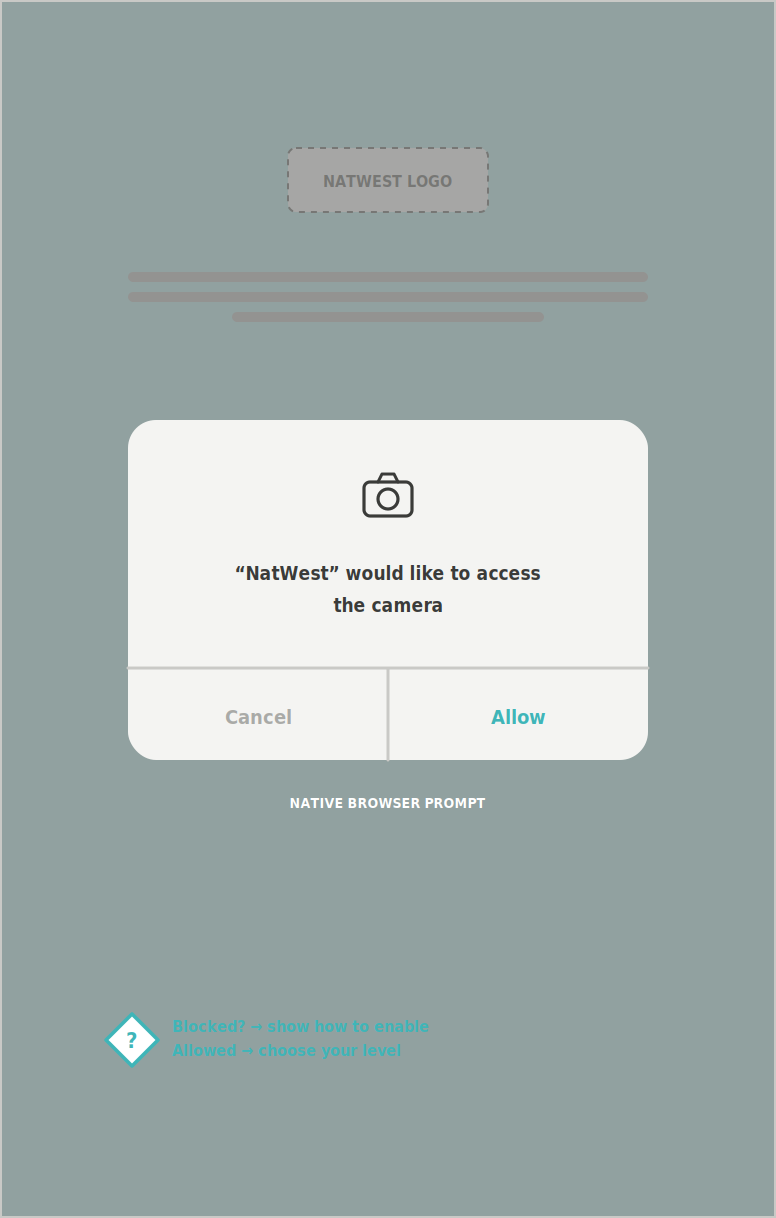
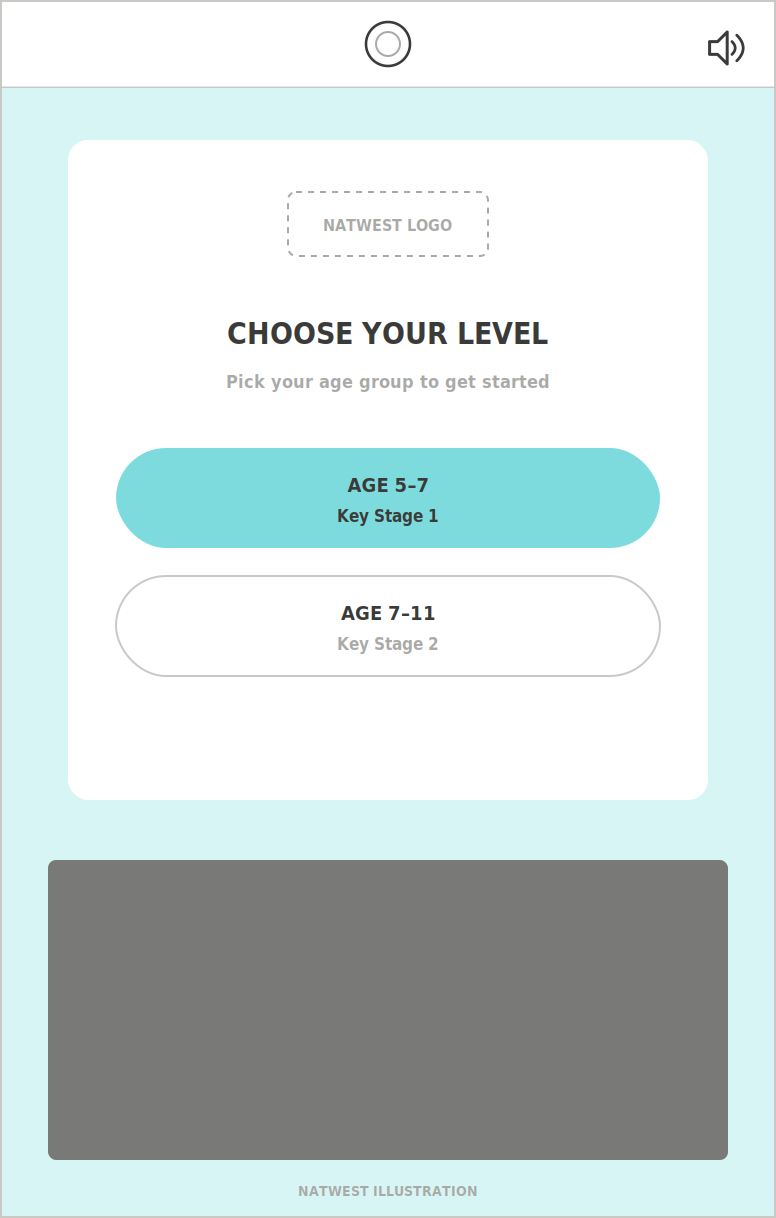
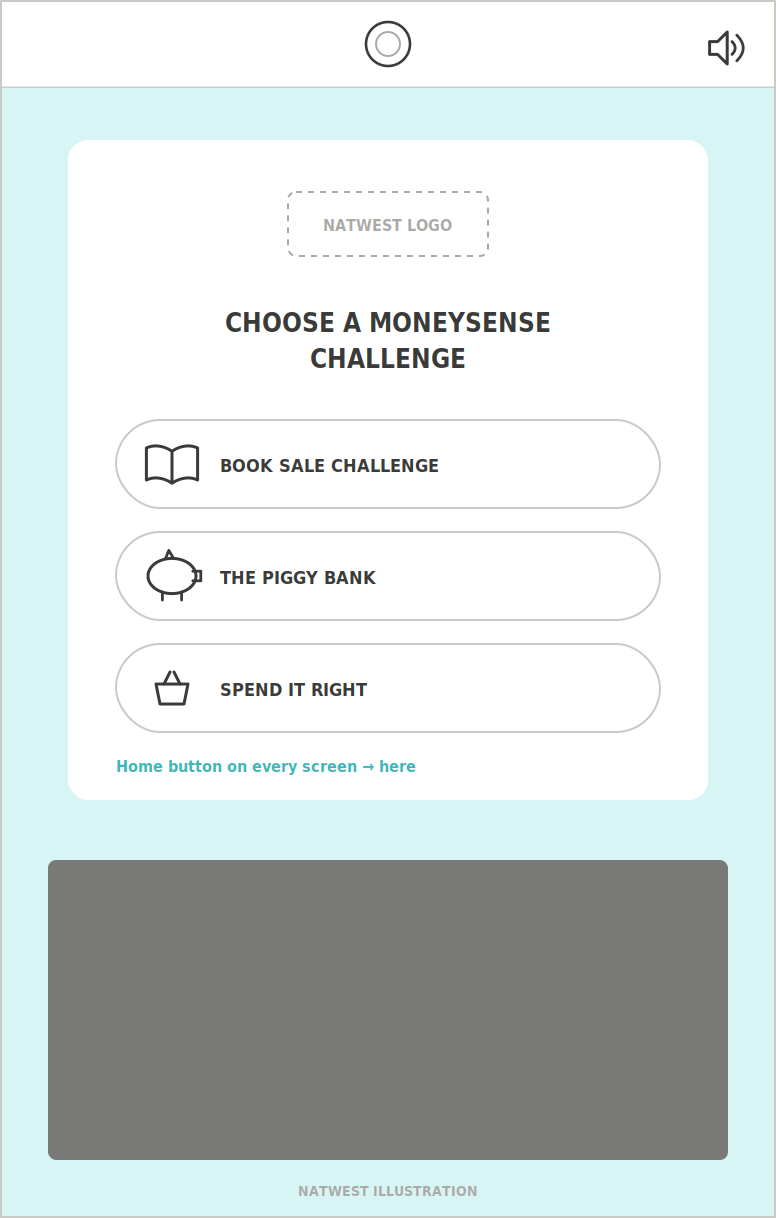
Onboarding · all games
Book Sale Challenge
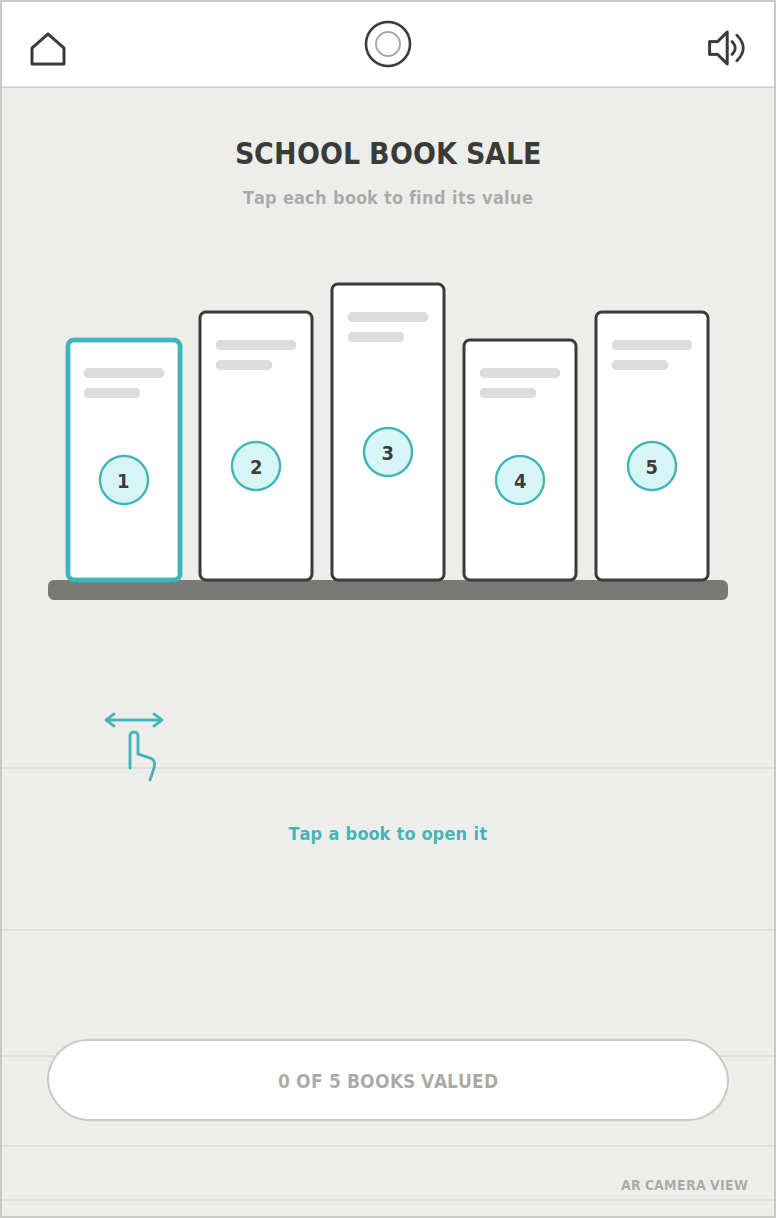
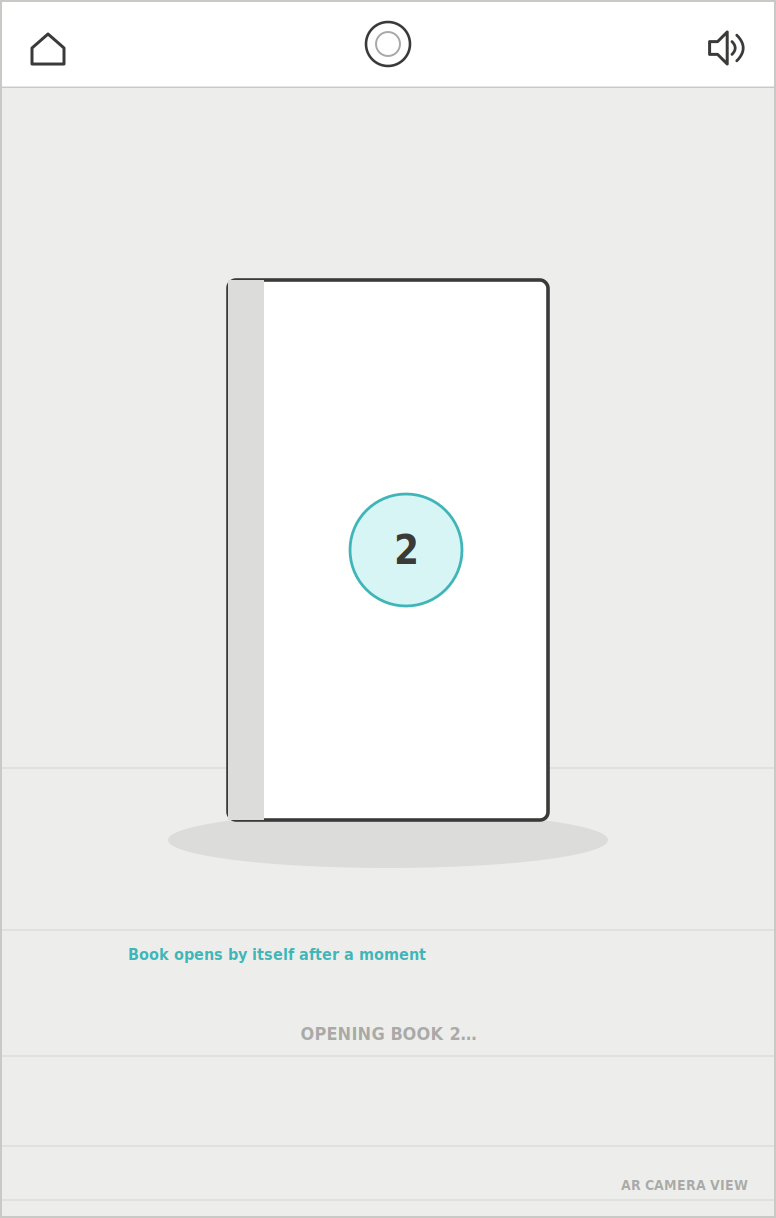
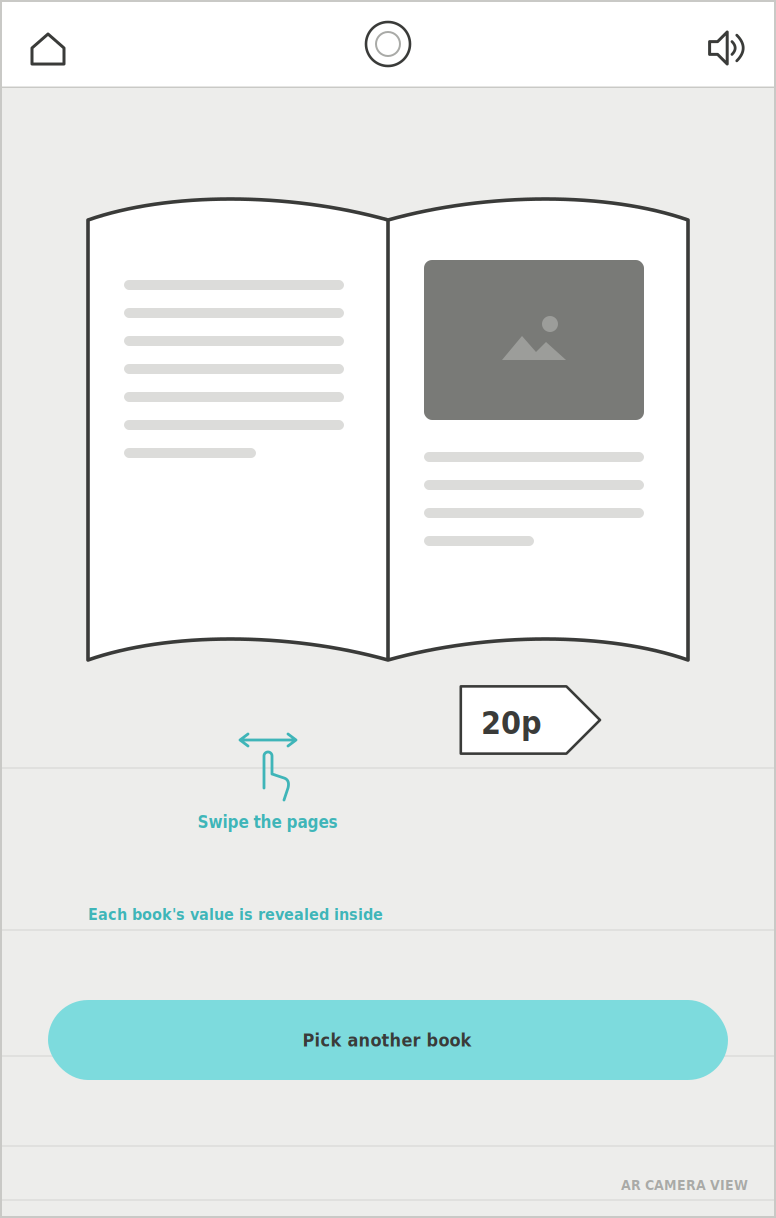
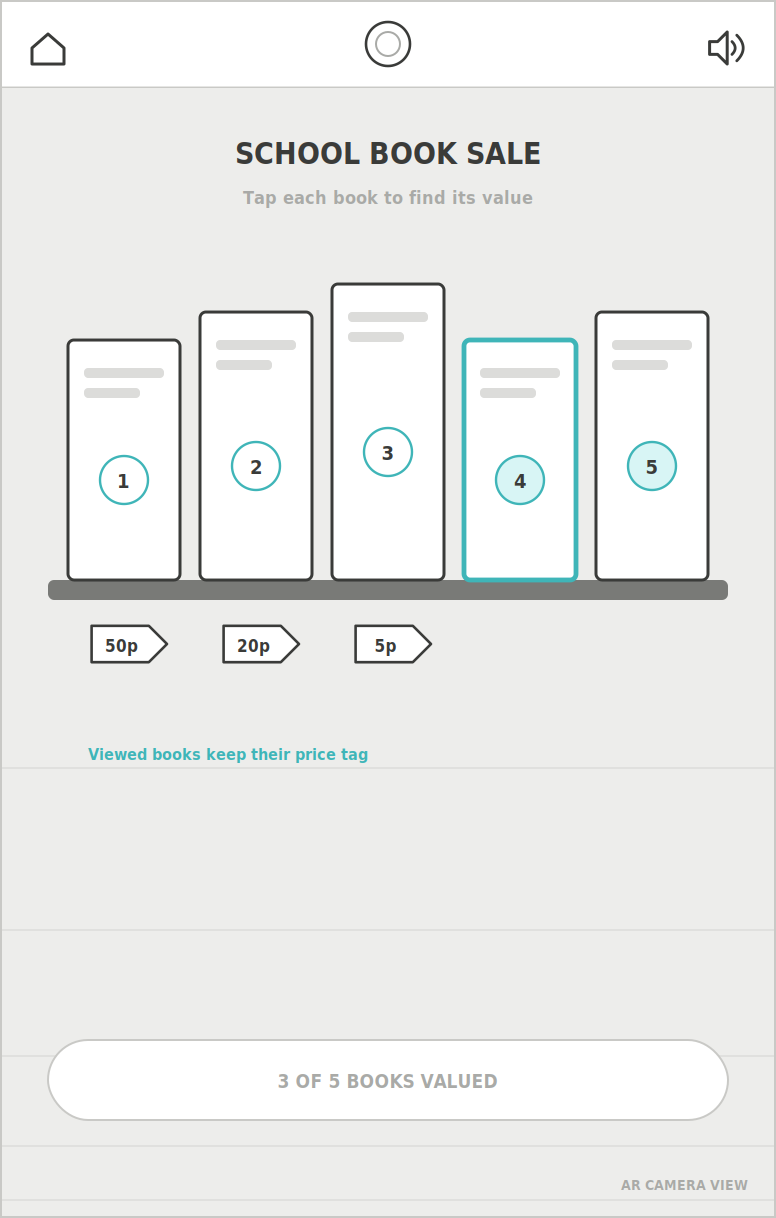
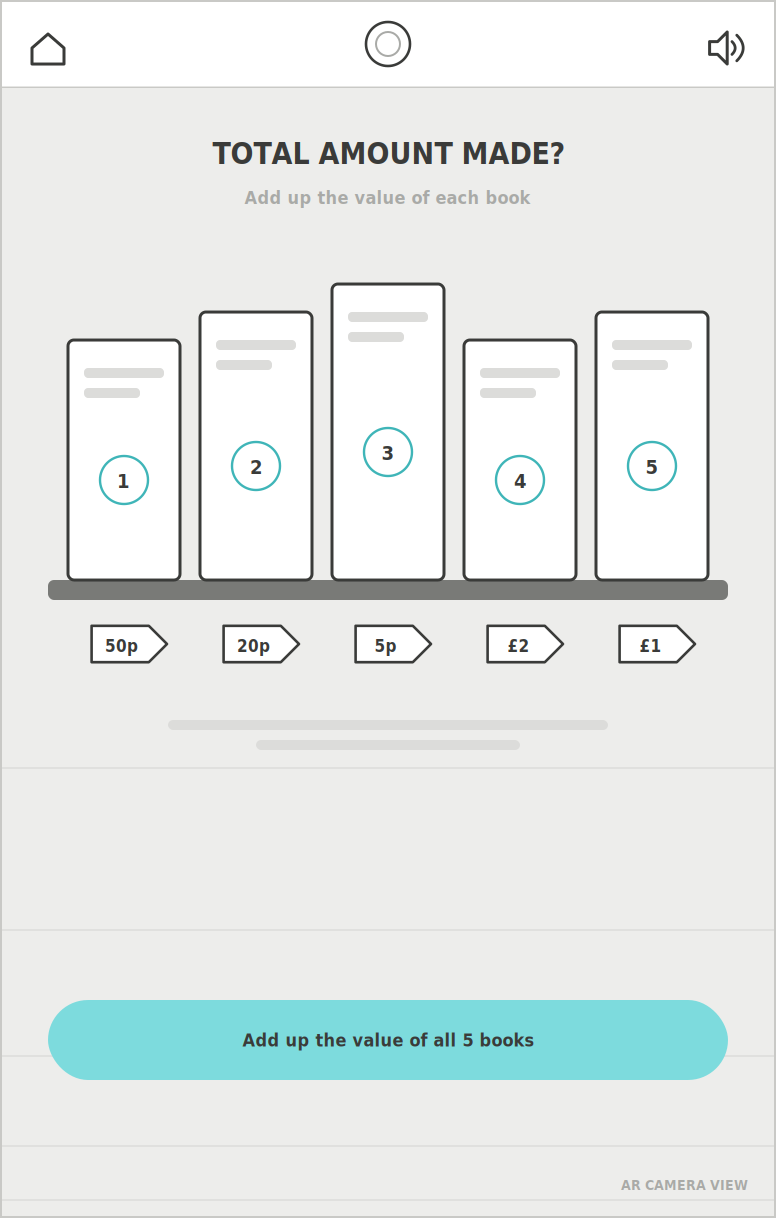
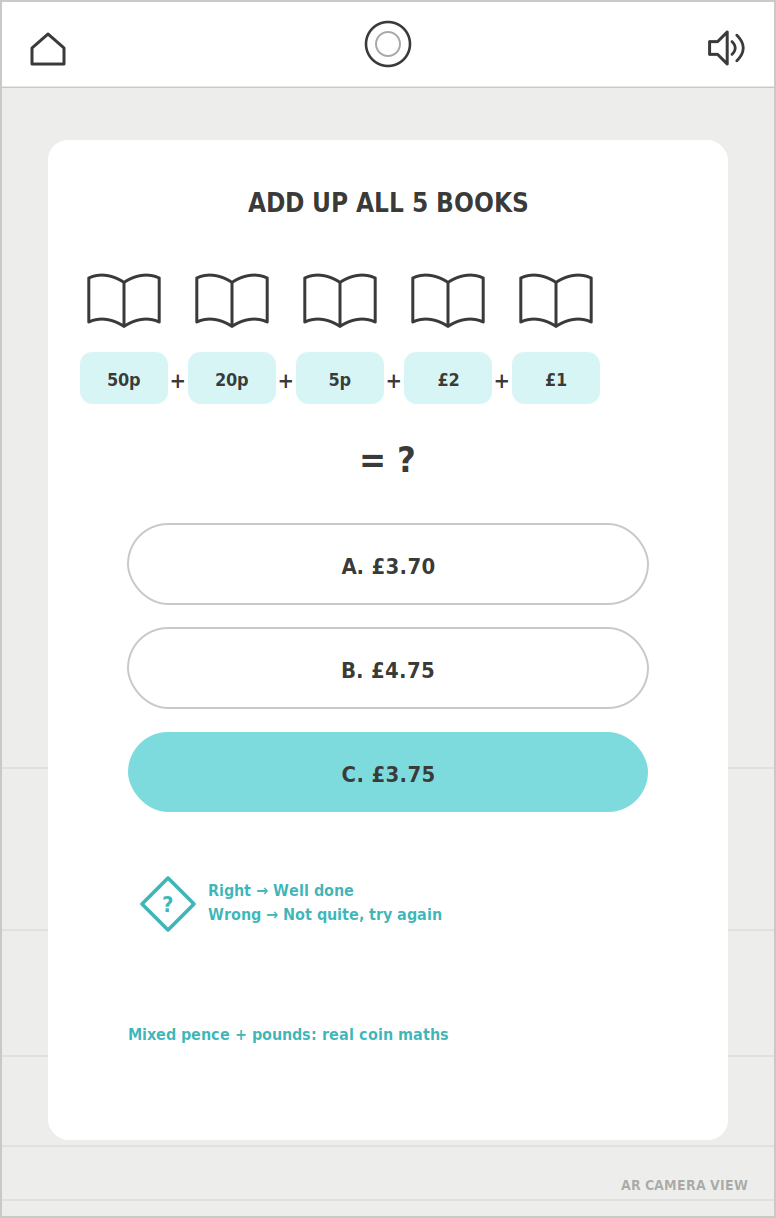
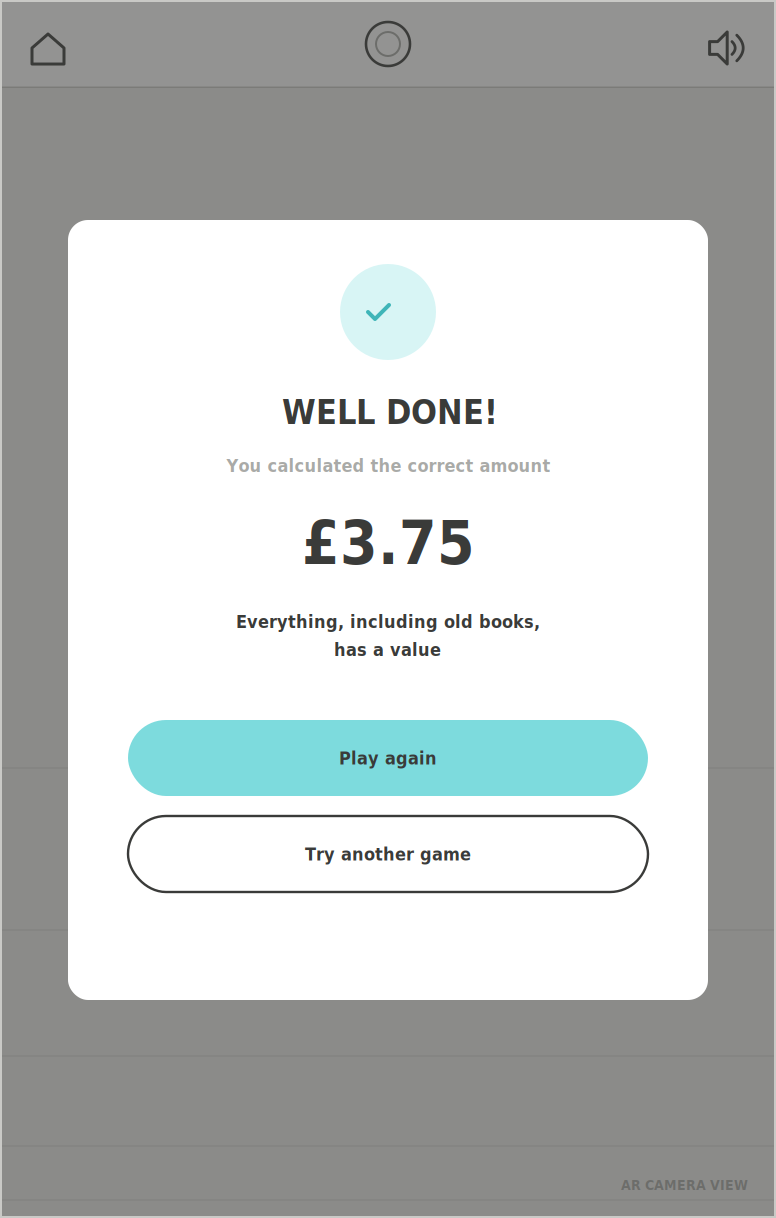
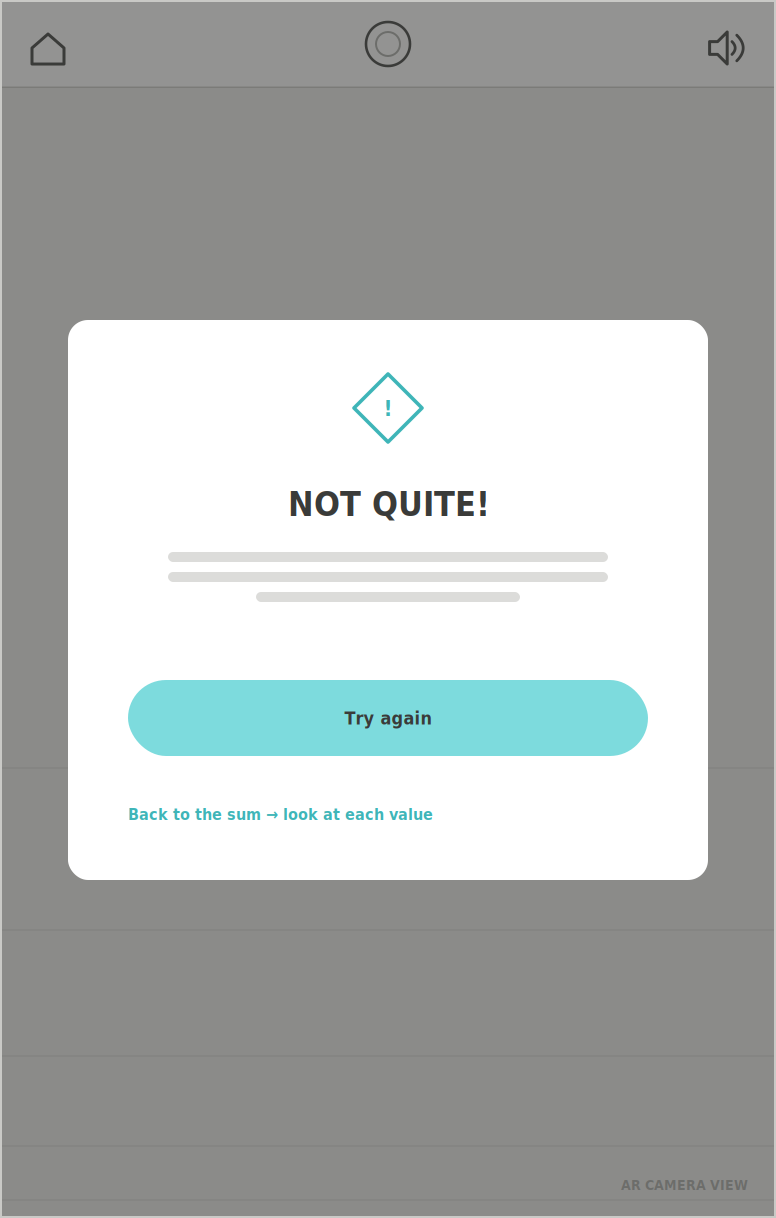
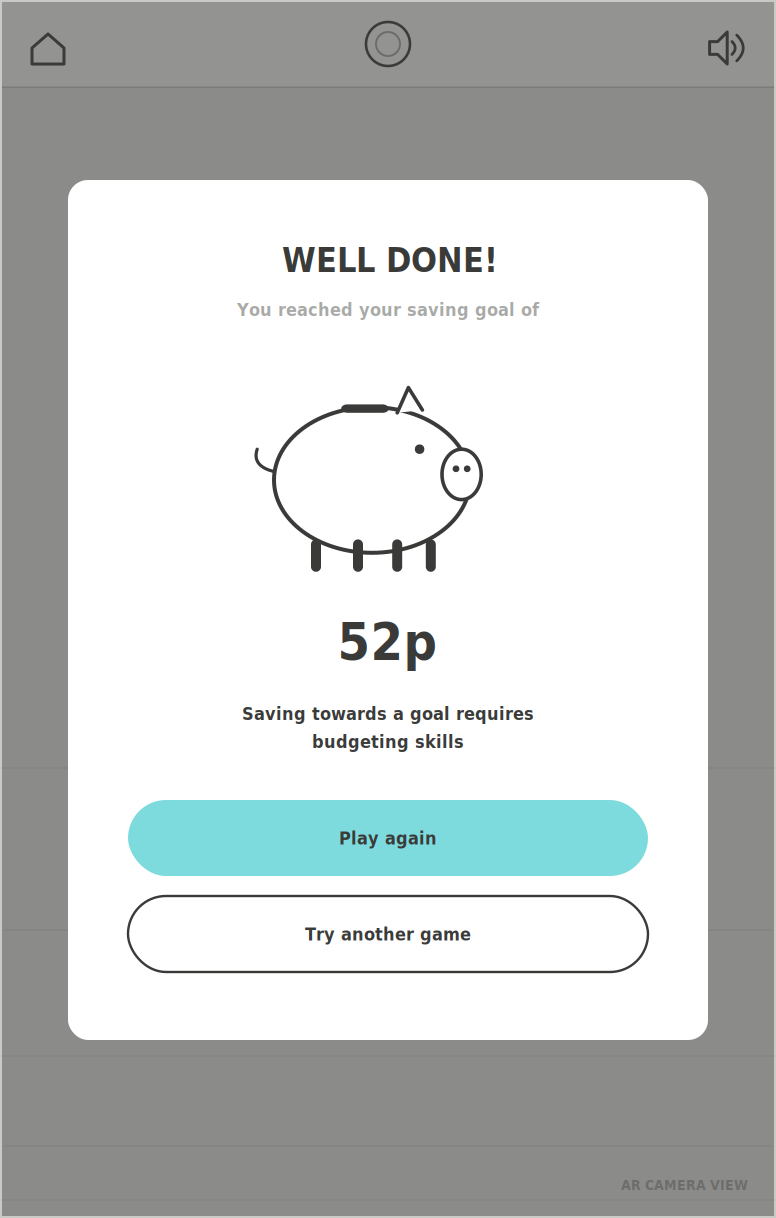
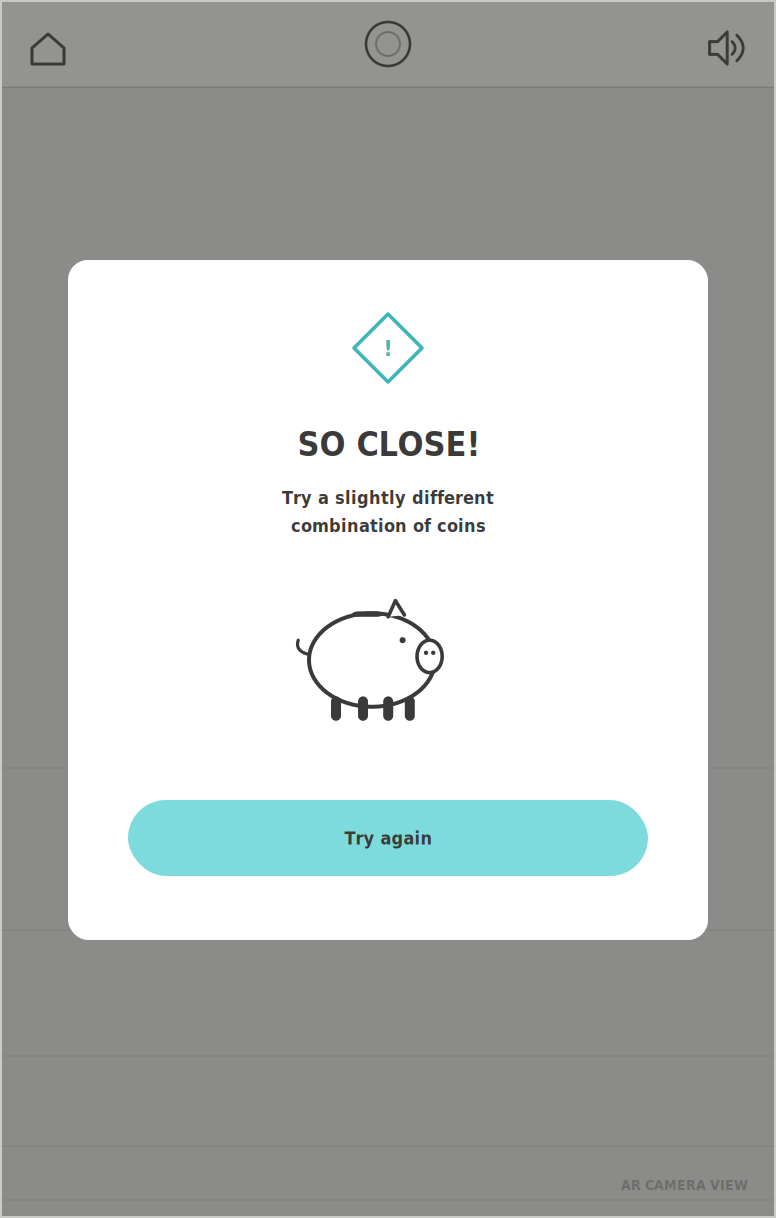
The Piggy Bank
Spend It Right
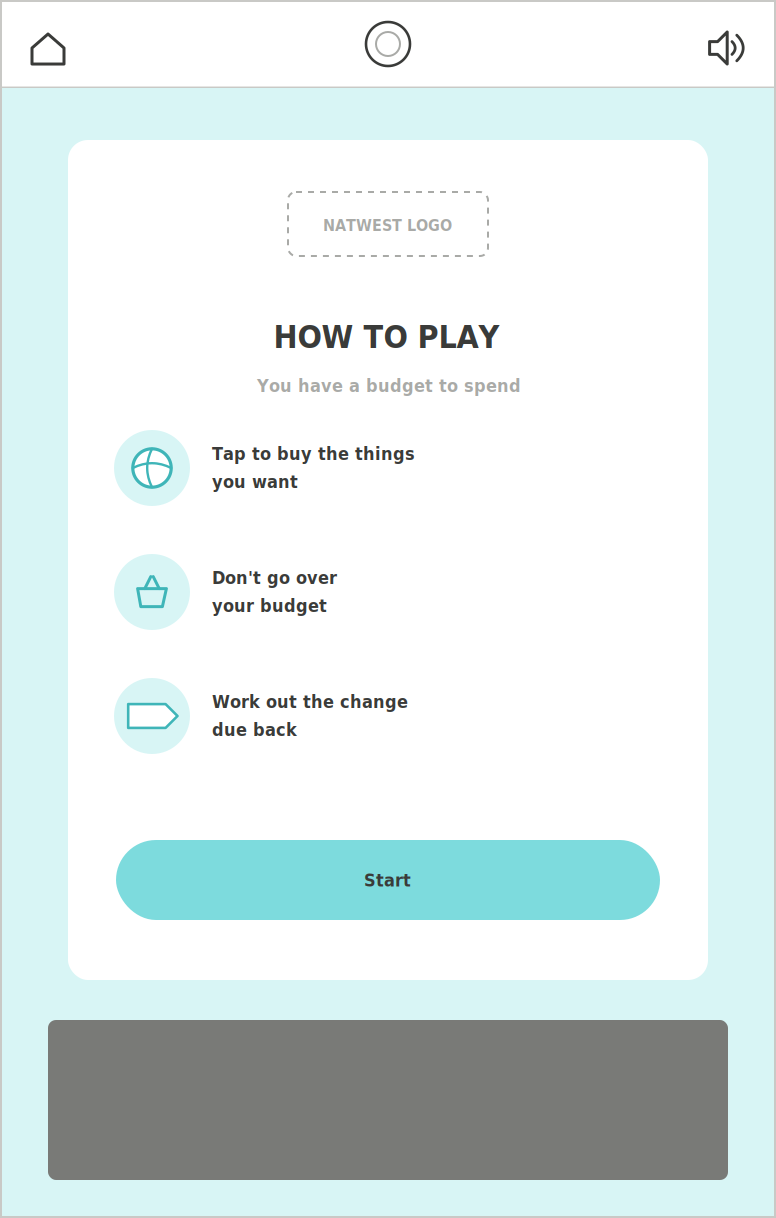
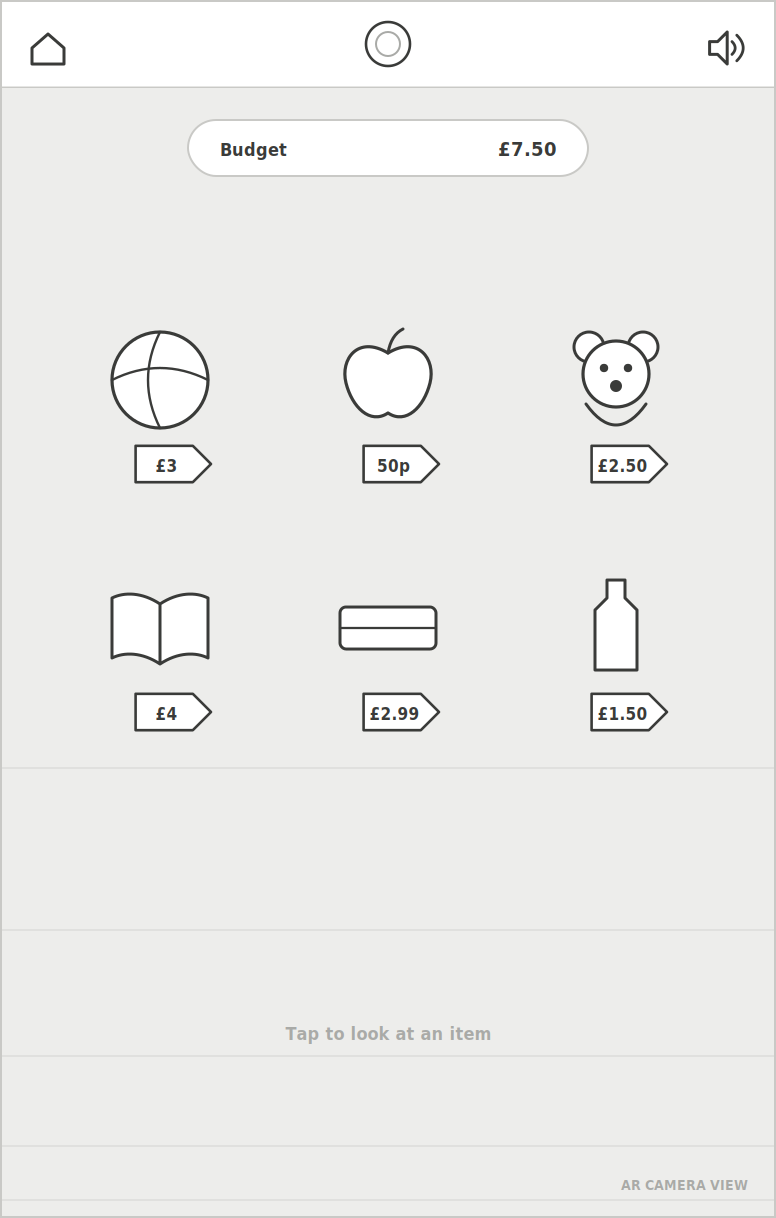
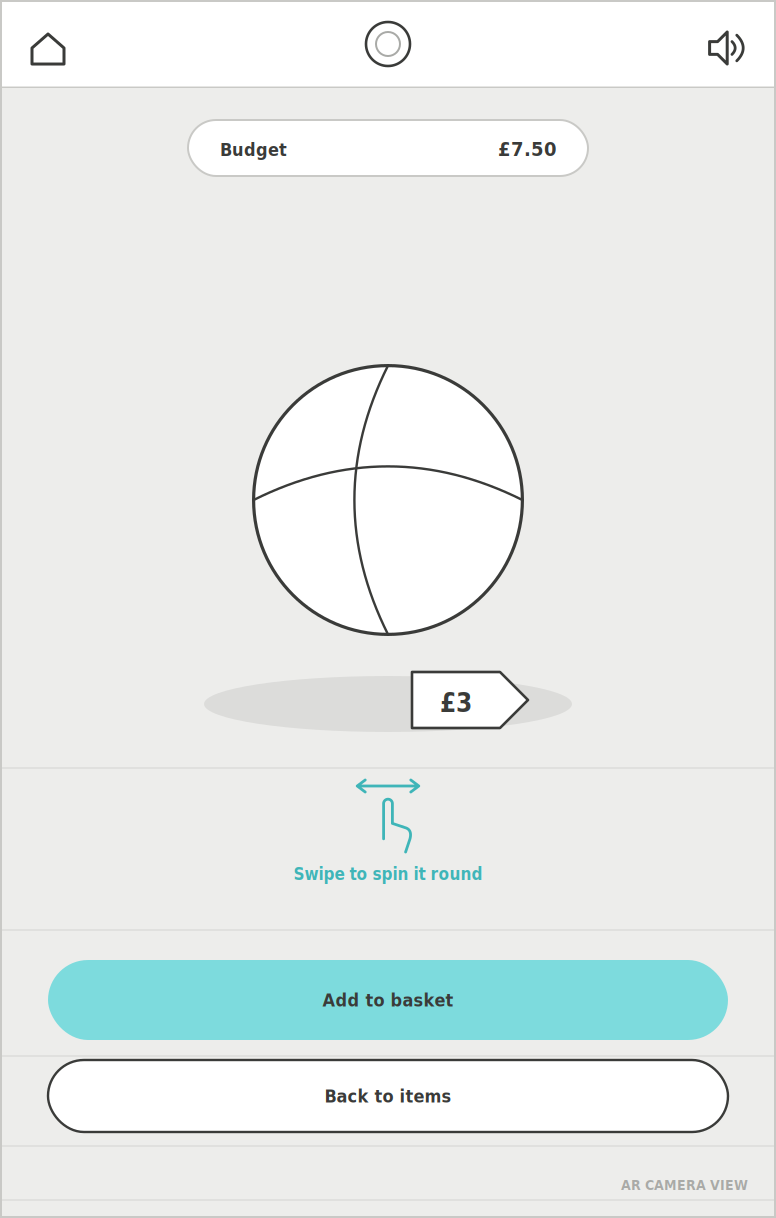
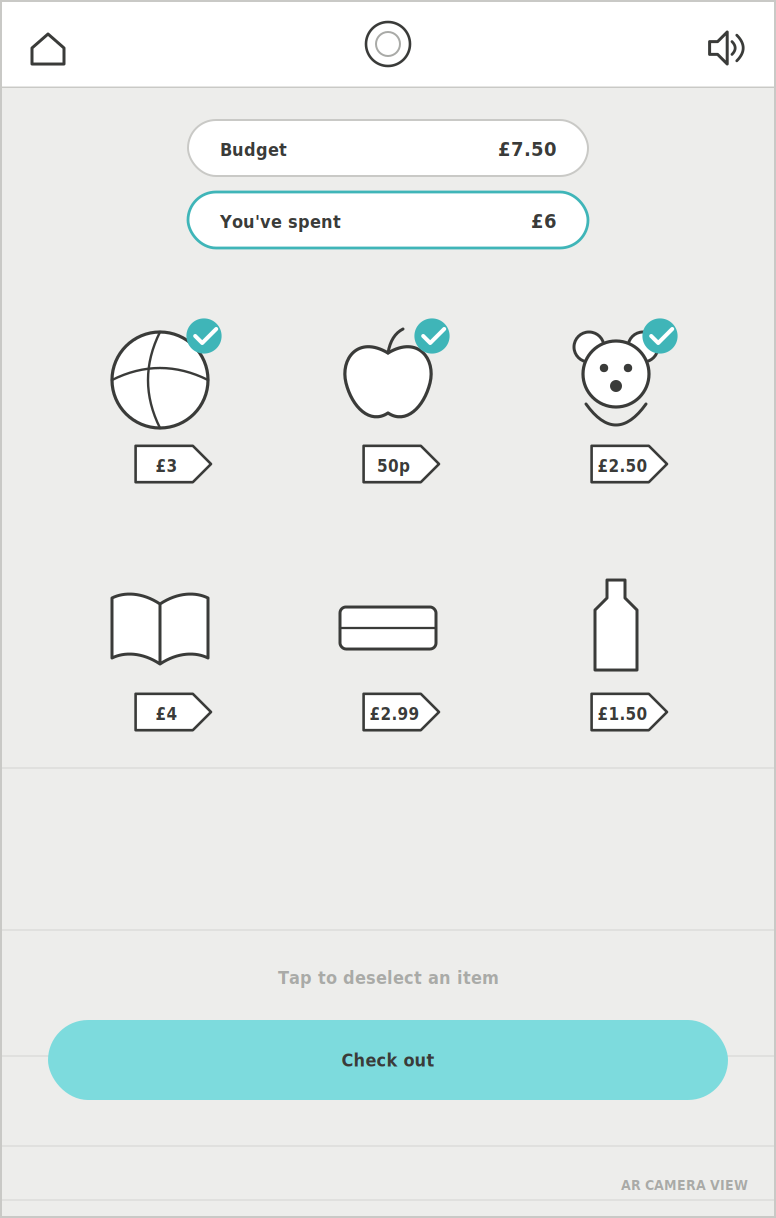
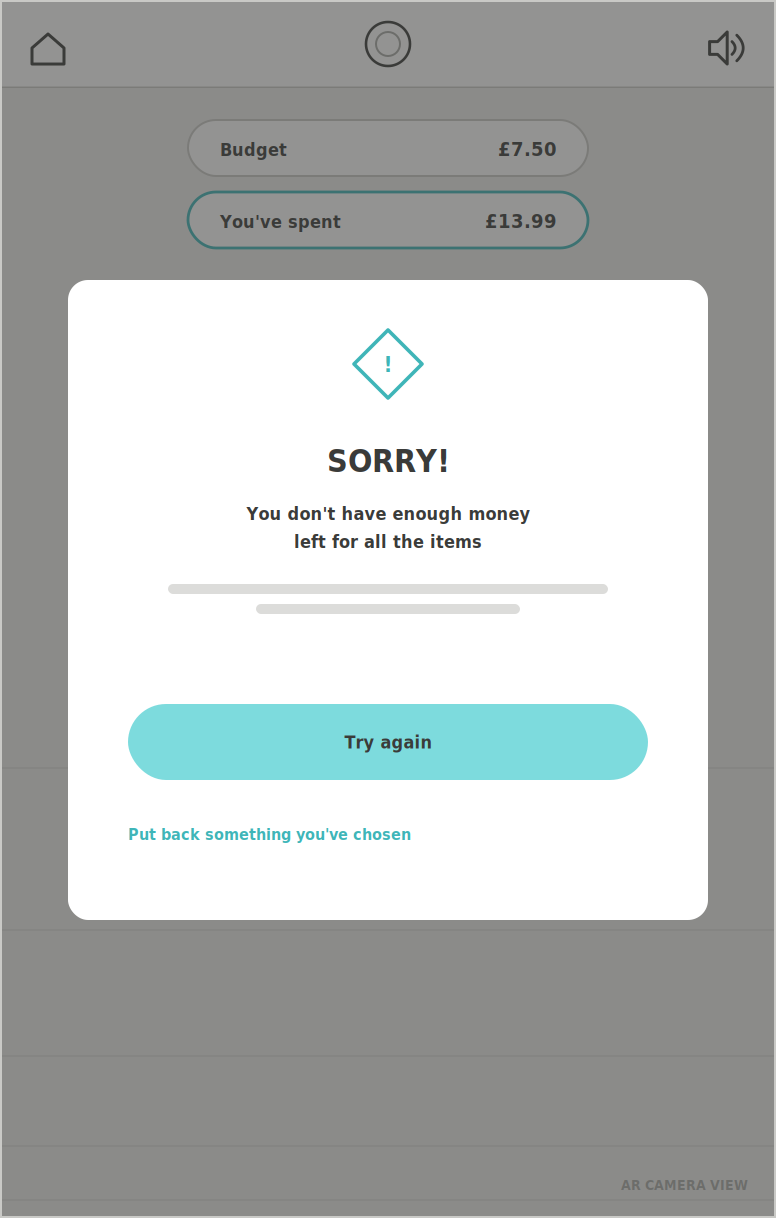
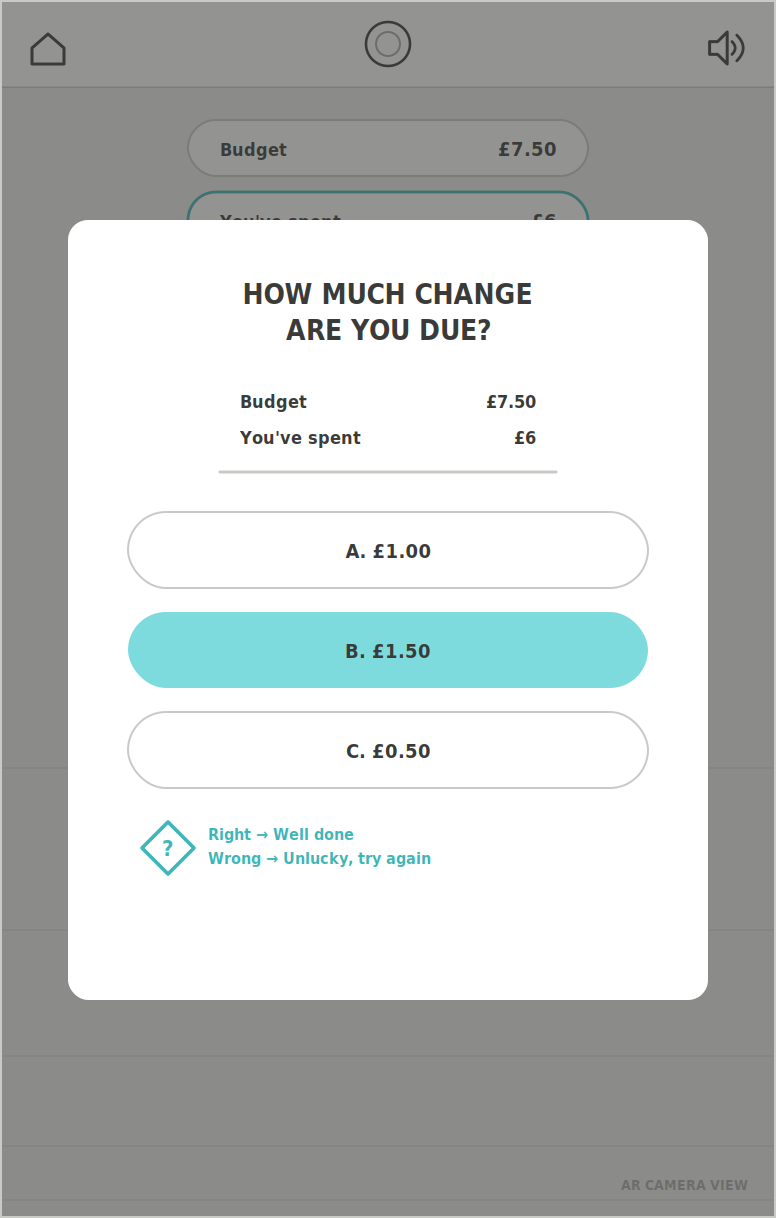
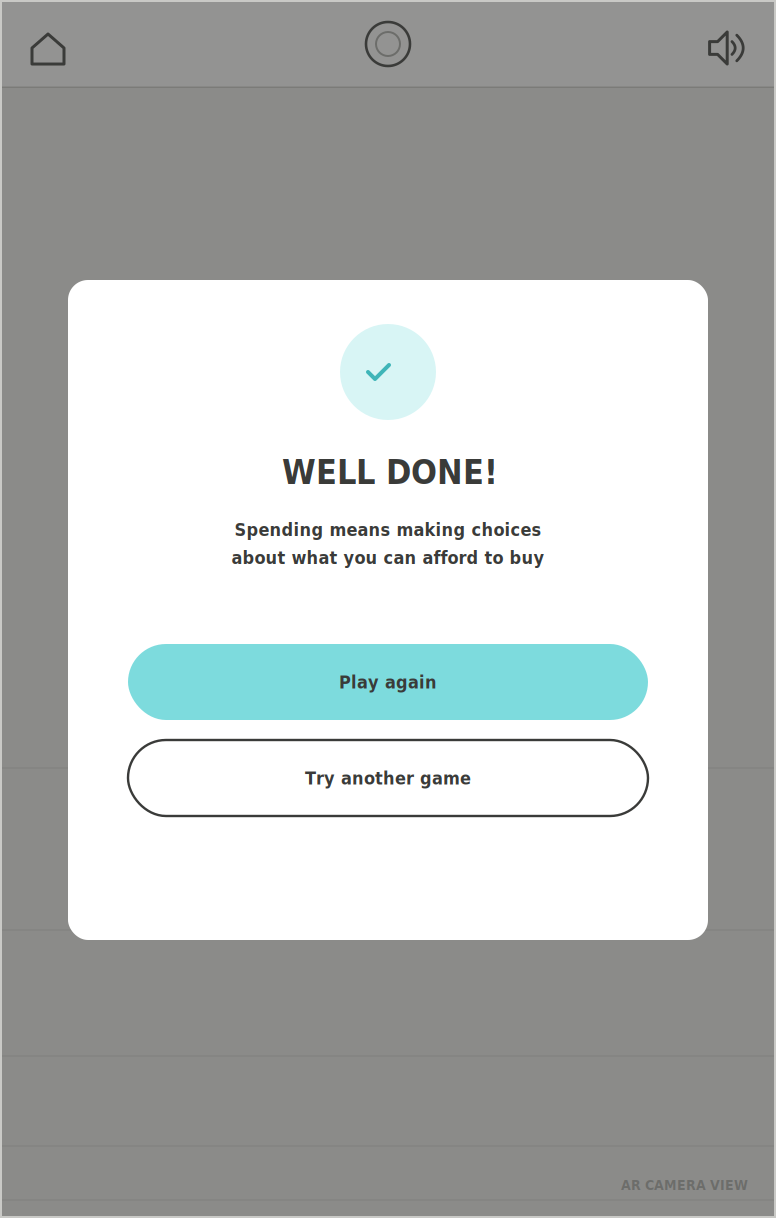
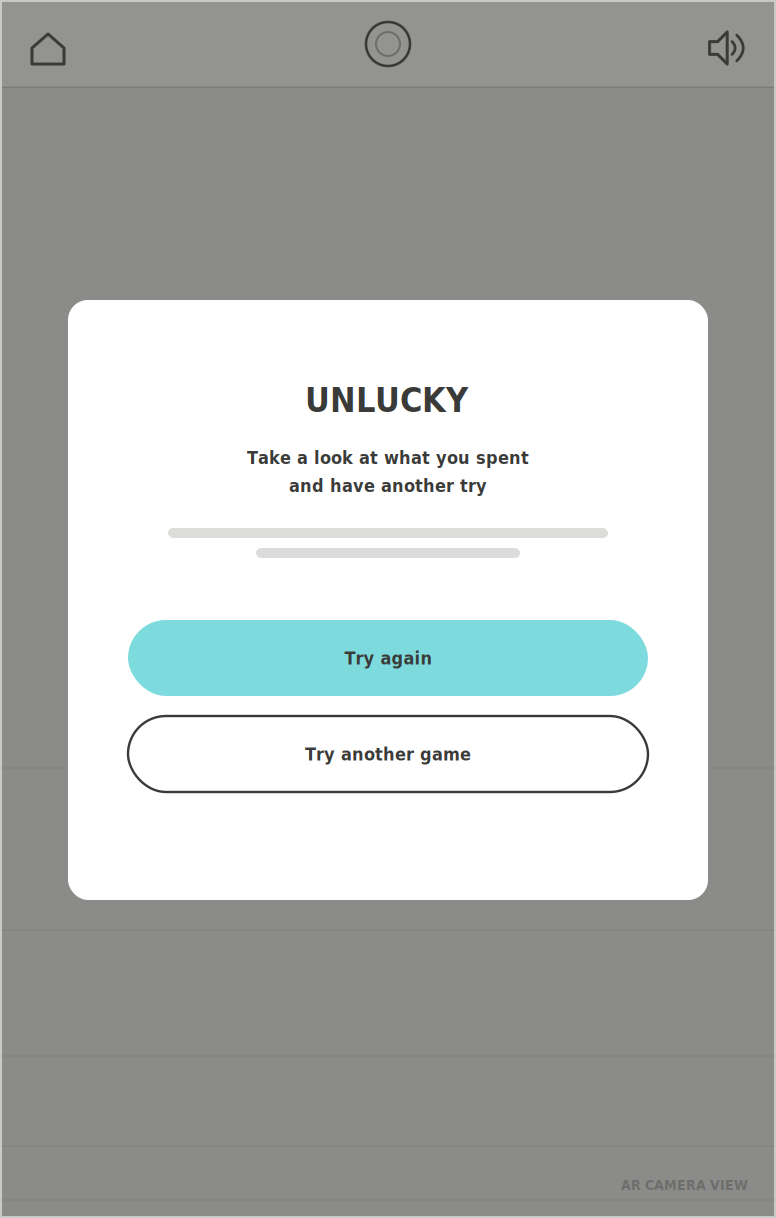
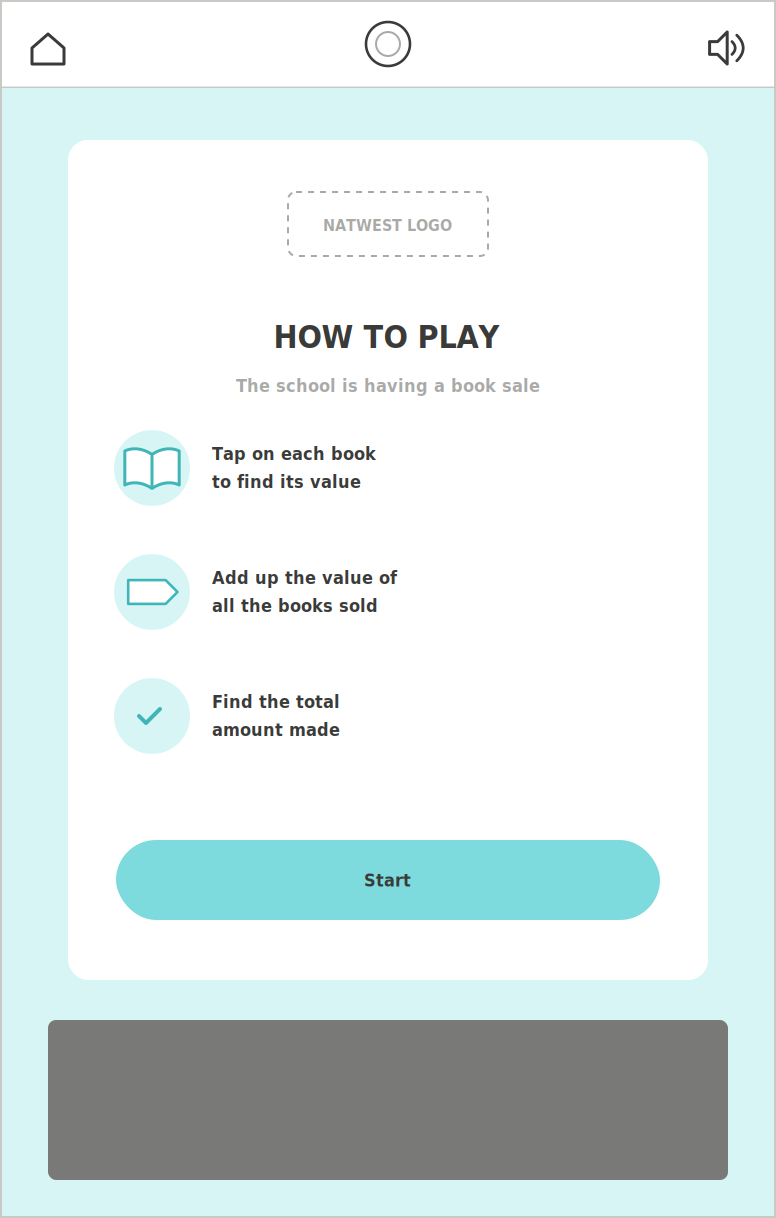
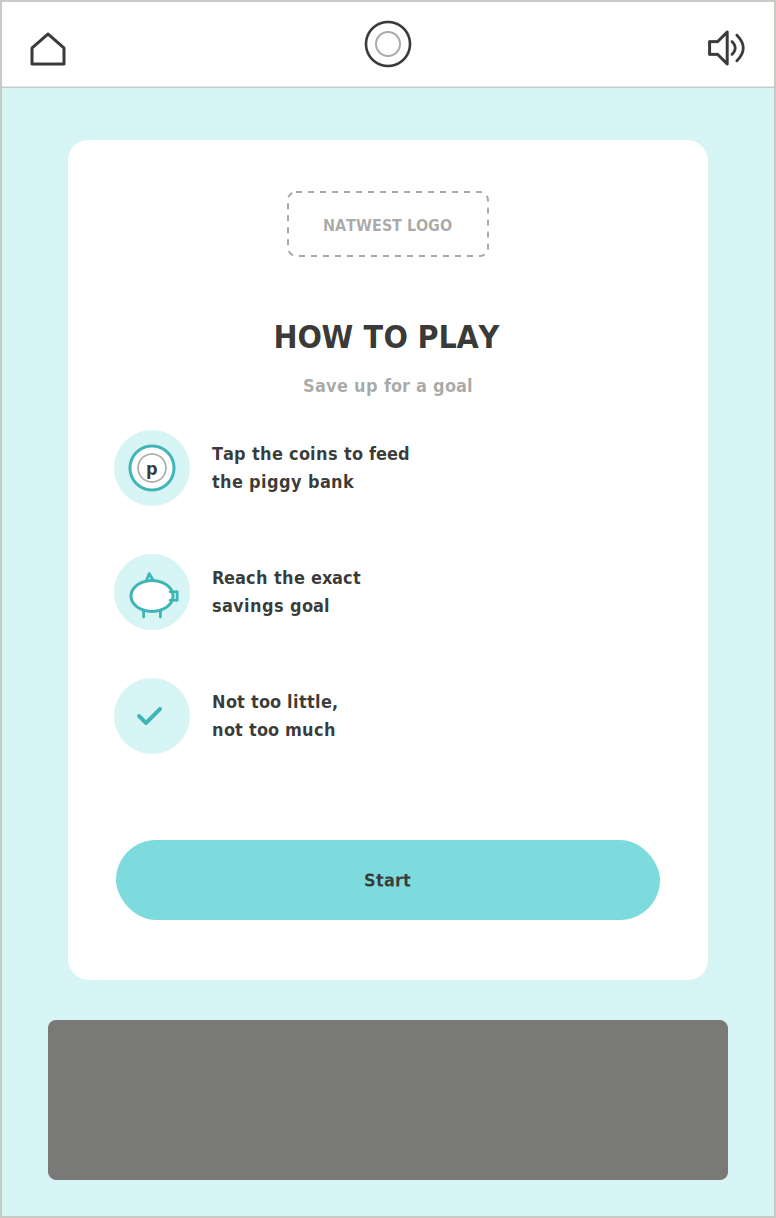
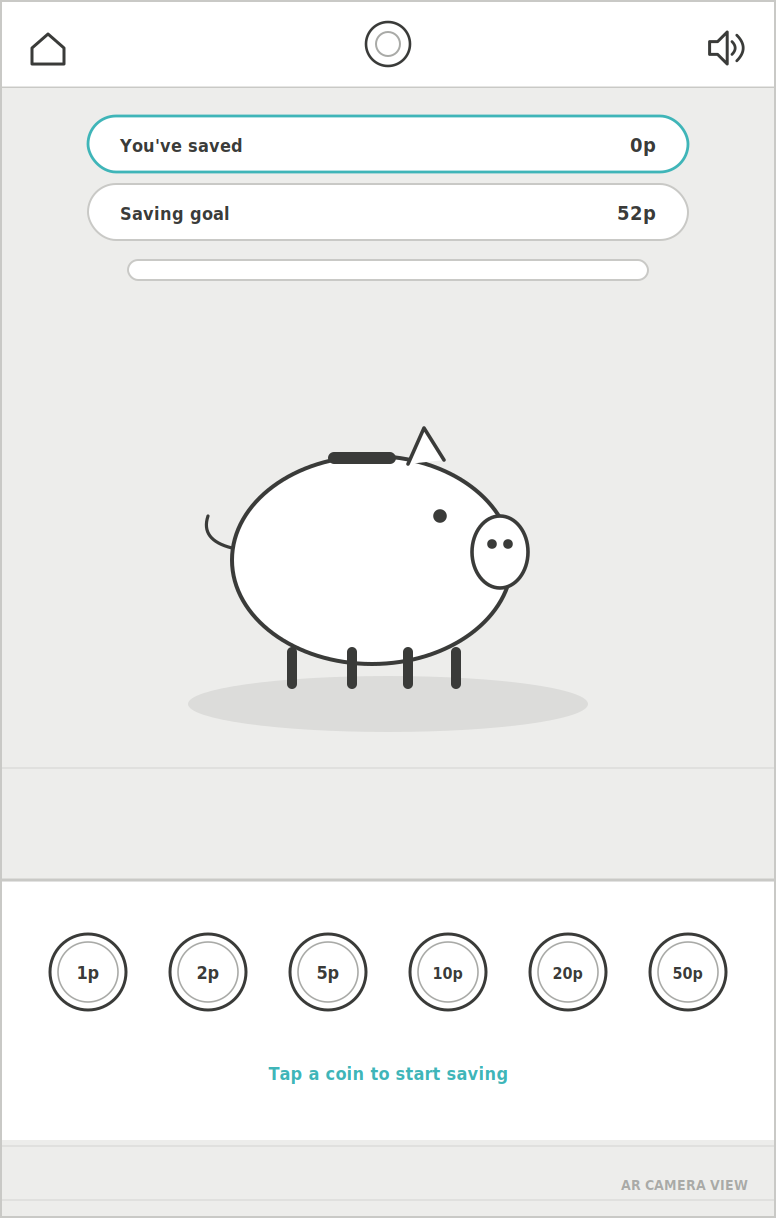
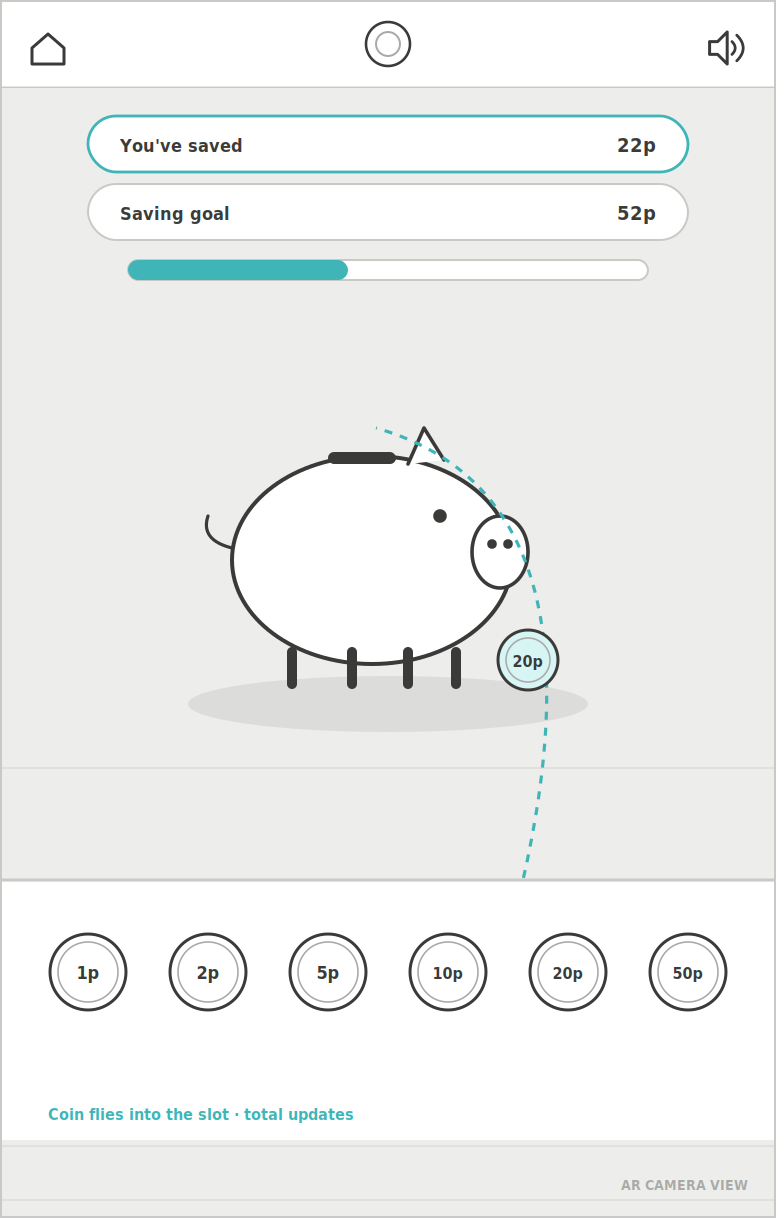
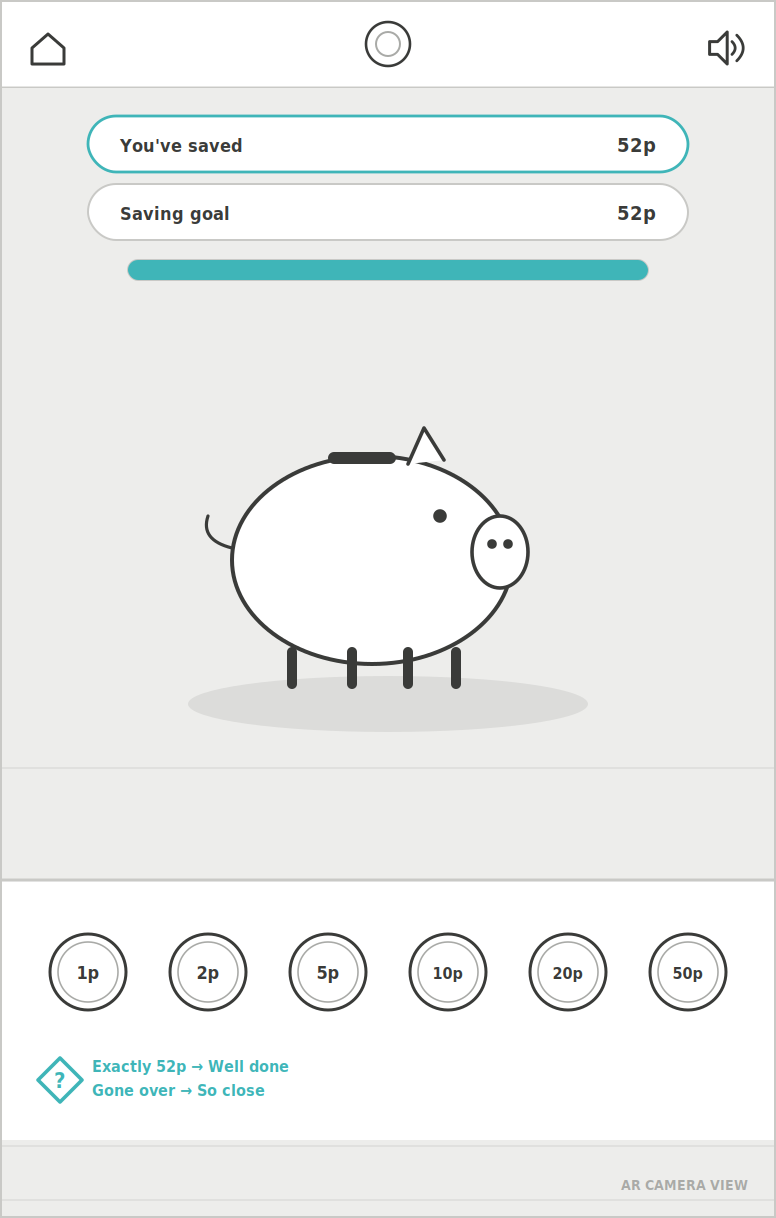
UX wireframes: all 29 screens, from the shared onboarding (loader, permissions, level and challenge picker) through each of the three games, redrawn from the final merged XD prototype.
USER EXPERIENCE
Three games, three money skills – sell, save and spend, each one a single tap-and-swipe loop a five-year-old can finish on their own.
All three games share one frame. After a short loader and the camera and motion permissions, a challenge menu leads to a short how-to screen and then into AR. Once children know one game, they know how the others work.
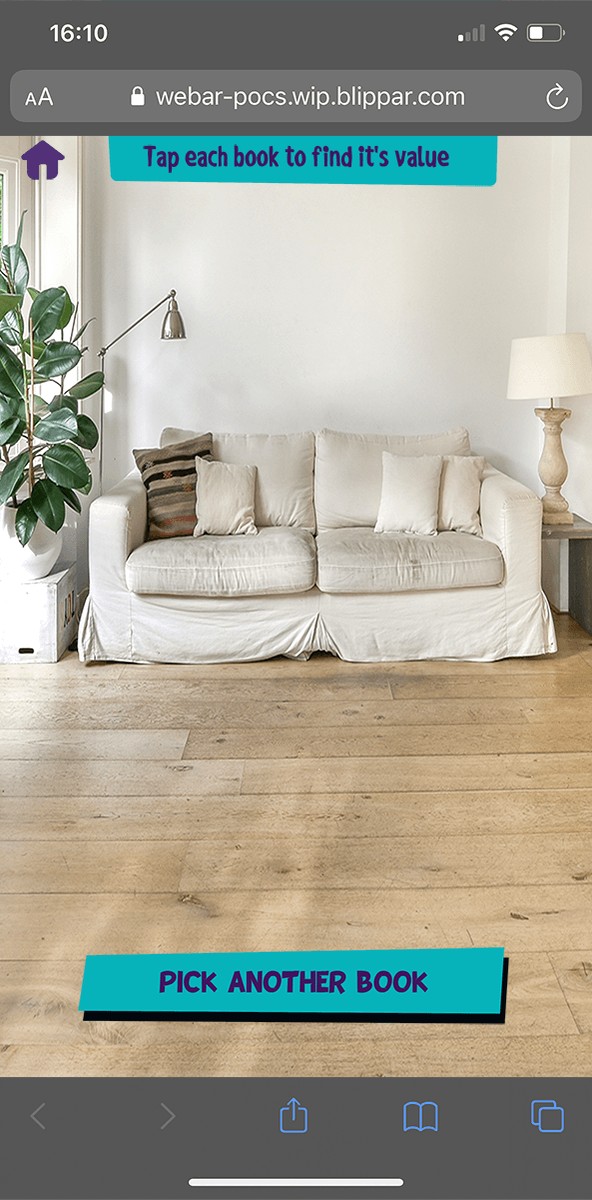
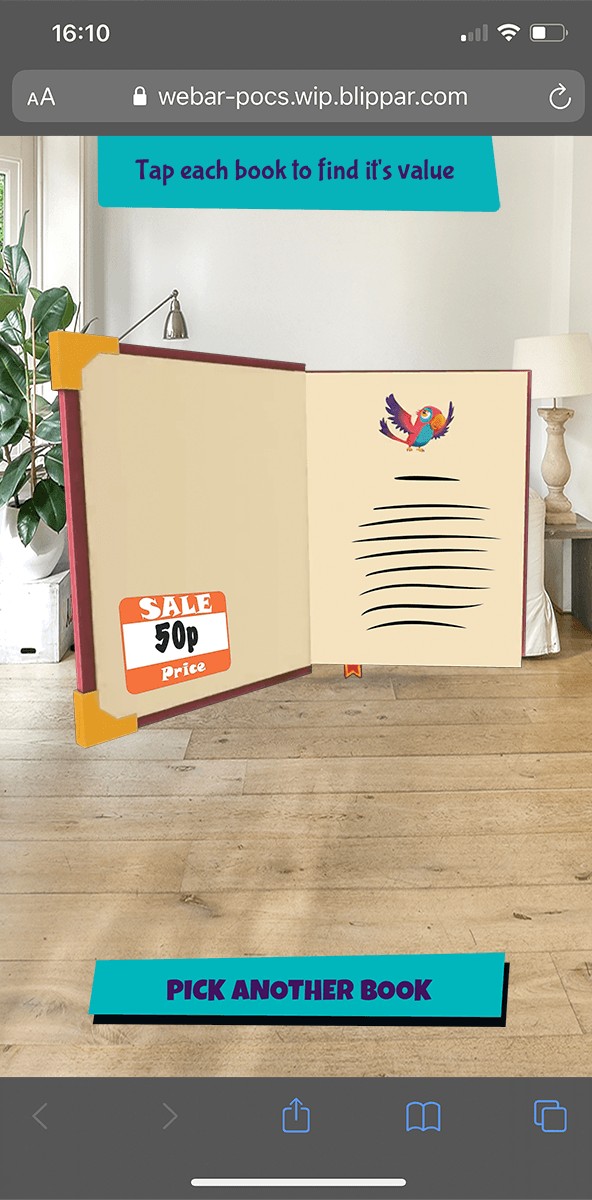
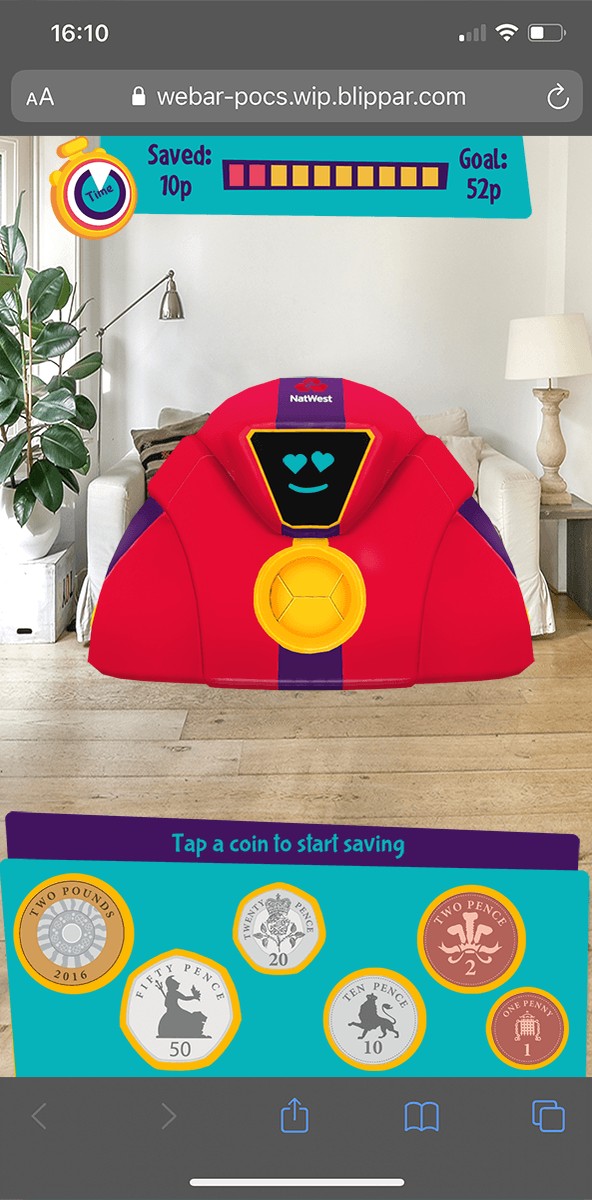
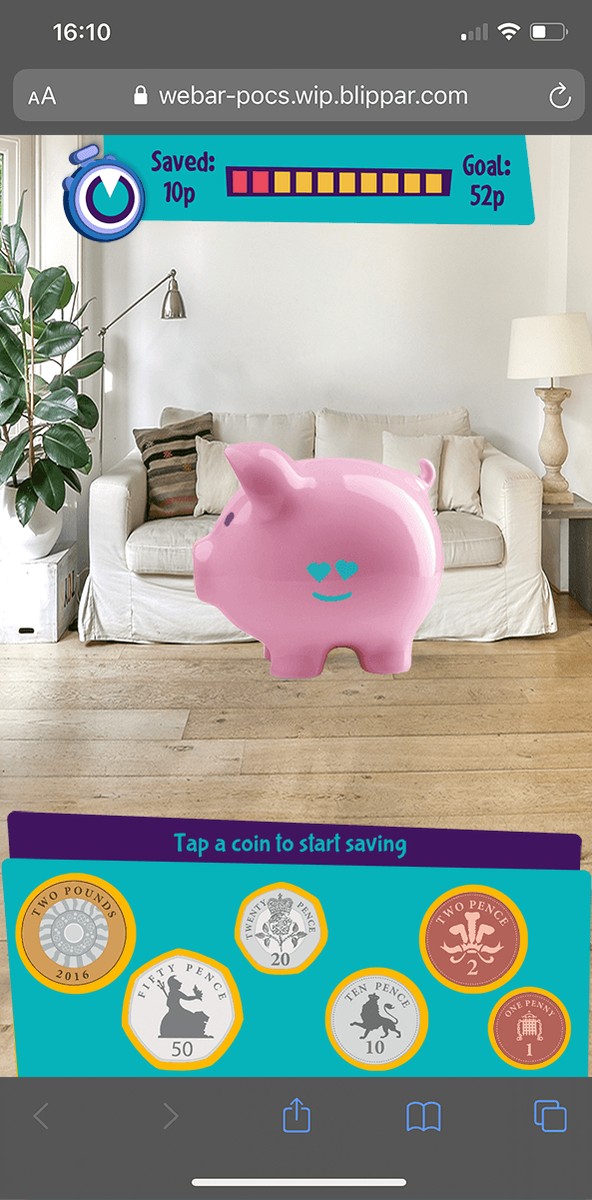
In the Book Sale Challenge, pupils run a school book sale. They open and swipe through five books, pick a price for each (50p, £1, £2.50 or £3), then add up the total they have made. The Piggy Bank puts a character piggy bank in the room. Children flick coins into it against a timer until they reach an exact savings goal, and a Saved/Goal bar shows their progress. In Spend It Right, children get a budget and six everyday items, such as a ball, an apple, a soft toy and a pencil case. They fill a basket without going over the budget, then work out their change.
Designing for 5–8s shaped every decision:
- Few words. Buttons are big and labels are short and verb-led (“Add to basket”, “Check out”, “Try again”), so children who are still learning to read can follow along.
- Always-visible budgets. The budget and a running “You’ve spent” total stay on screen, so the maths is part of the game.
- Friendly mistakes. Going over budget brings up a gentle “Sorry!” with a clear way back, not a fail state.
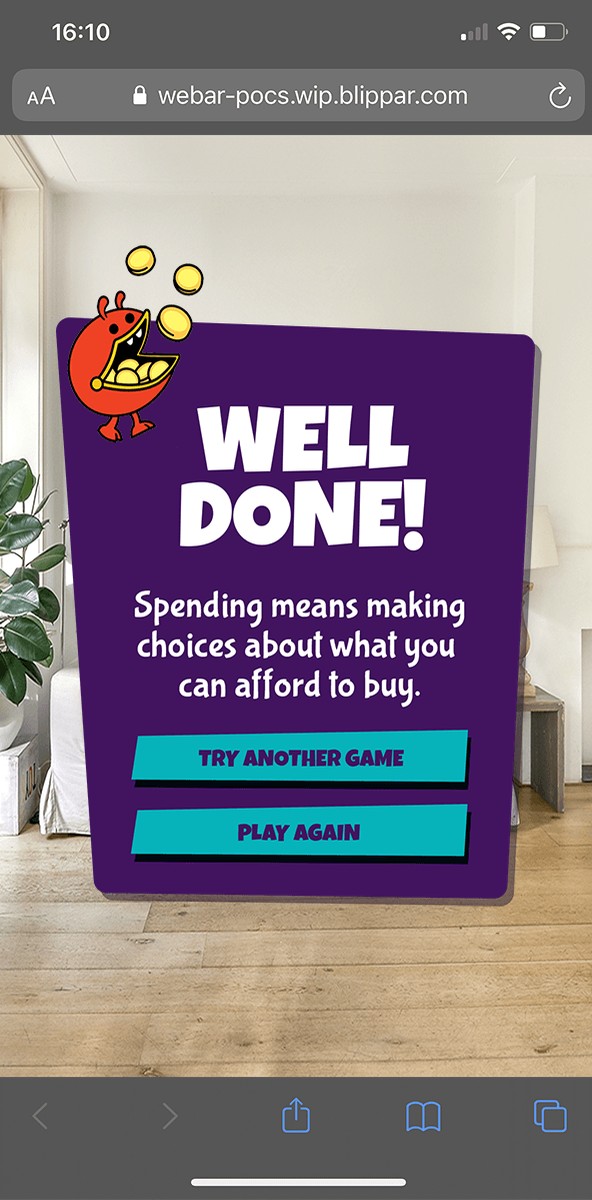
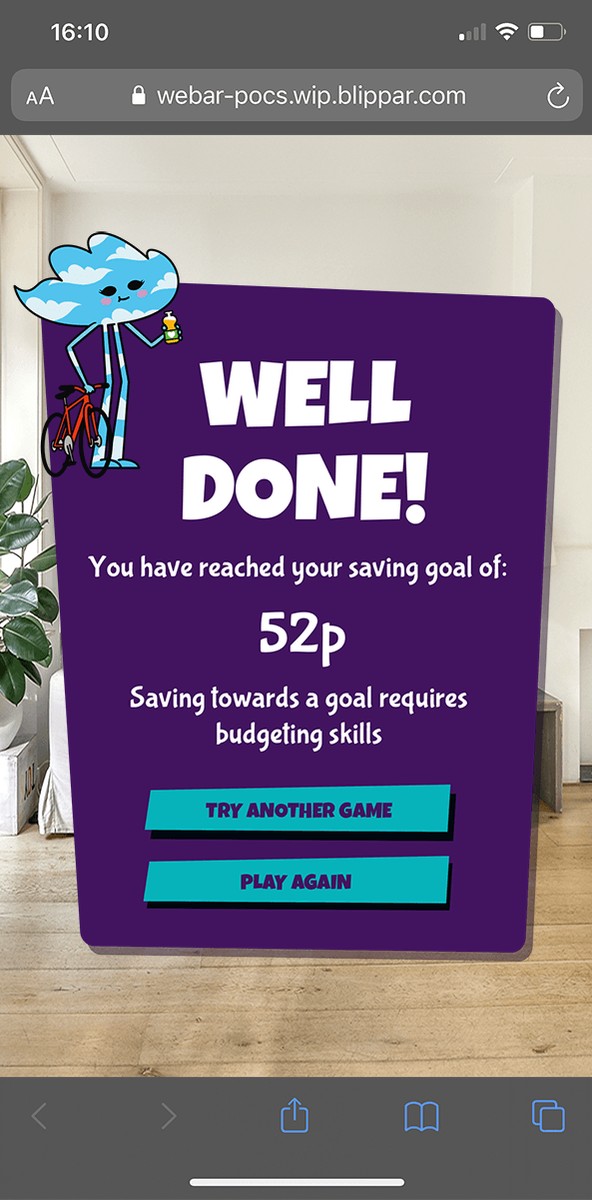
- A lesson in every result. Each end screen states the takeaway: everything has value, saving needs a goal, spending means making choices.
- Two difficulty levels. Teachers flagged how much coin knowledge varies between 5 and 8, so I designed two levels. Level 1 uses 1p–20p coins with change from 50p. Level 2 uses all coins with change from £2.
- Replay value. Prices, budgets and savings goals change on every run, so the games can be played more than once.
Book Sale Challenge
The Piggy Bank
Spend It Right
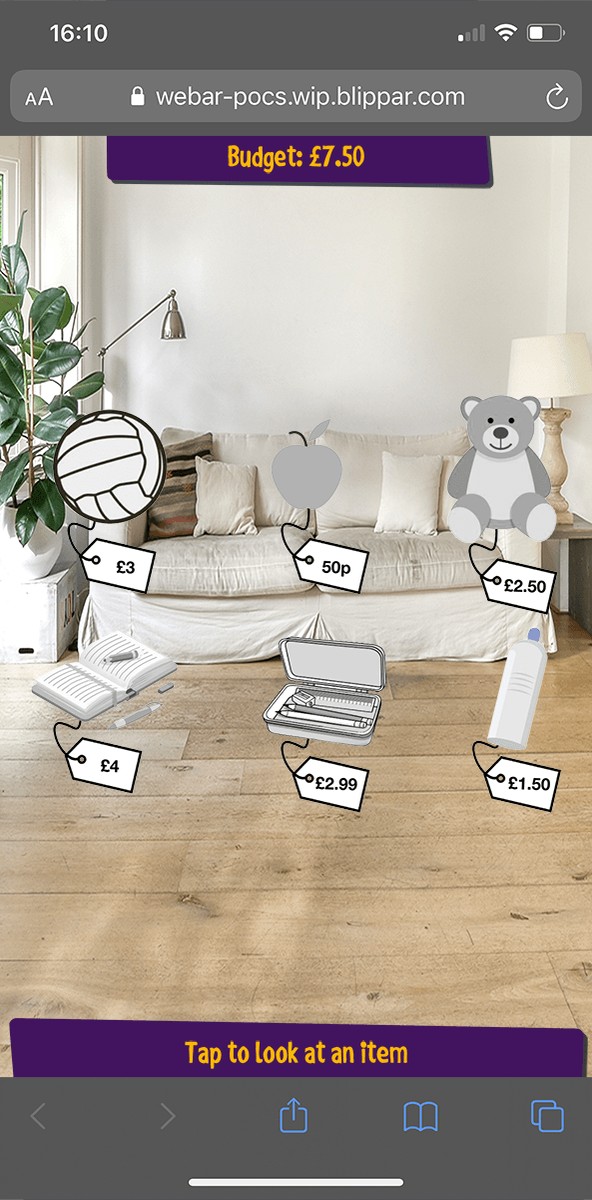
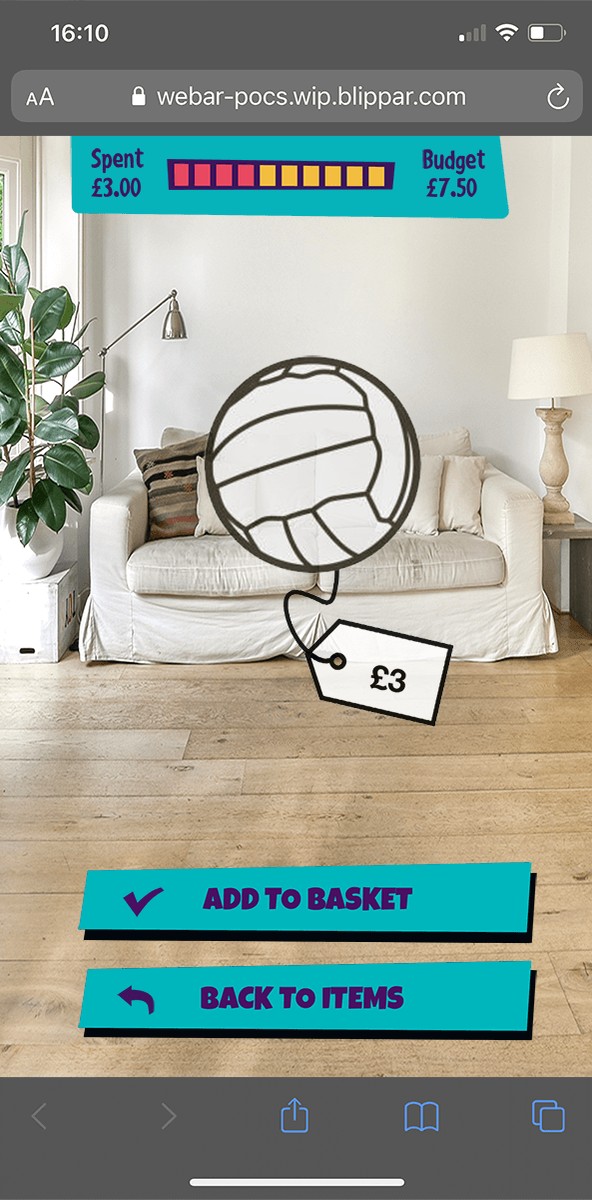
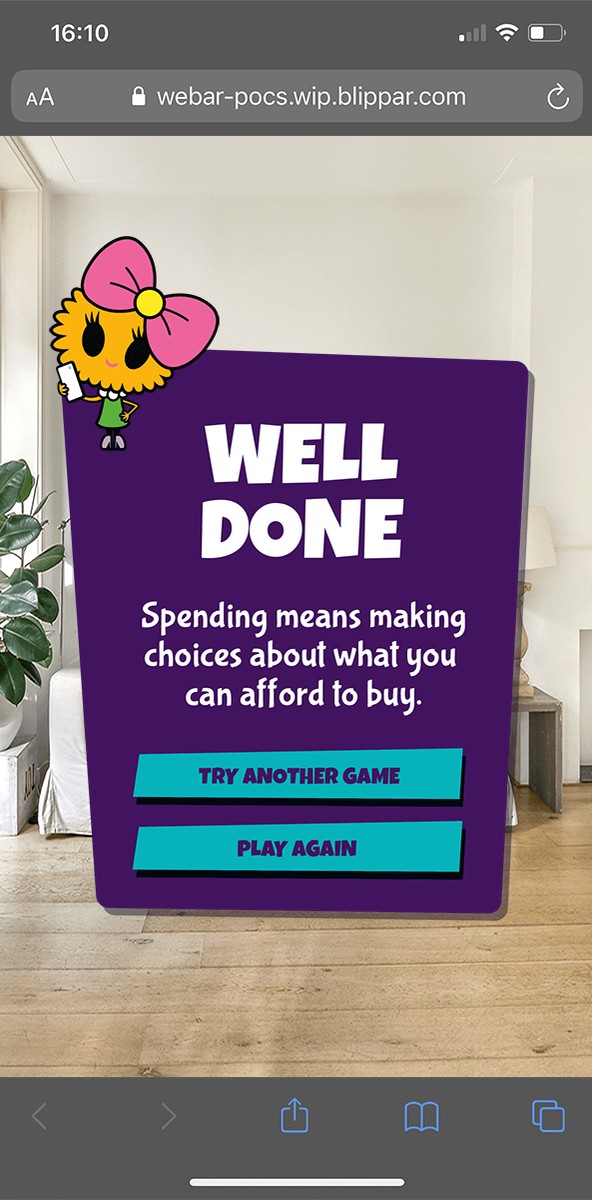
UI design: final screens from the three WebAR games, running in the phone browser.
“AR will bring a sense of magic & excitement for 5–8 year olds to the learning process.”
NatWest MoneySense AR brief
INTERACTIVE PROTOTYPE
Click anywhere inside the image above to initialise the UX prototype. Click to progress through each screen.