

SCRAMBLE


Soccer Scramble is a WebAR soccer game I designed at BlippAR for Kid Cuisine, Conagra Foods’ range of frozen meals for kids. Scan the QR code on the pack and the game opens straight in the phone’s browser with no app to download, giving kids three levels of dribbling while a parent gets dinner ready.
Players pick a character and run the ball down a training course in a packed stadium, switching lanes to dodge cones and dummies while grabbing stars for points and stopwatches for extra time. Each level gets faster, with more in the way.
The brief was to modernise Kid Cuisine for a younger audience, build engagement with the brand and give families a reason to buy it again. Pitched as Soccer Starz, the game was renamed Soccer Scramble for launch.
I designed the whole experience: the gameplay and scoring, the UX and every screen, the sound, art direction of the 3D characters and stadium, and the print-ready pack artwork and social assets that promoted it.
Services
UI, UX, Vector Illustration, Gameplay Design, Sound Design, 3D Art Direction, Print & Social DesignClient
Conagra FoodsAgency
BlippARDesigner
Nic FitzgeraldHow the AR works
Scan the pack.
Step onto the pitch.
There’s no app to find and no controller to learn. Kids scan the pack to get in, and the phone becomes a window into a floodlit stadium.
Scan the pack
A QR code printed on the Kid Cuisine pack opens the game in the phone’s browser. Because it’s WebAR there’s nothing to install, so kids are on the pitch within seconds of picking up the box.

Switch on the sensors
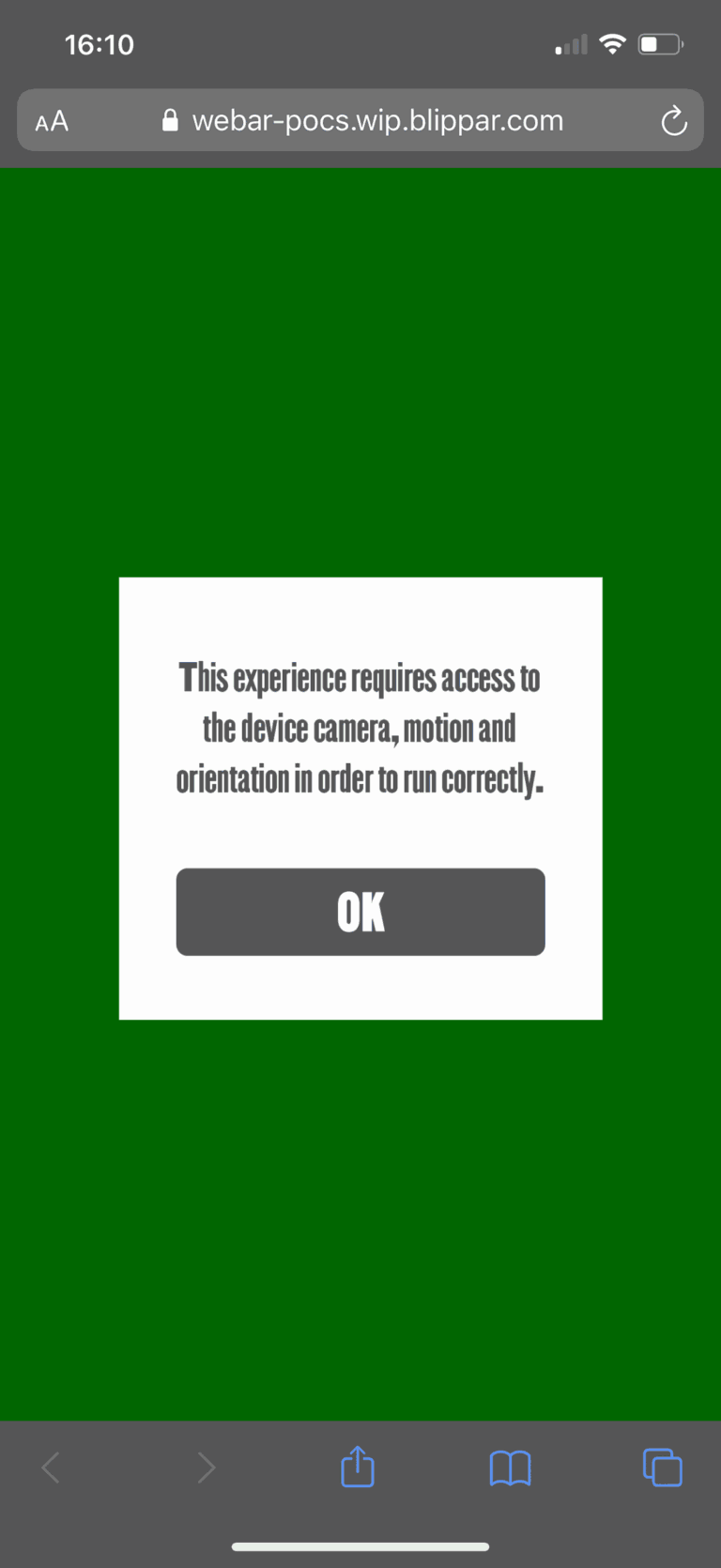
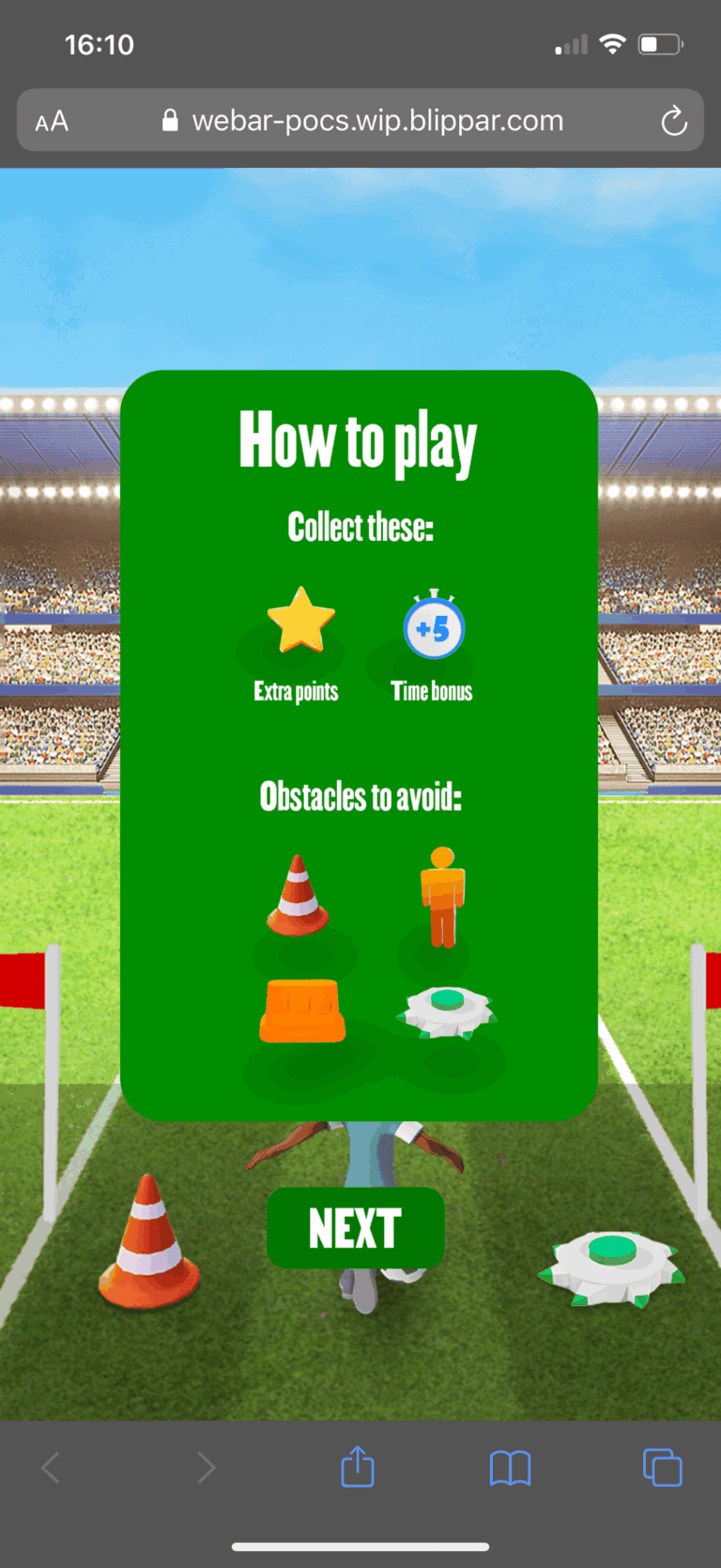
The game uses the phone’s camera, motion and orientation sensors, so the first screens ask for access in plain words, ask the player to hold the phone upright and show the rules in pictures: collect these, avoid those. I designed the prompts in the game’s own green and type, so getting set up feels like the warm up rather than a warning.


Look around the stadium
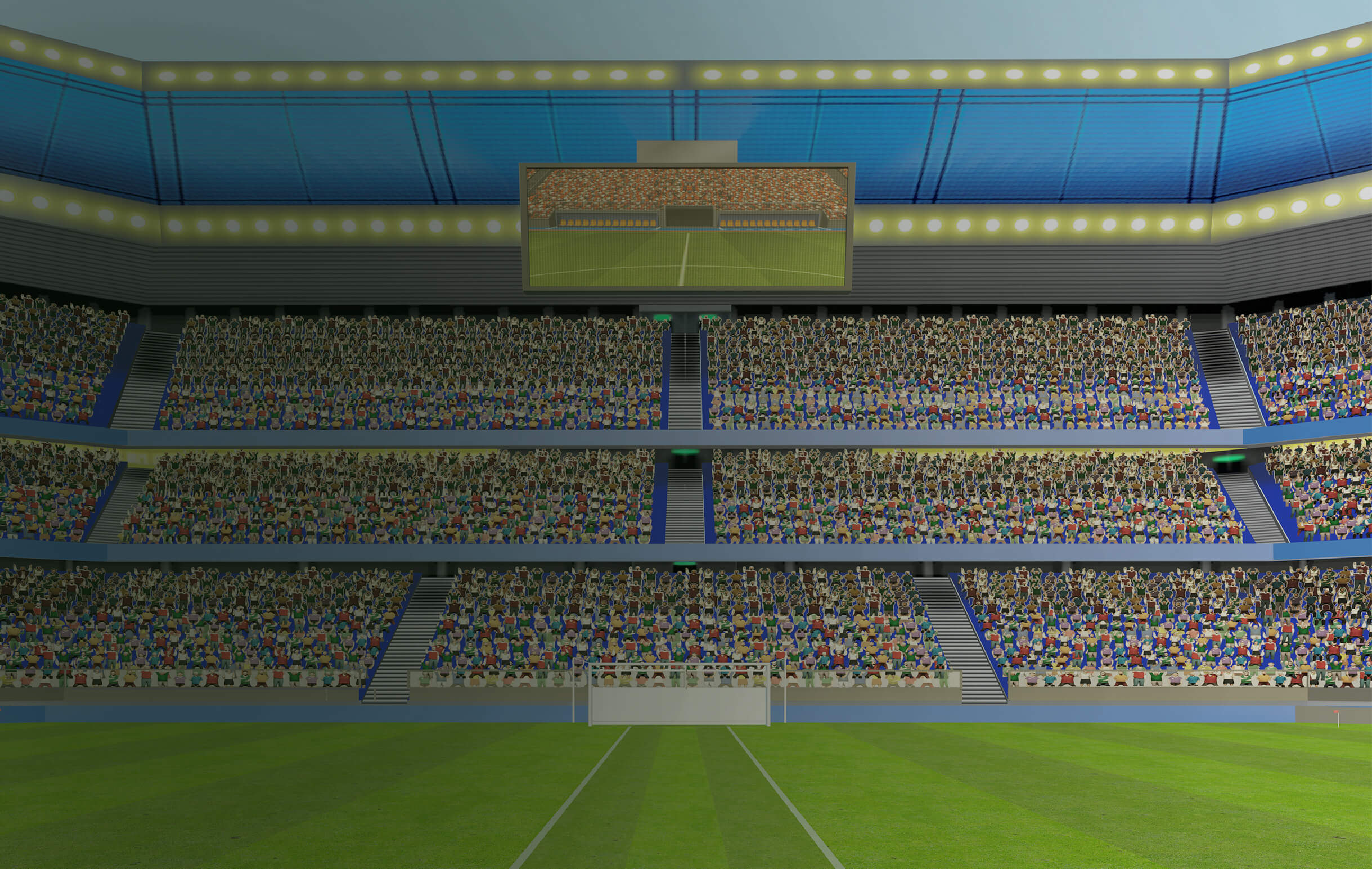
The stadium is built in full 3D around the player, with packed stands and floodlights on every side. The phone works like a window into it: move the phone and the view moves with you, so the crowd stays in place and the pitch feels like somewhere you’re standing rather than a picture on a screen.


Dribble, dodge, collect
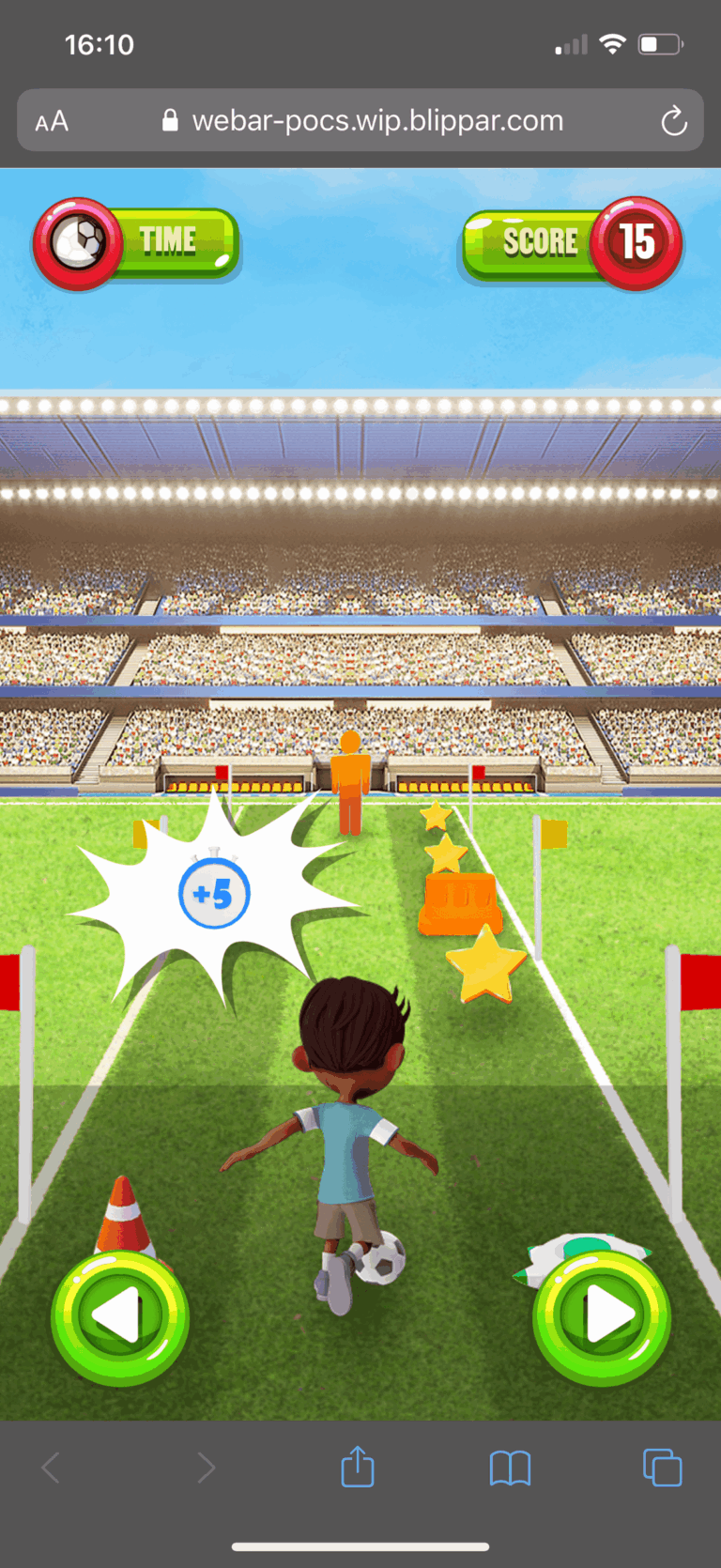
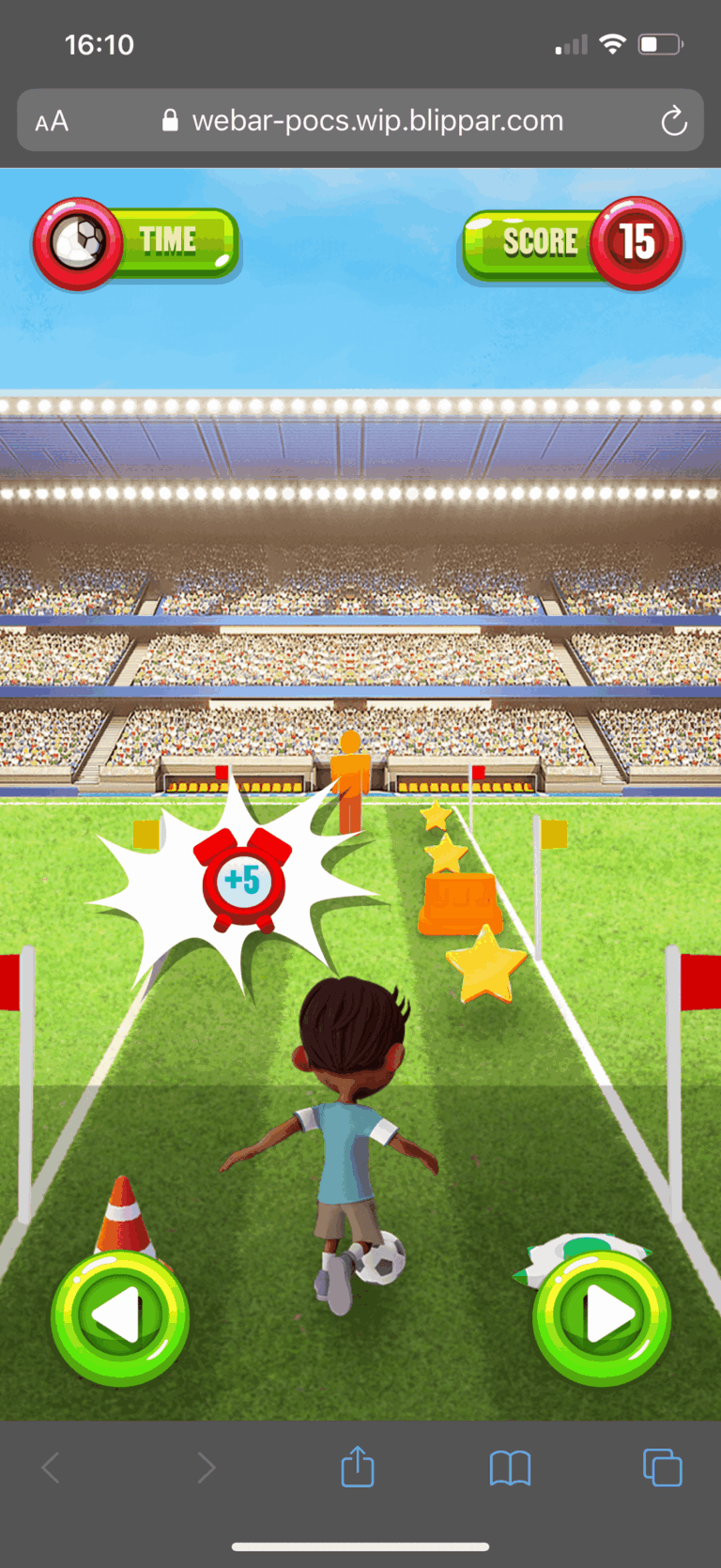
Your character runs the ball down the course on their own. Tap the left and right arrows to switch lanes, steering round cones, dummies and barriers and picking up stars for points and stopwatches that add five seconds to the clock. Hitting an obstacle slows you down and costs you time, so the best scores come from clean runs.

Collect and dodge
Grab the stars.
Miss the cones.
Everything on the course is readable at a glance from the back of a running player: gold stars for points, blue stopwatches for extra time, and bright orange and white training kit to steer round. Each of the three levels runs faster and puts more in the way, so the challenge builds without the rules ever changing.

VECTOR ASSET CREATION
I drew every 2D asset in the game in Adobe Illustrator: the logo, the lane buttons, the score and timer bars, the how-to icons and the gold, silver and bronze badges. Building it all as vector kept the artwork sharp on every phone size and let the same files go straight onto the printed pack. Here is the Soccer Scramble logo as it appears in the game, next to its outline view showing how the artwork is built.


3D ASSETS
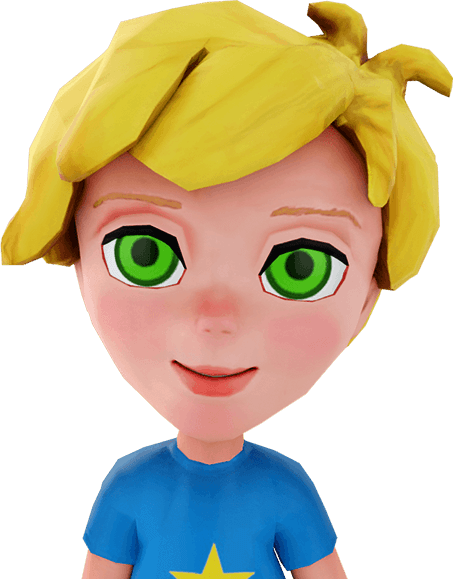
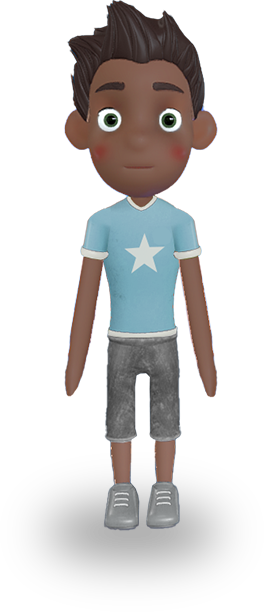
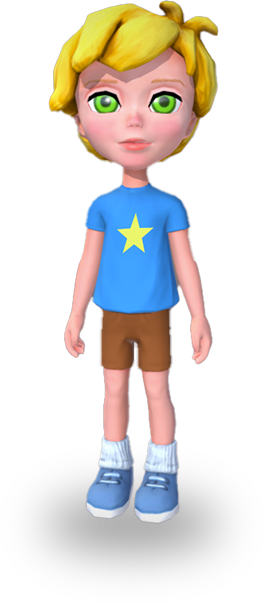
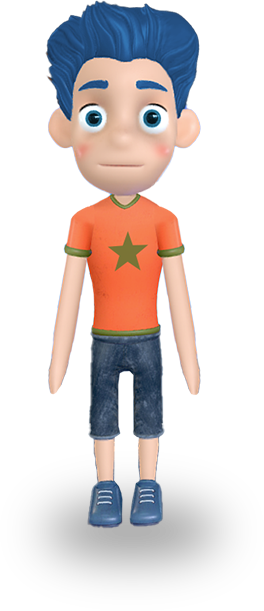
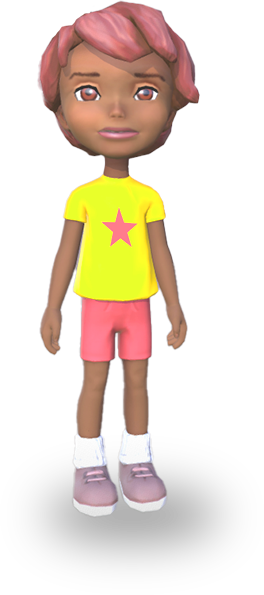
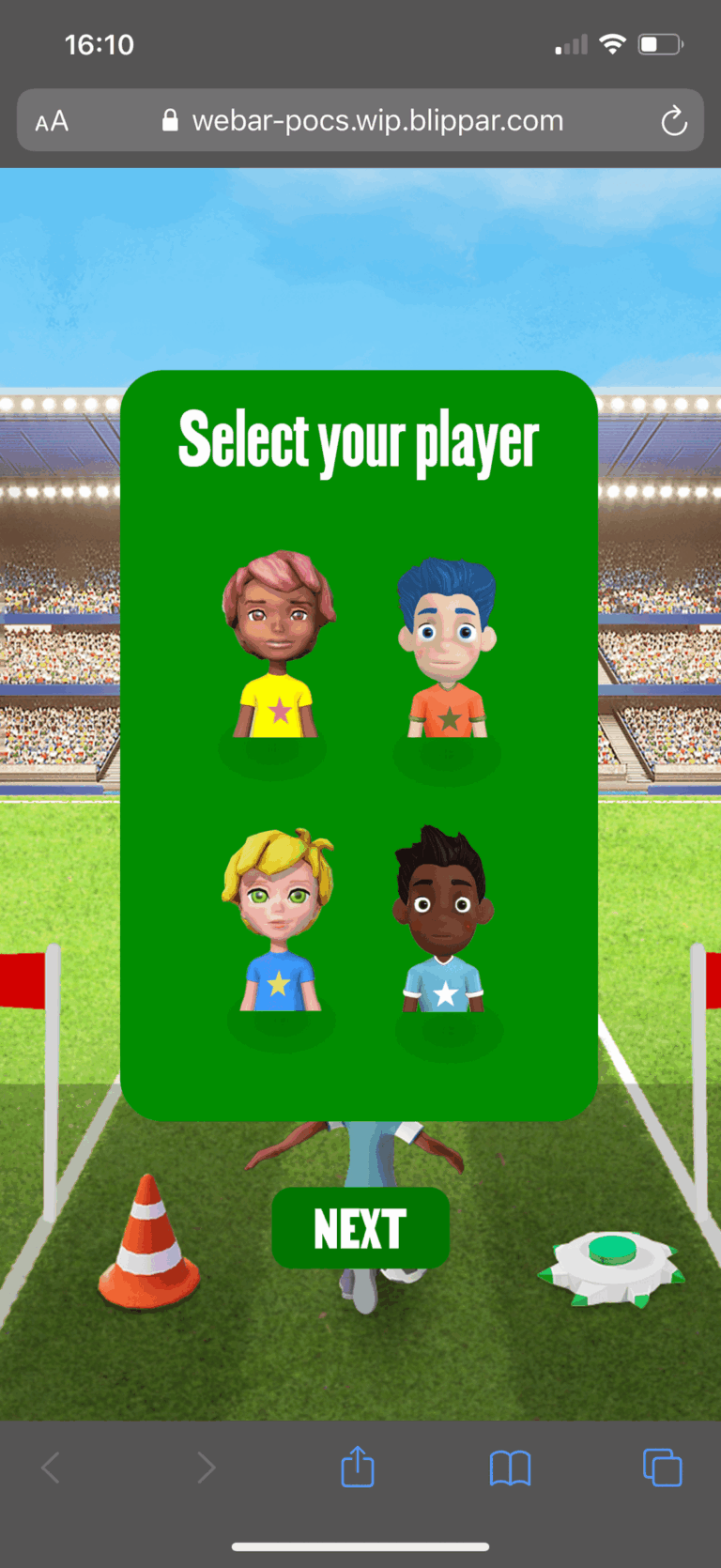
I designed the 3D assets and art directed the 3D artist through modelling and texturing, from the stadium and the obstacles to the four playable characters. Players choose one of four kids before kick-off, each with an oversized head, a bright kit and simple shapes that stay readable at phone size as they run away from the camera.
GAMEPLAY CAPTURE
A full run recorded on an iPhone, from the how-to and player select through the countdown and a level of dribbling, dodging and collecting against the clock, with the sound I designed for the game.
Click the play button to watch the video, with sound on.
UX JOURNEYS AND SCREENS DESIGN
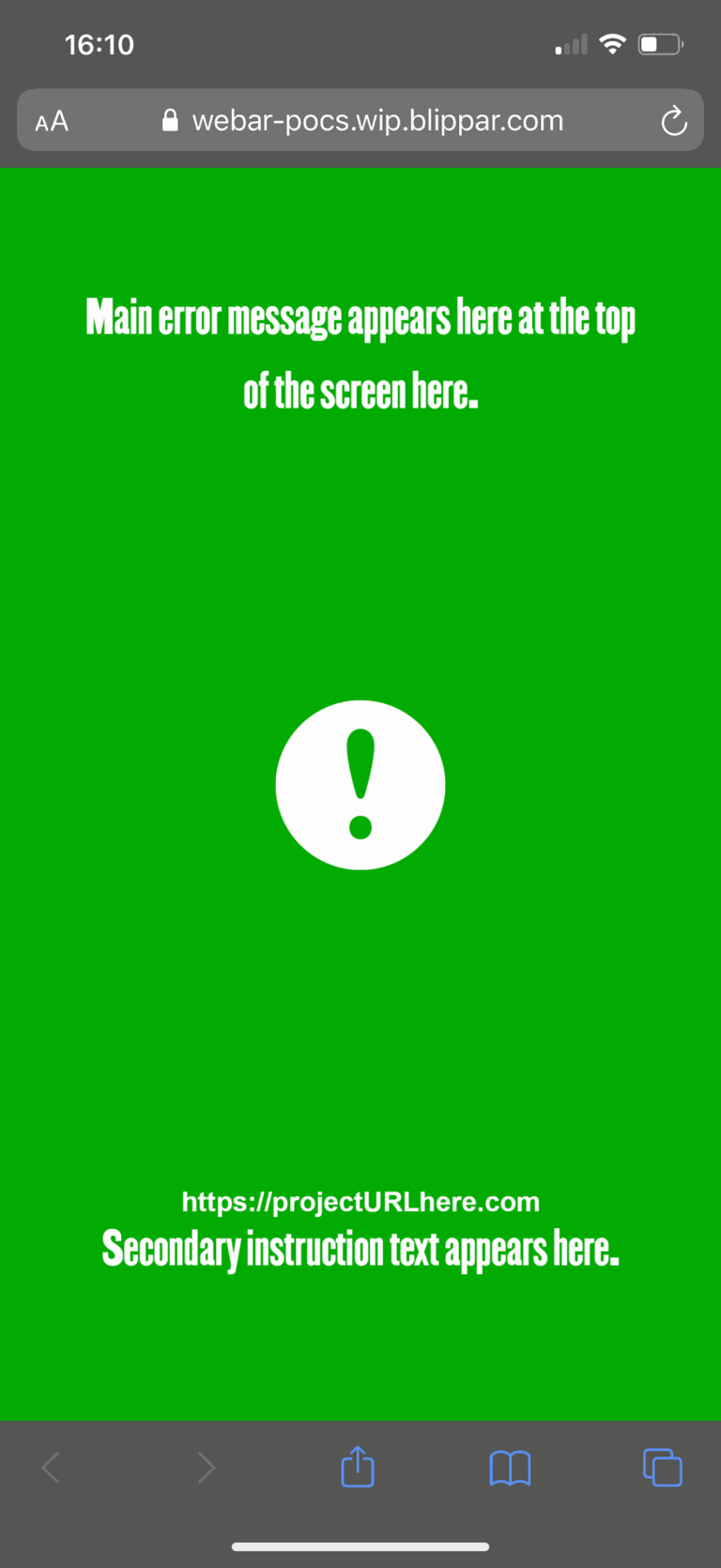
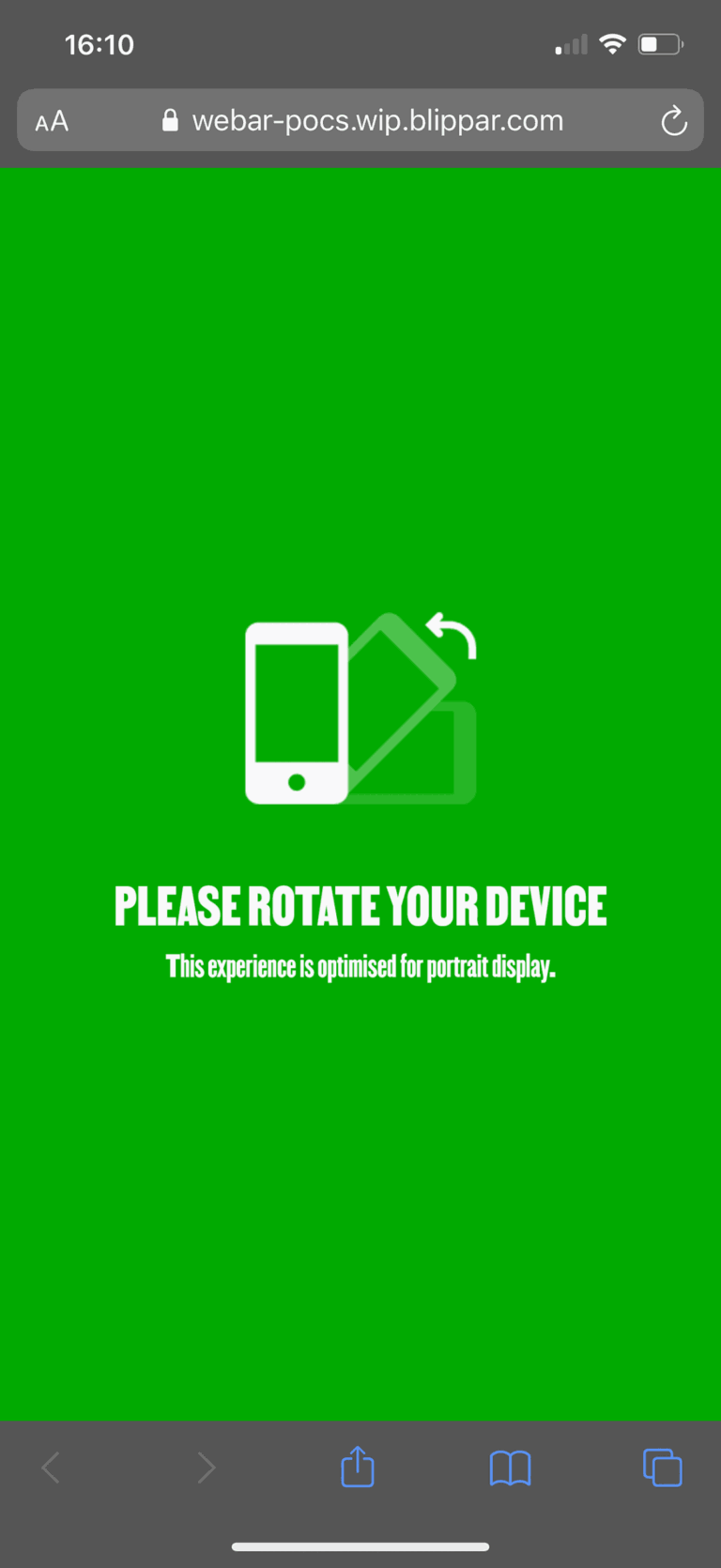
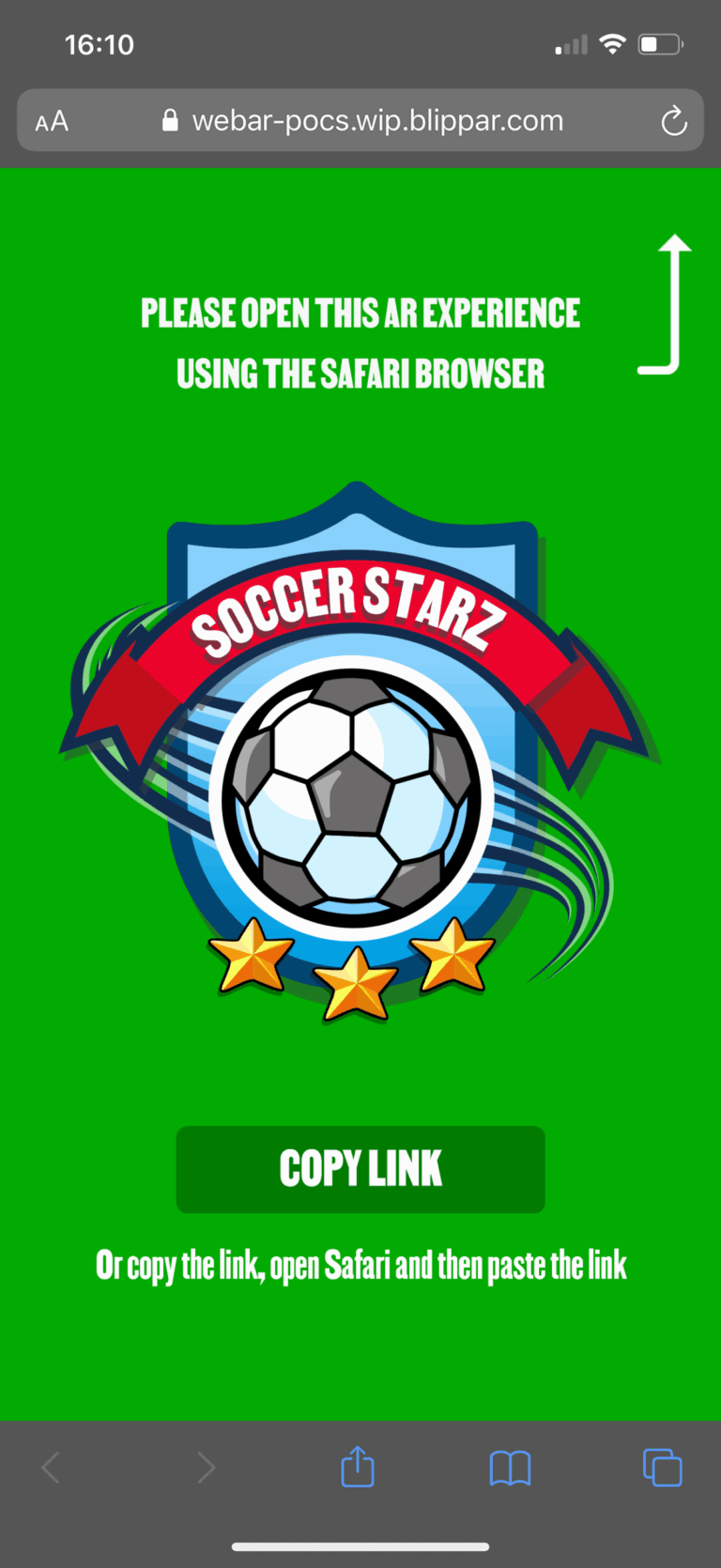
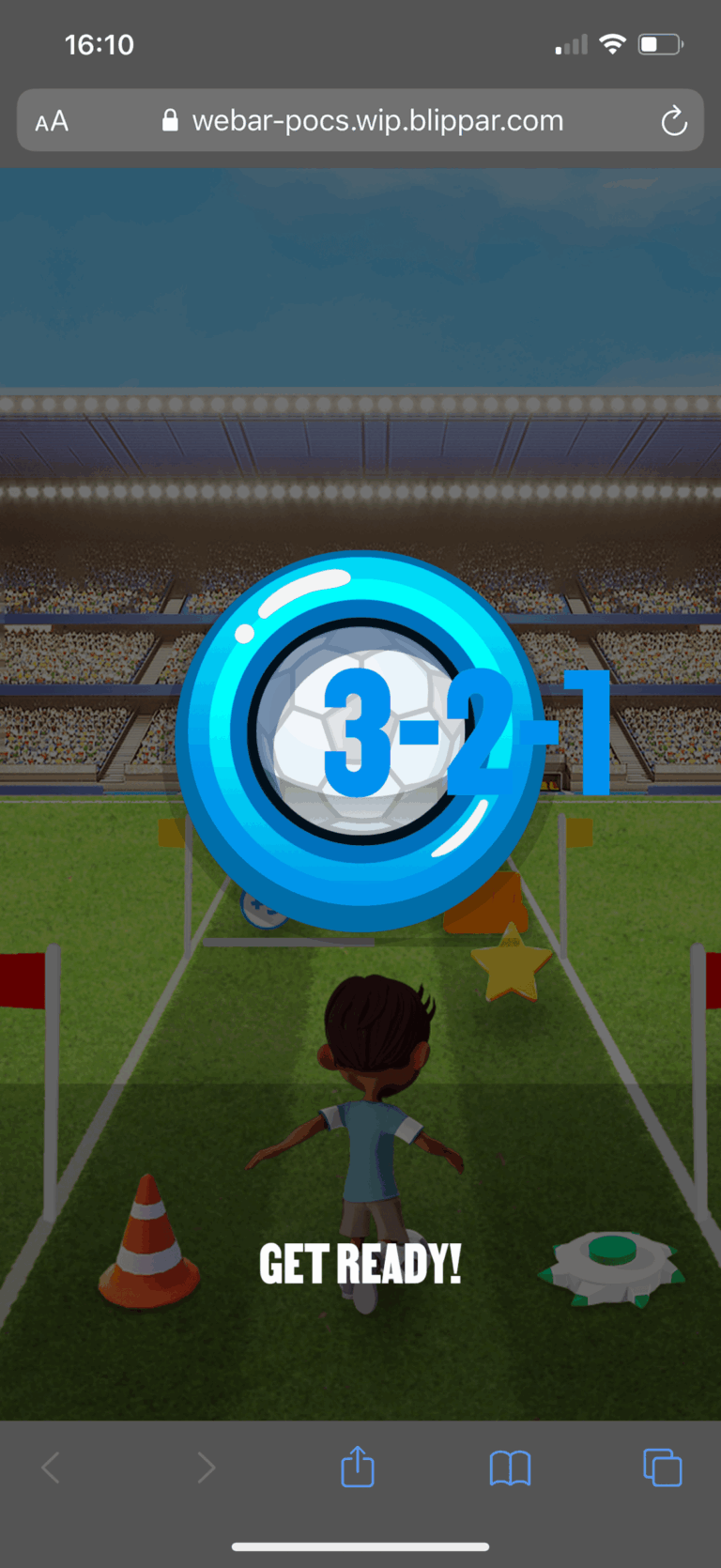
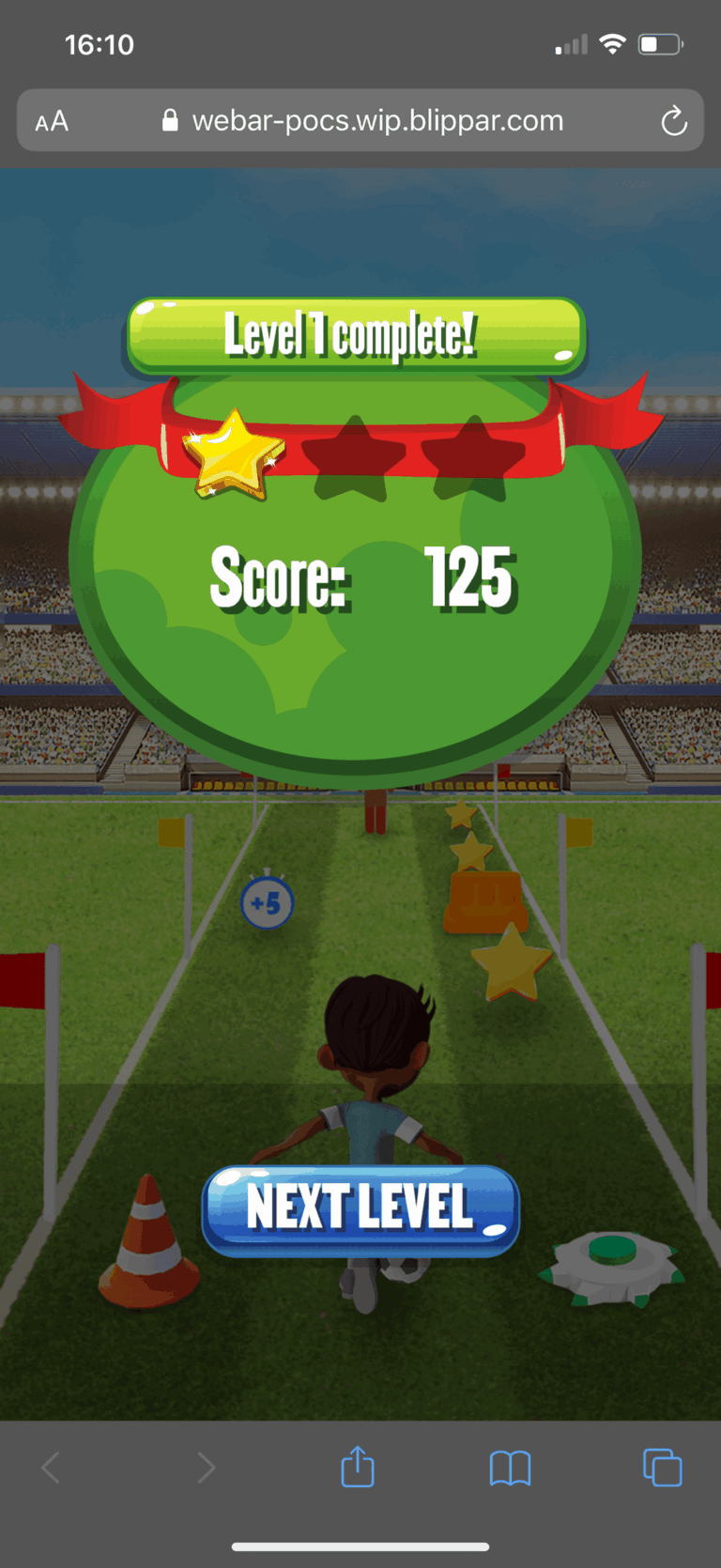
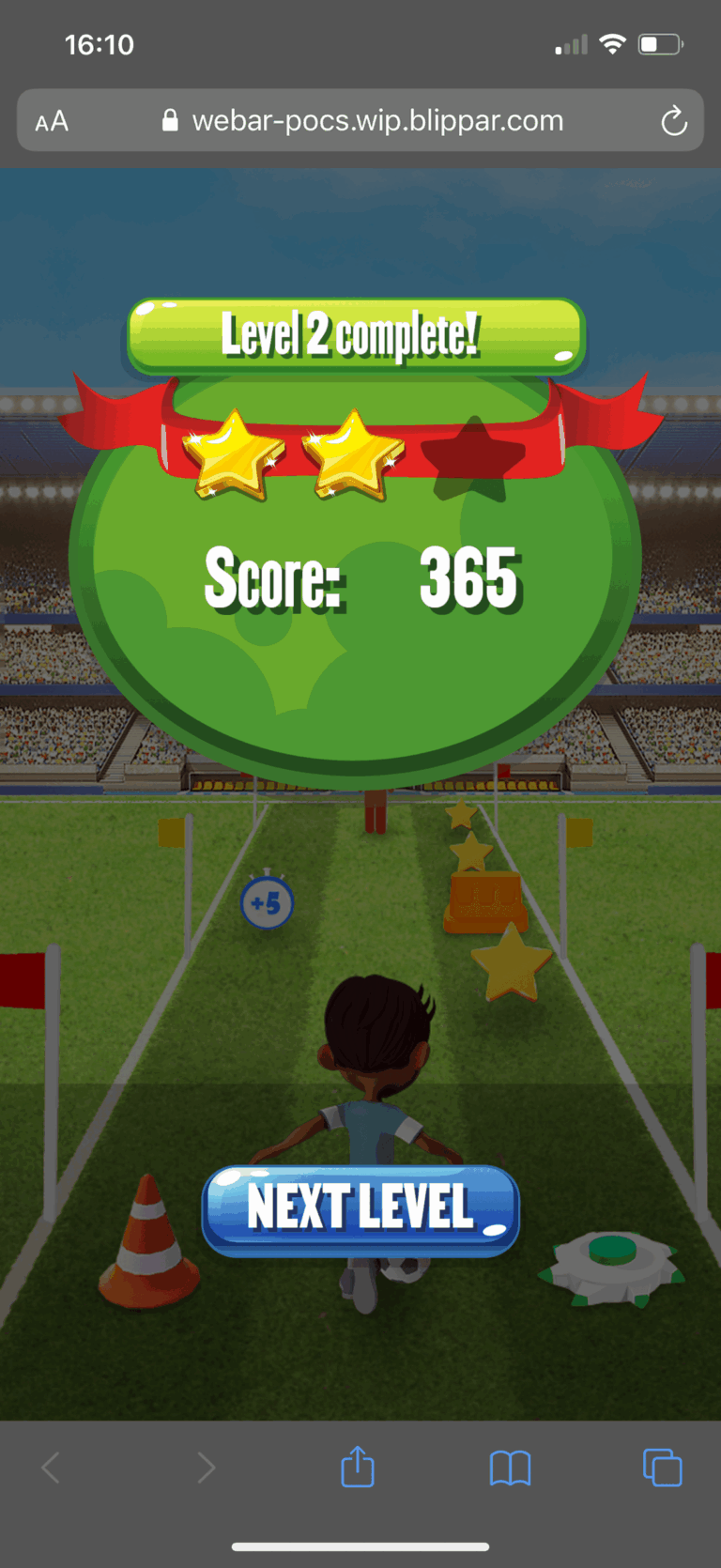
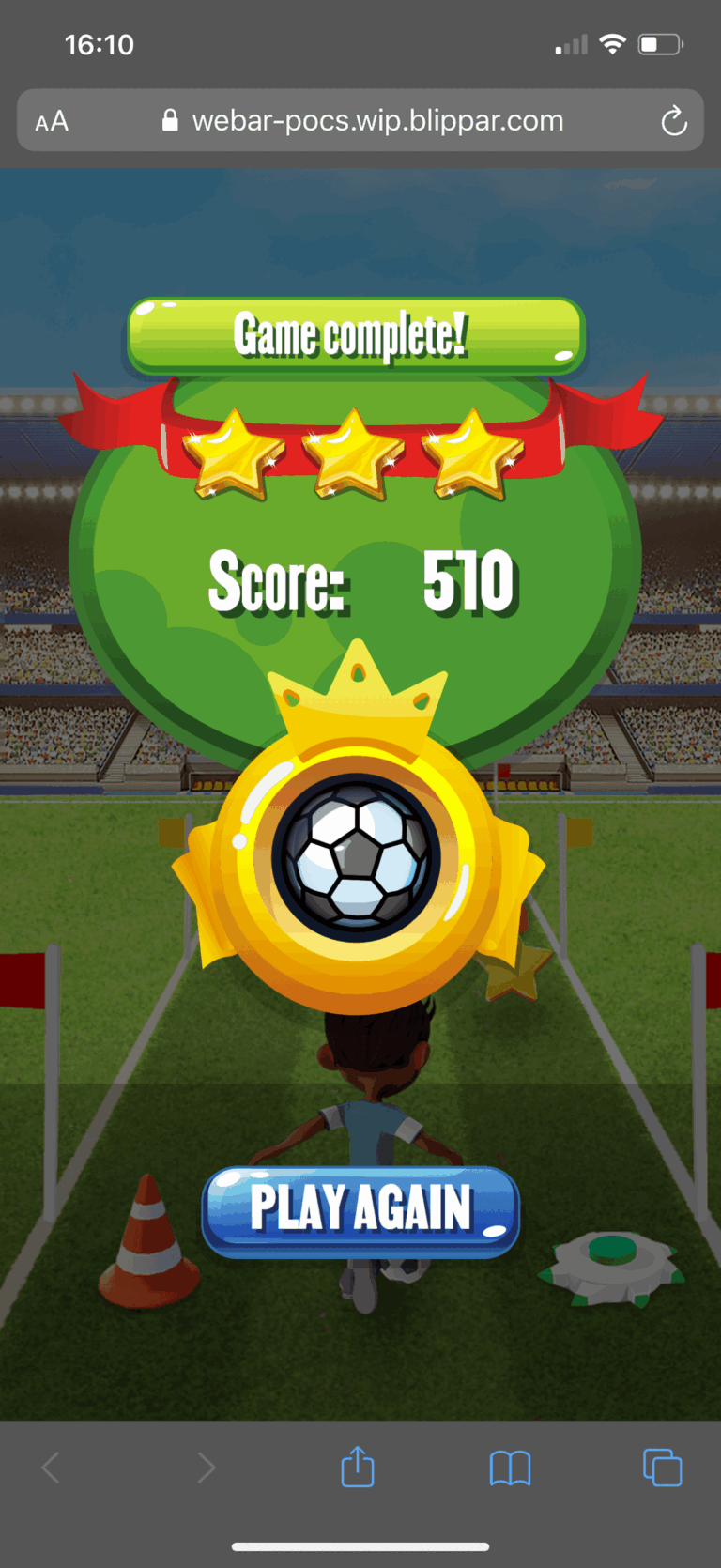
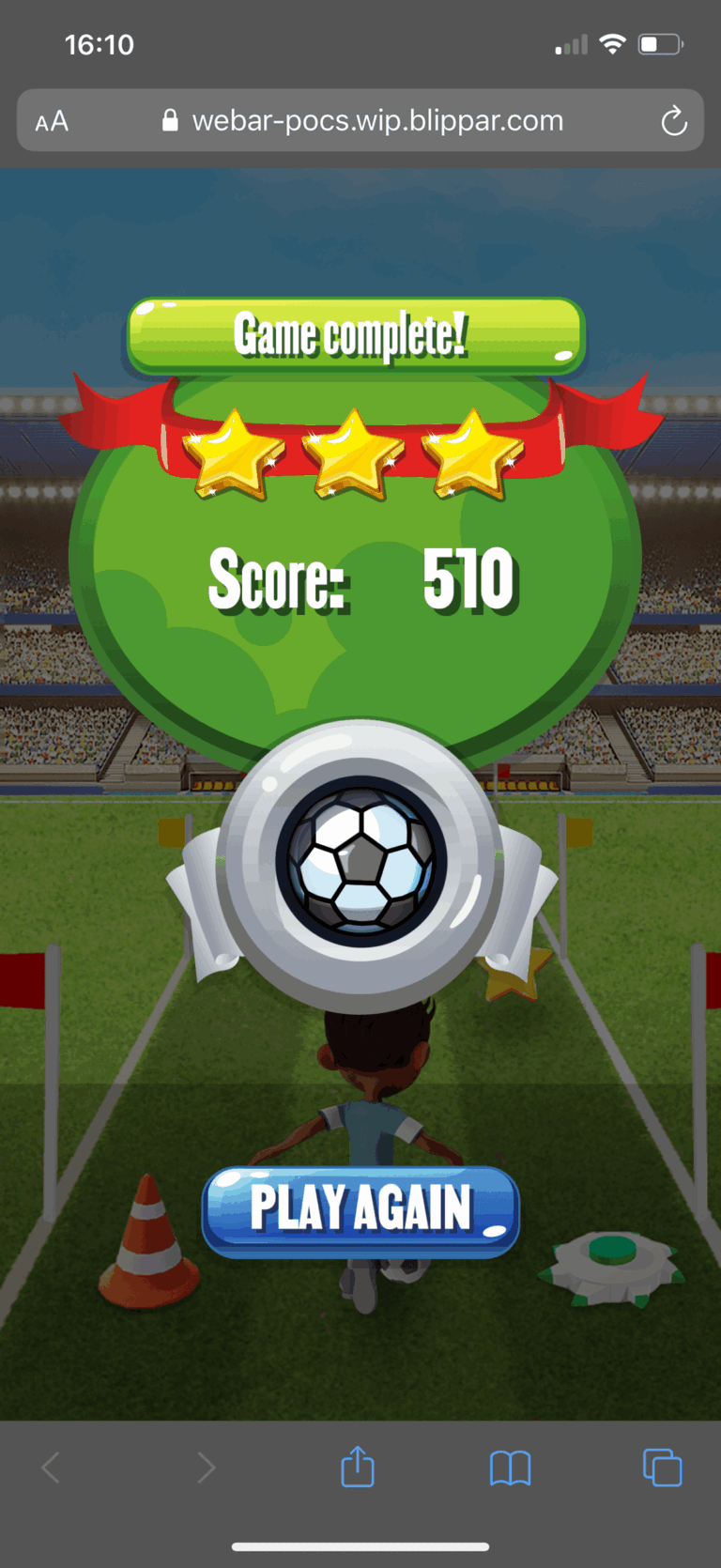
Beyond the UI, I owned the UX from concept to delivery. A WebAR game has more ways to stall than a normal web page: the wrong browser, a phone held sideways, a camera request that gets refused. I mapped the journey from the pack scan to the final badge, dead ends included, wireframed each step, then designed every screen in high fidelity, from the permission prompts through the how-to, player selection and countdown to live gameplay and the level results. Each prompt gives one clear instruction and one button, so a child, or the parent helping them, can get back on track without reading a paragraph. Hover to enlarge, click to view full size.
Scoring and badges
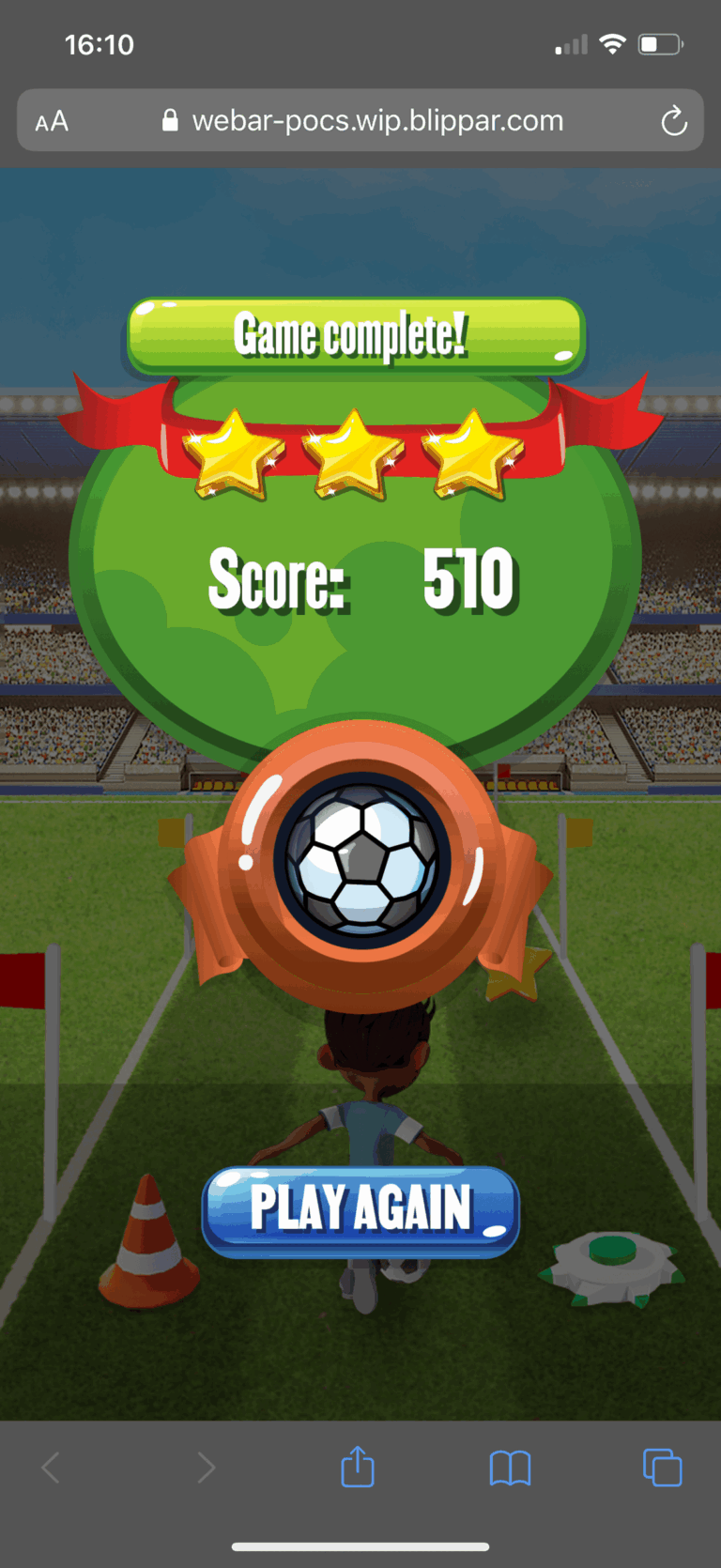
A short game needs a clear reward. The score and clock sit at the top of the screen the whole time, and stars at the end of each level show how far through the three levels you are. Scores add up across all three, and the final total earns a gold, silver or bronze badge, so every game ends on a result worth sharing and a reason to go again.
SOCIAL MEDIA CARDS
As well as the pack, the game could be launched from social. I designed share cards that carry the Soccer Scramble title, artwork and QR code in one frame, so a post works as a tap through on a phone or a scan from another screen.