
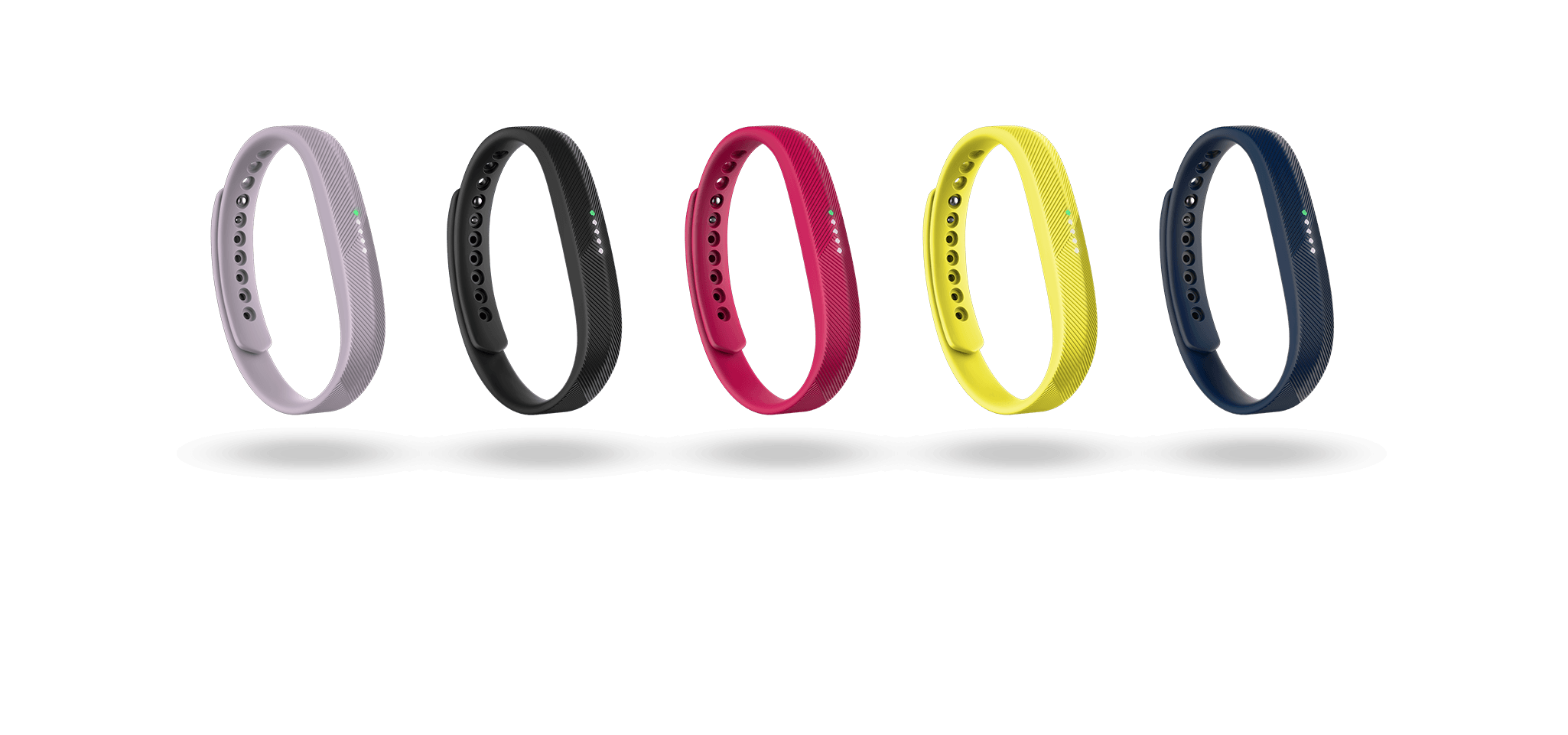


Fitbit Flex 2 bands in lavender, black, magenta, yellow and navy

Fitbit App

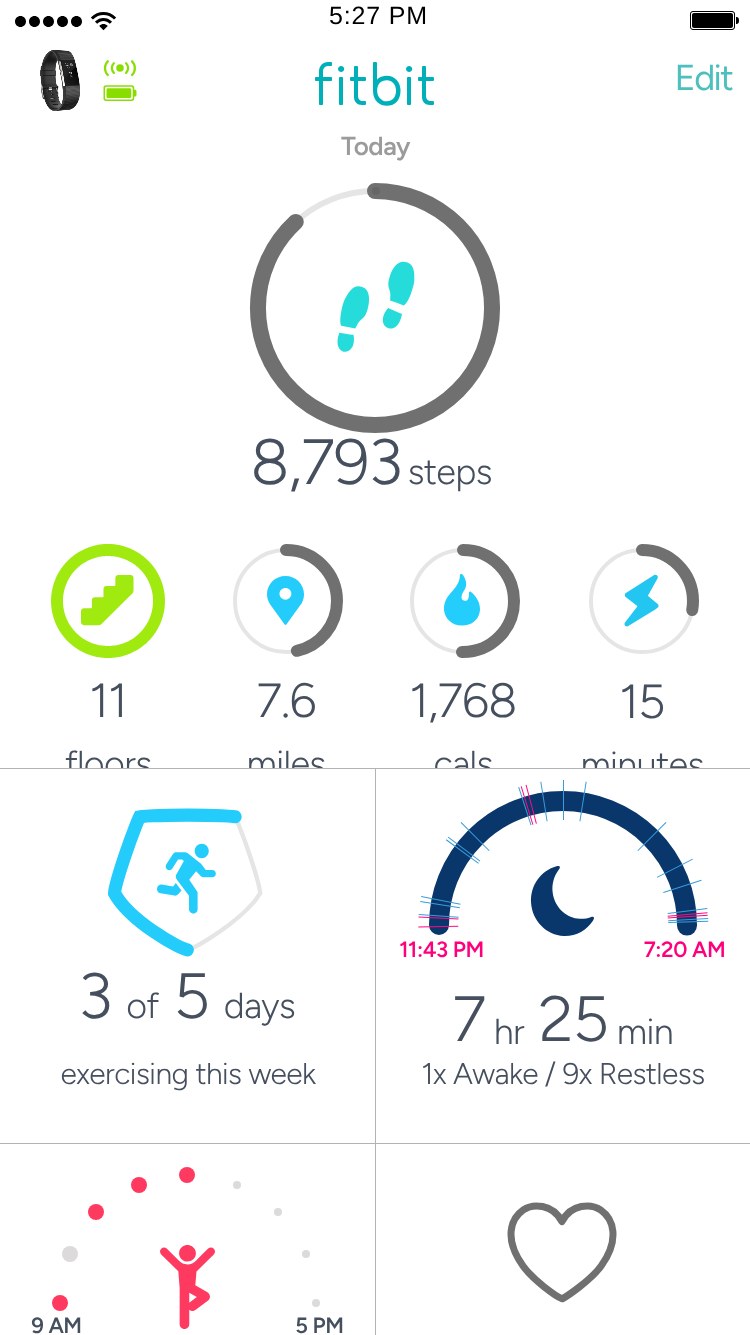
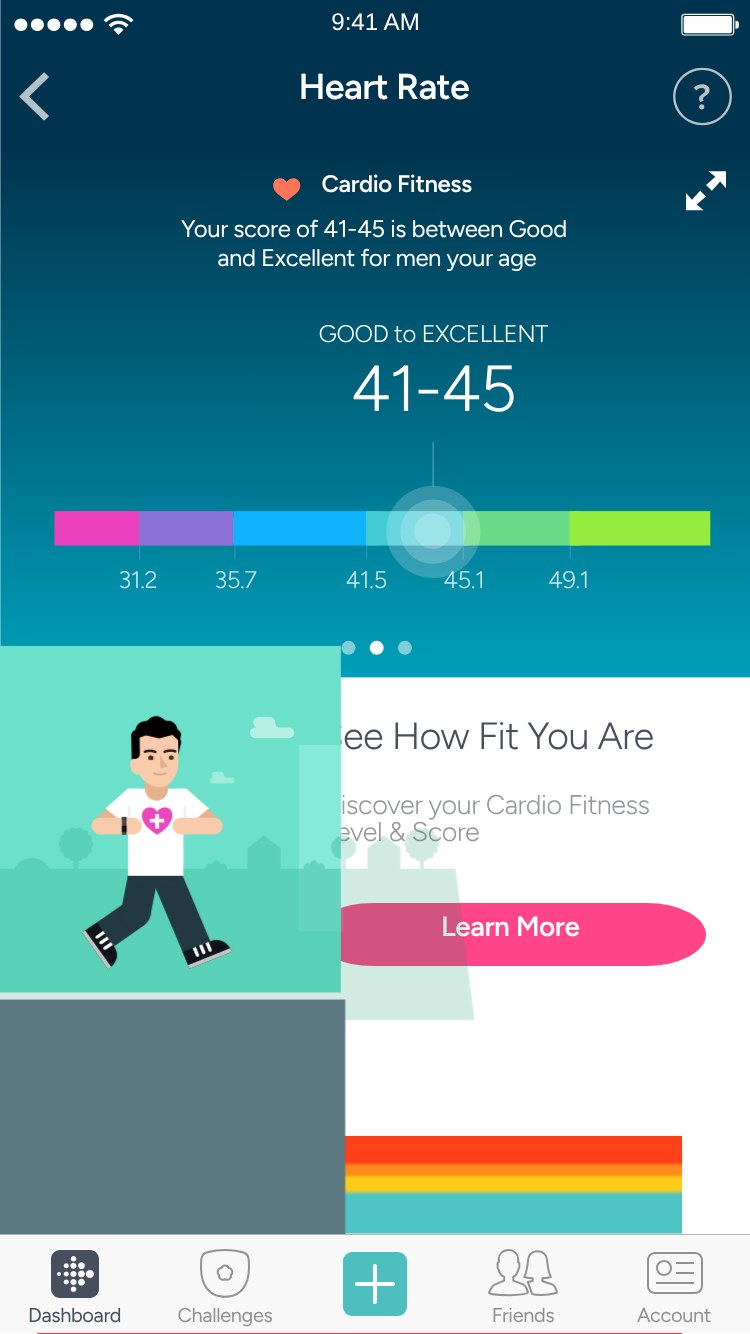
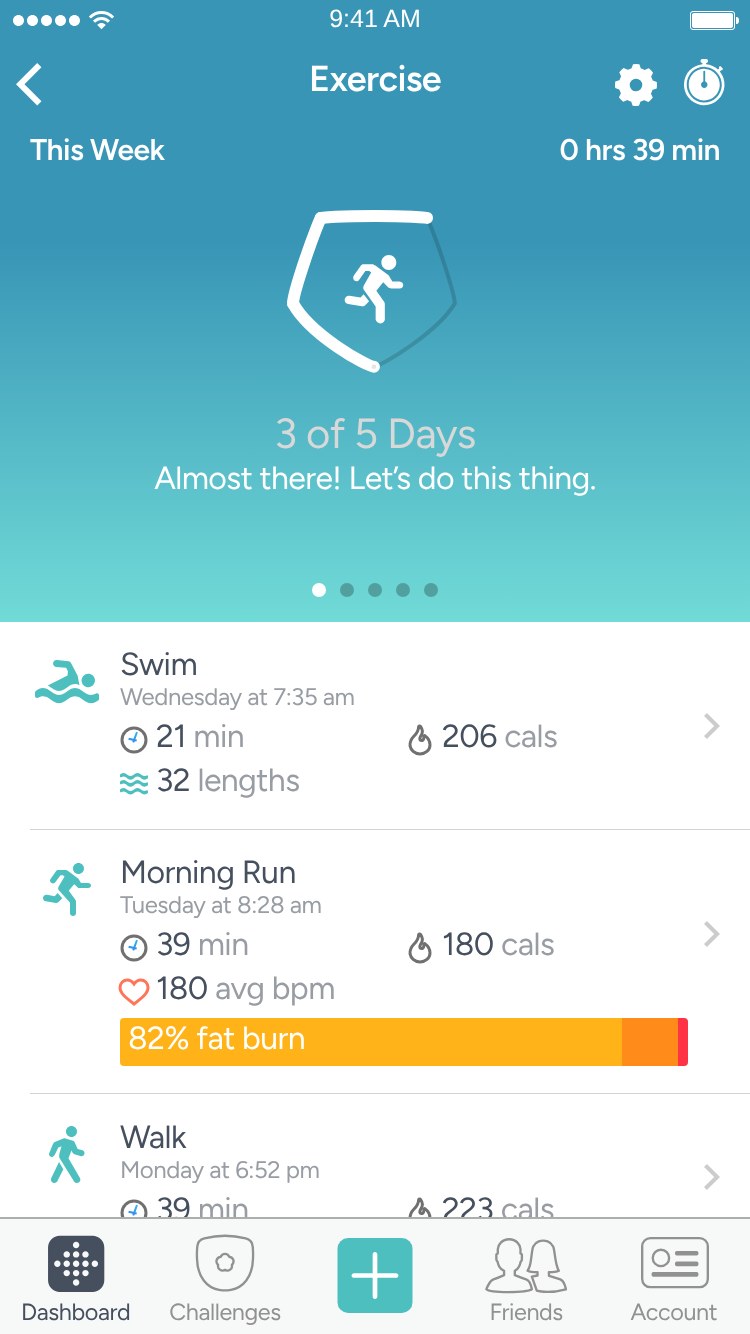
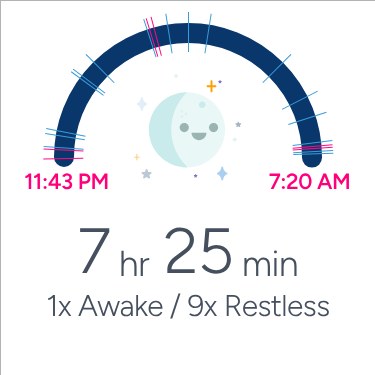
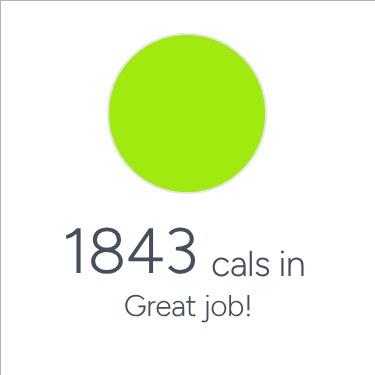
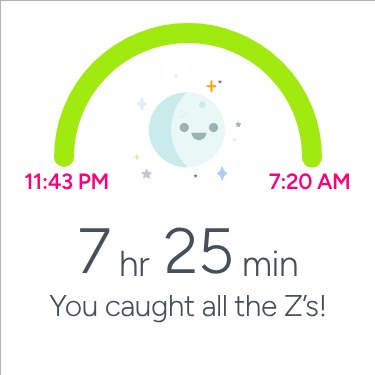
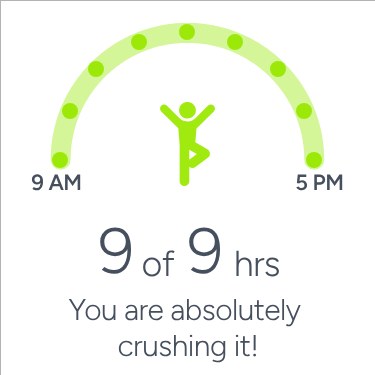
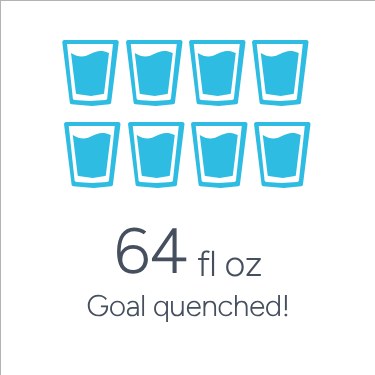
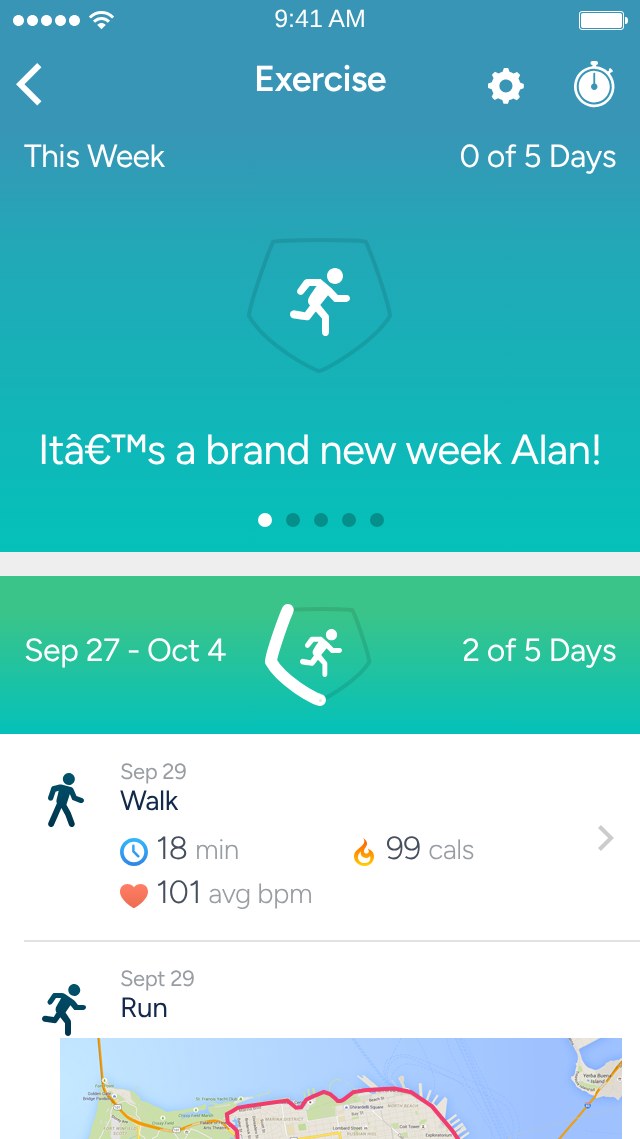
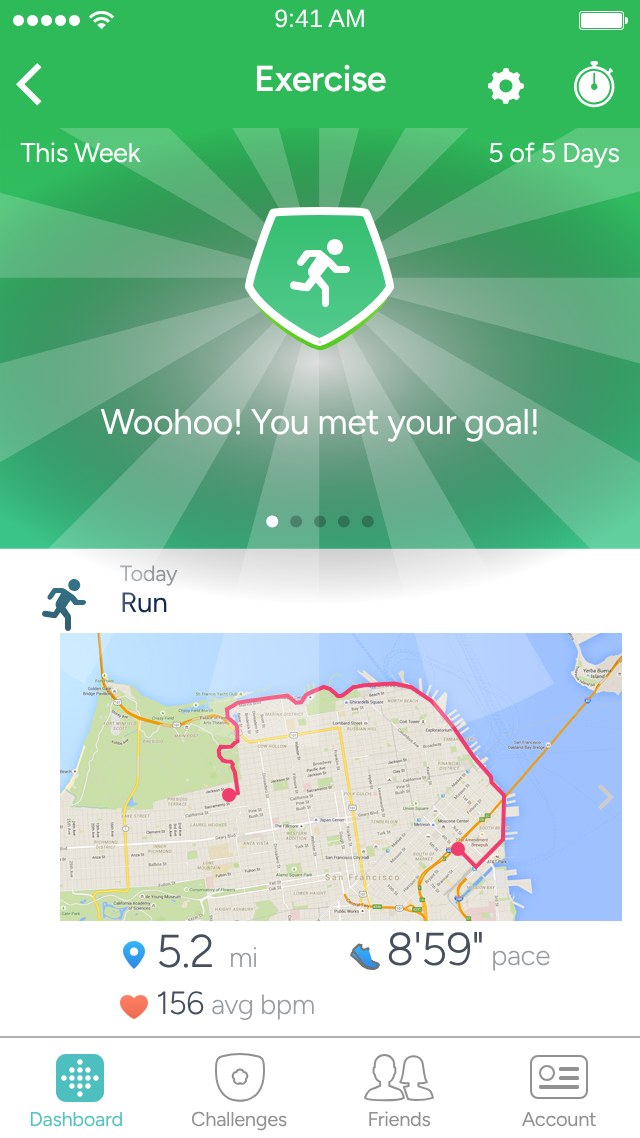
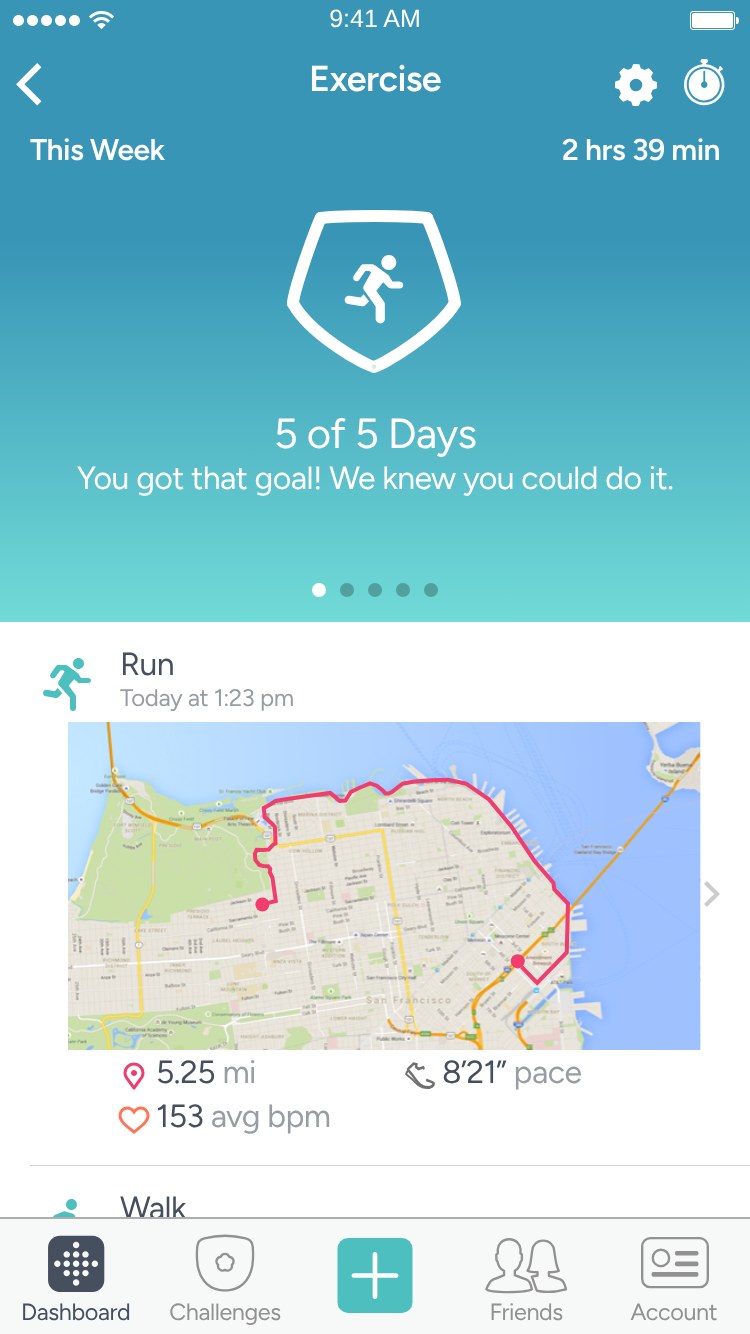
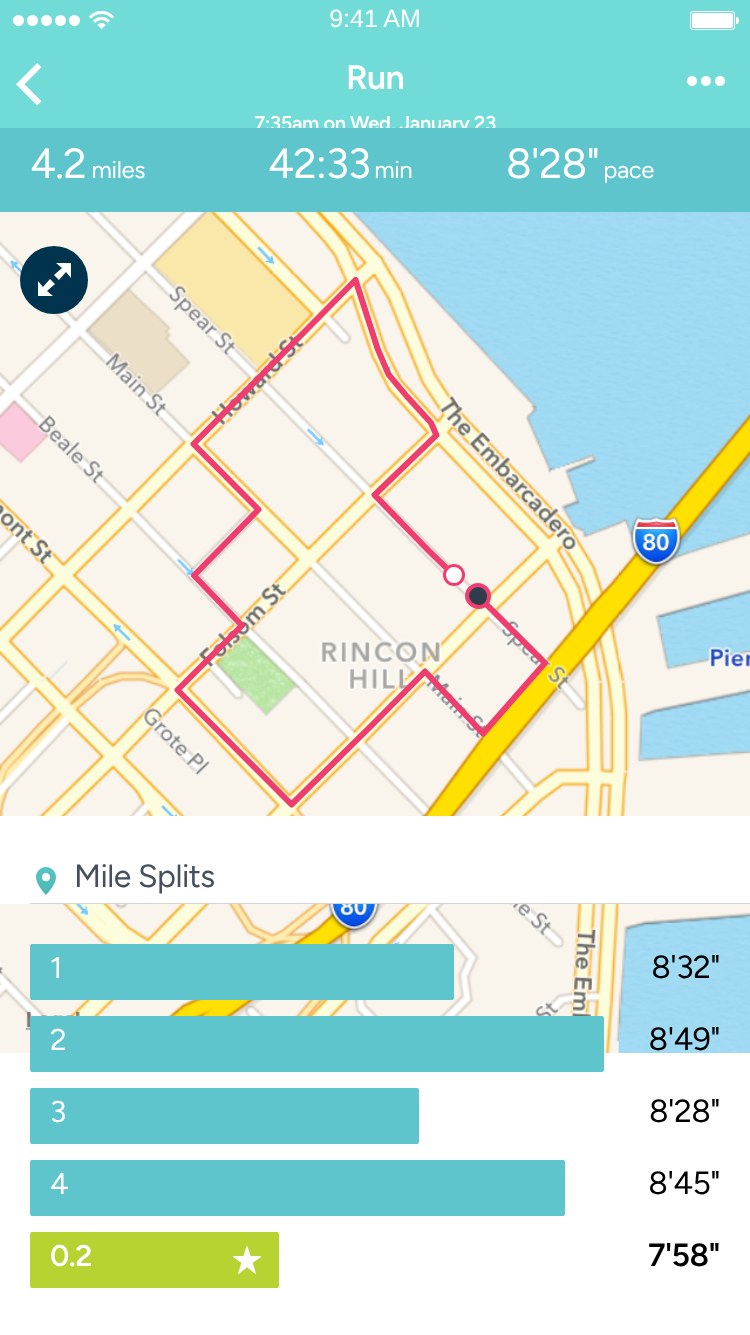
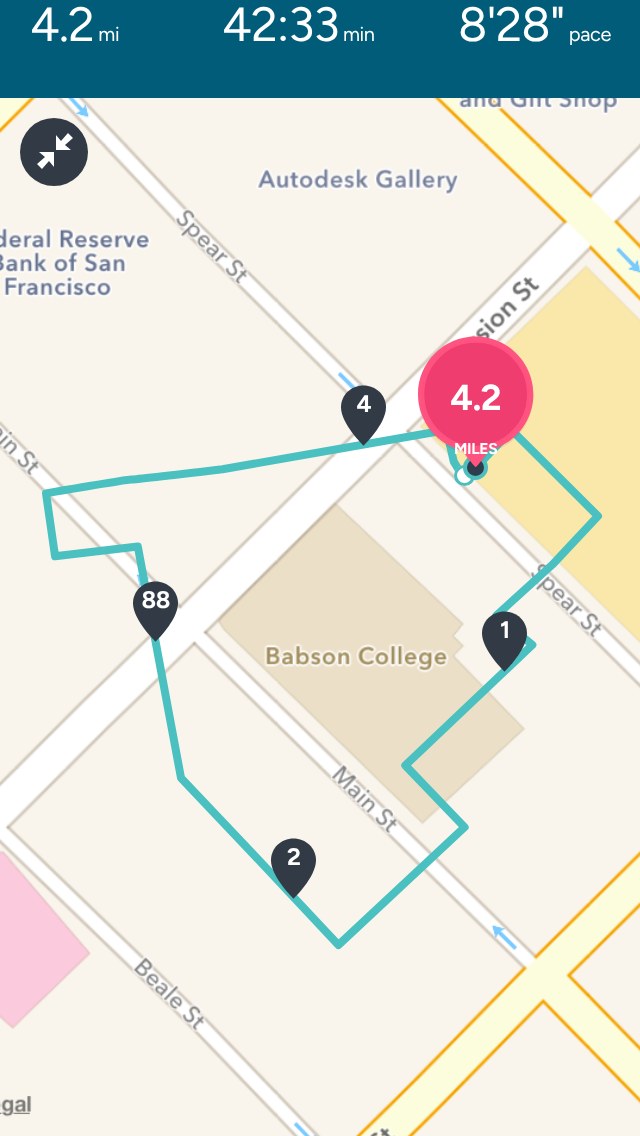
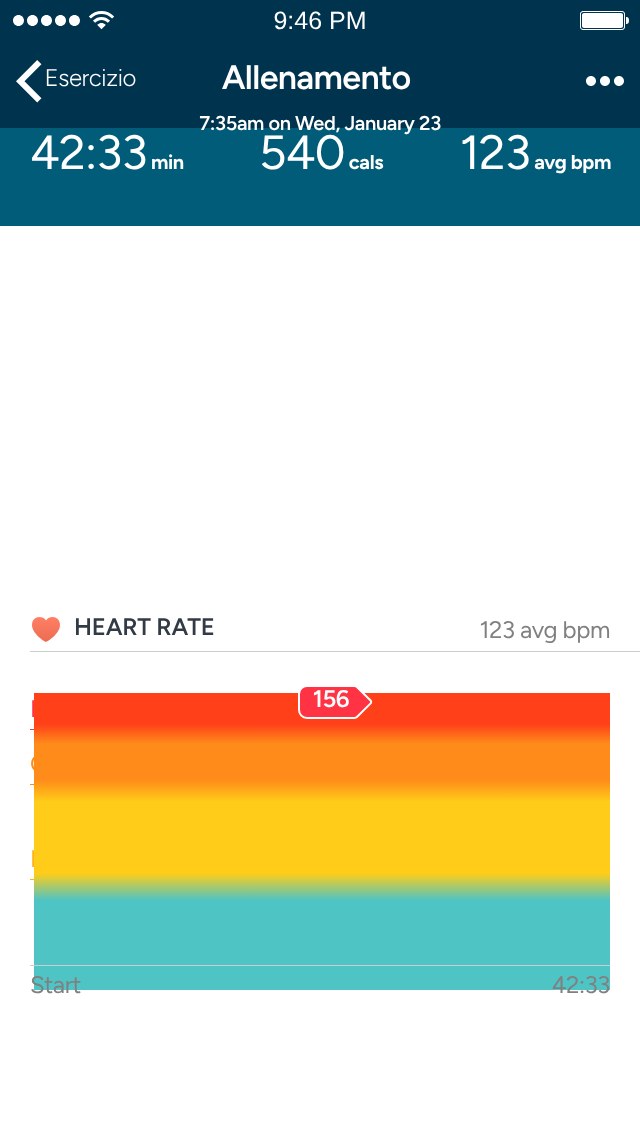
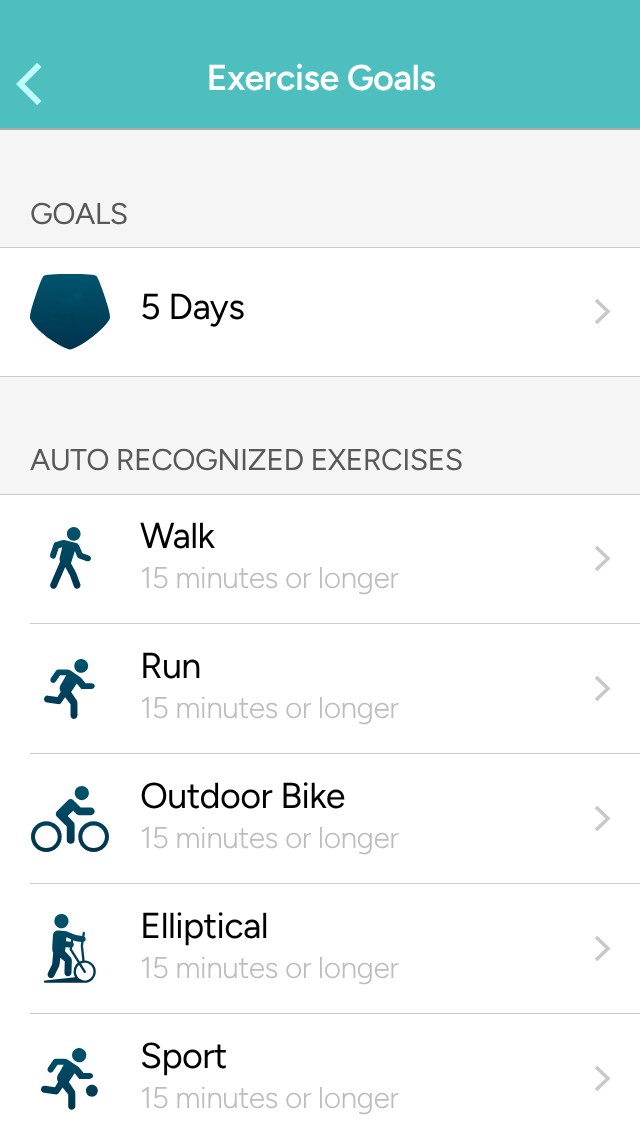
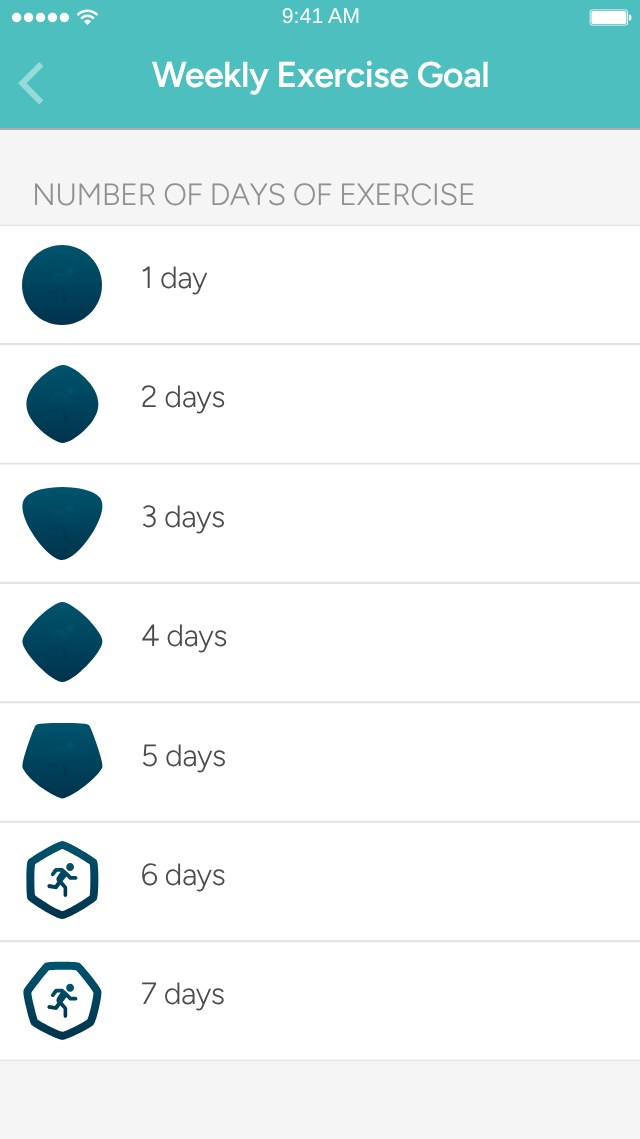
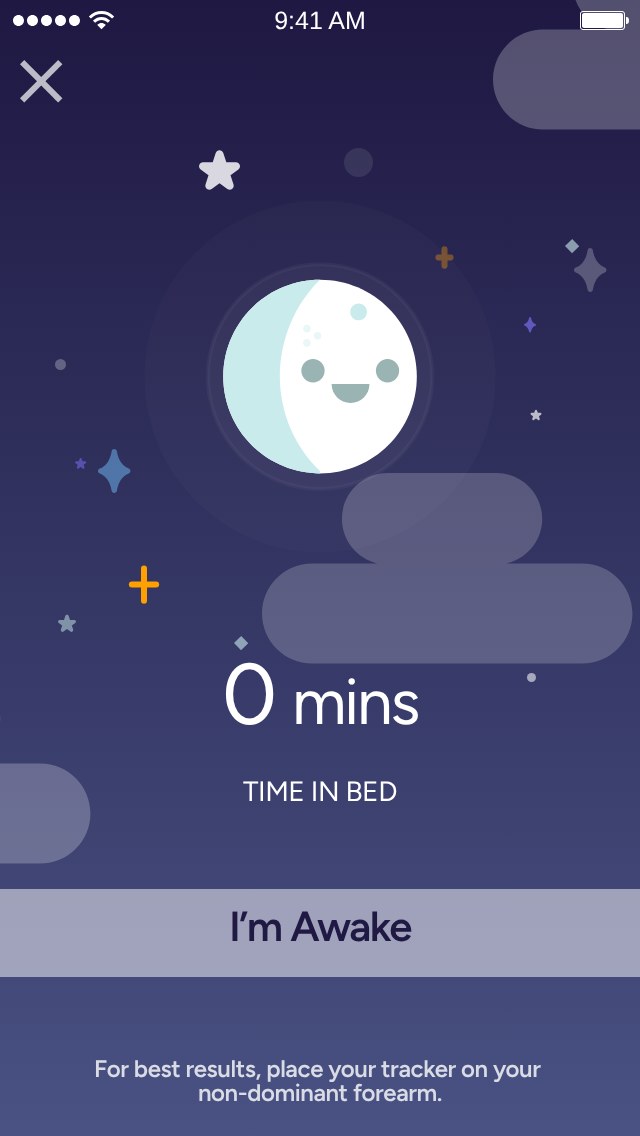
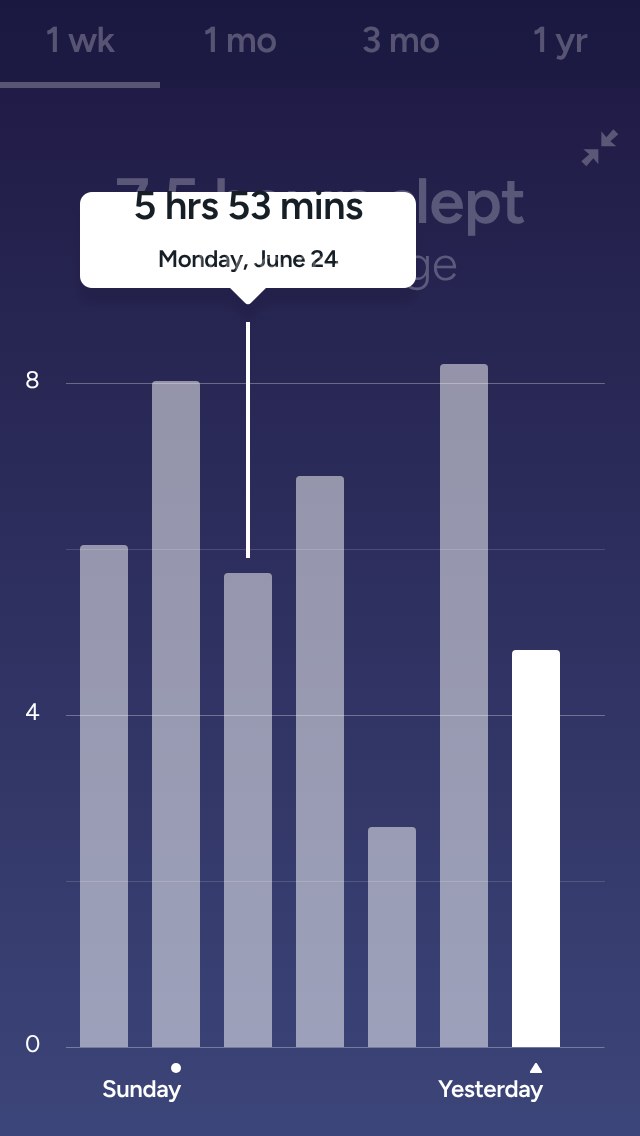
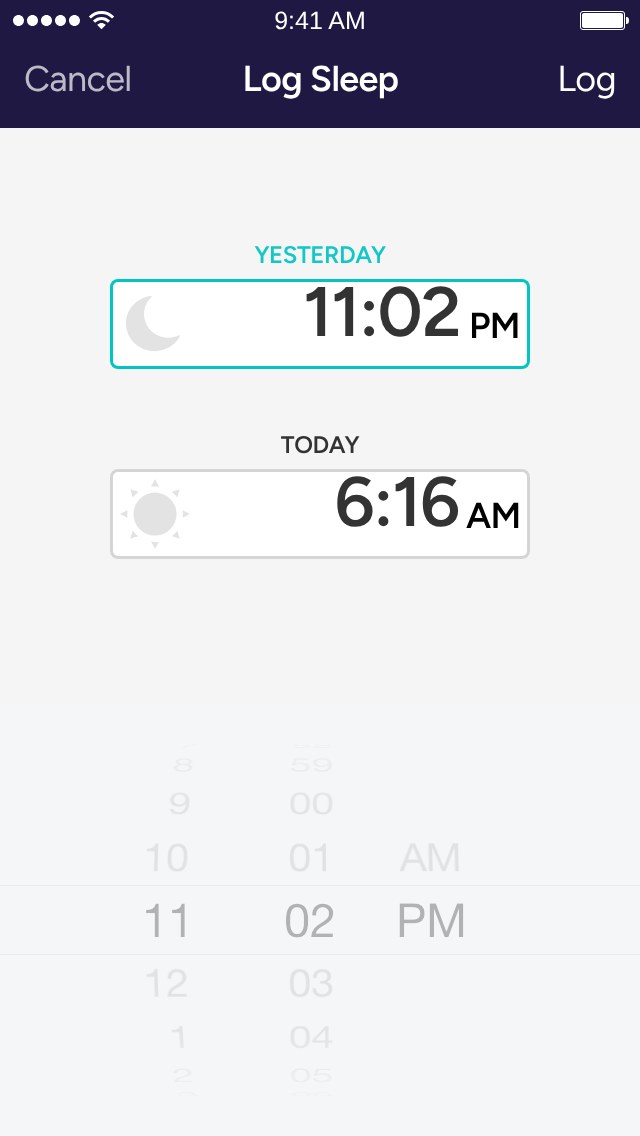
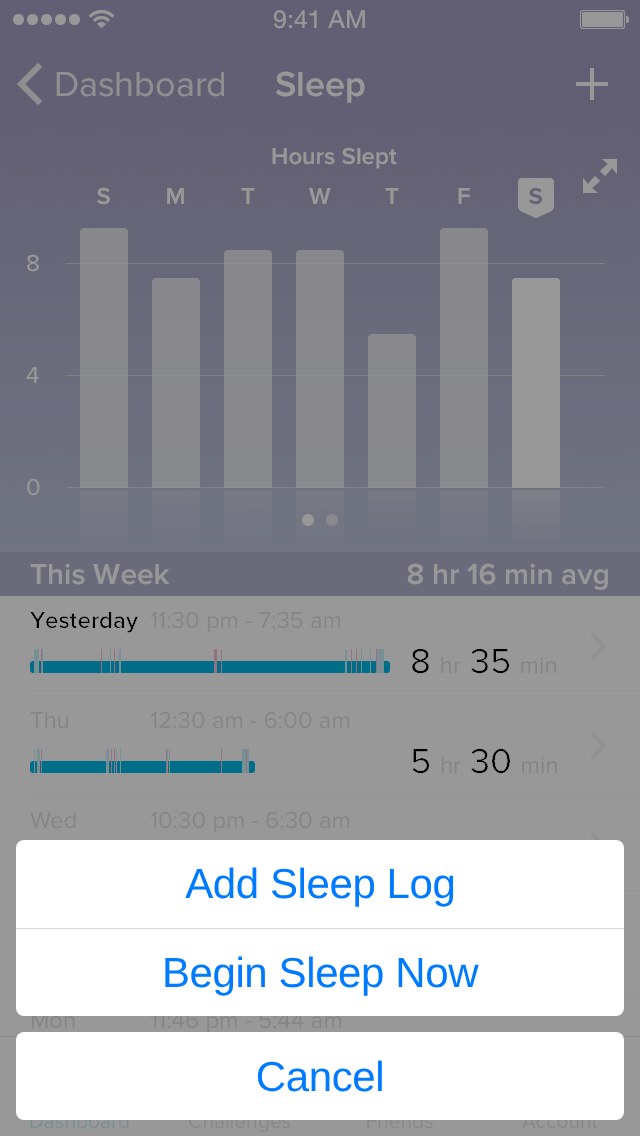
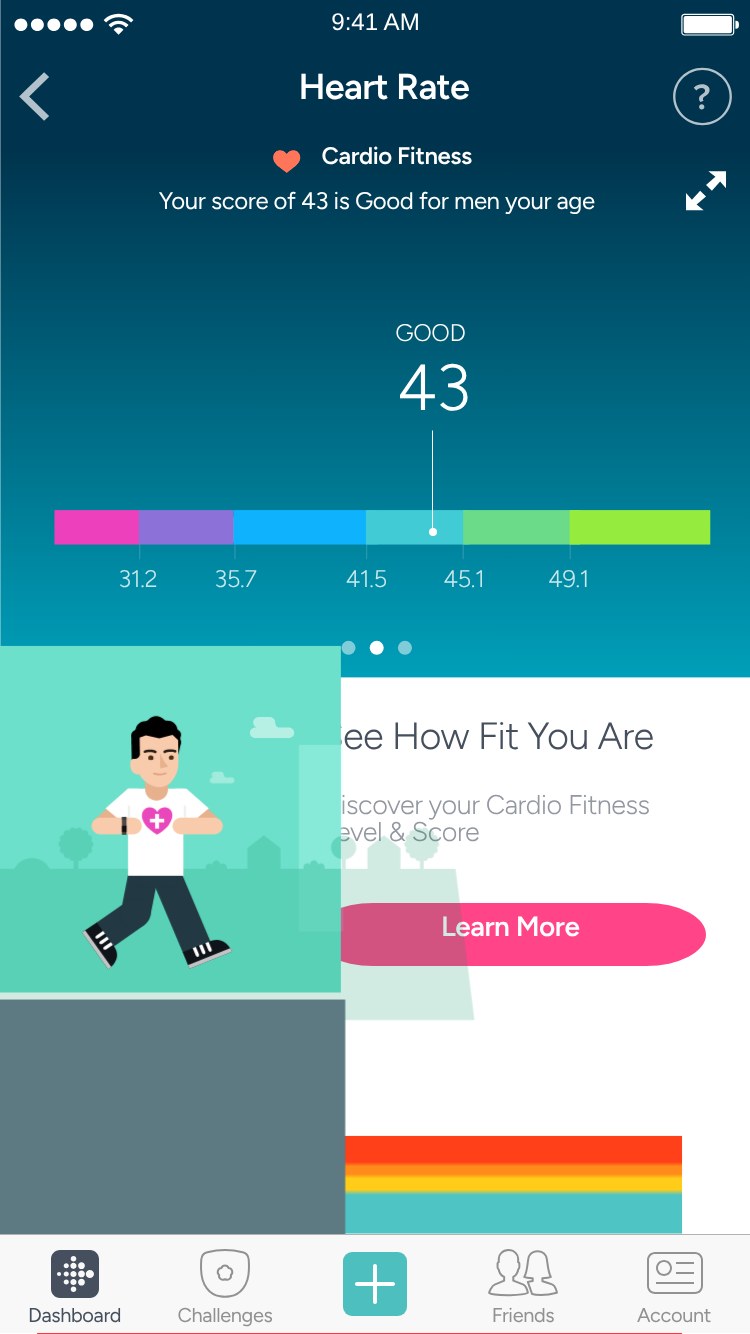
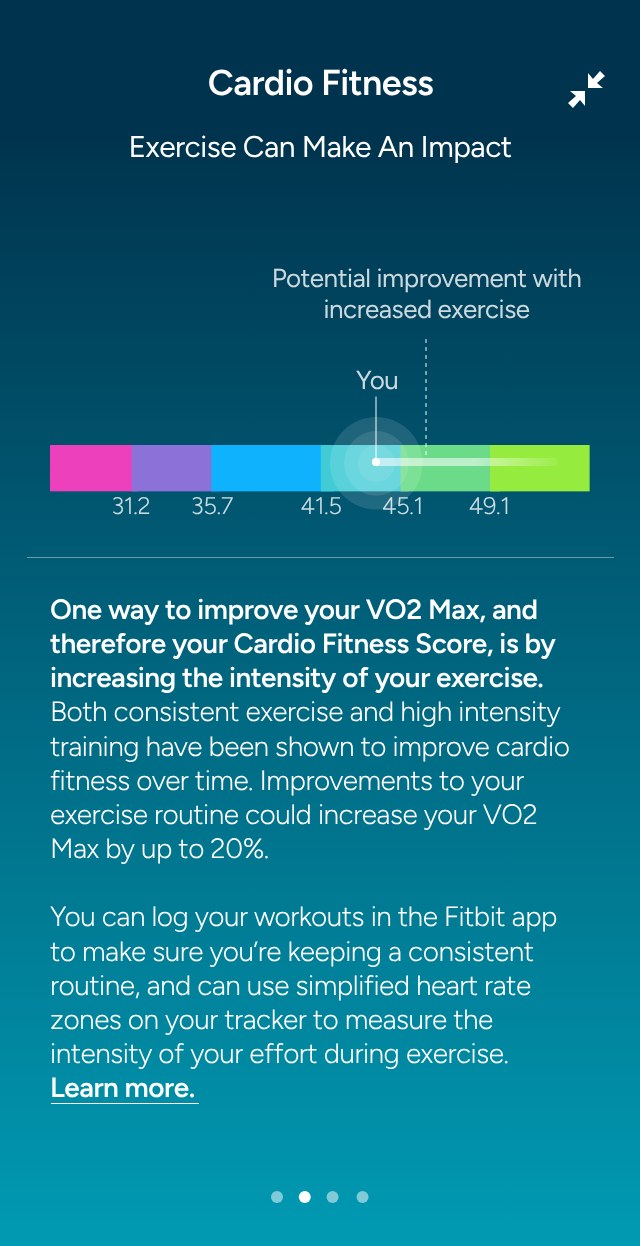
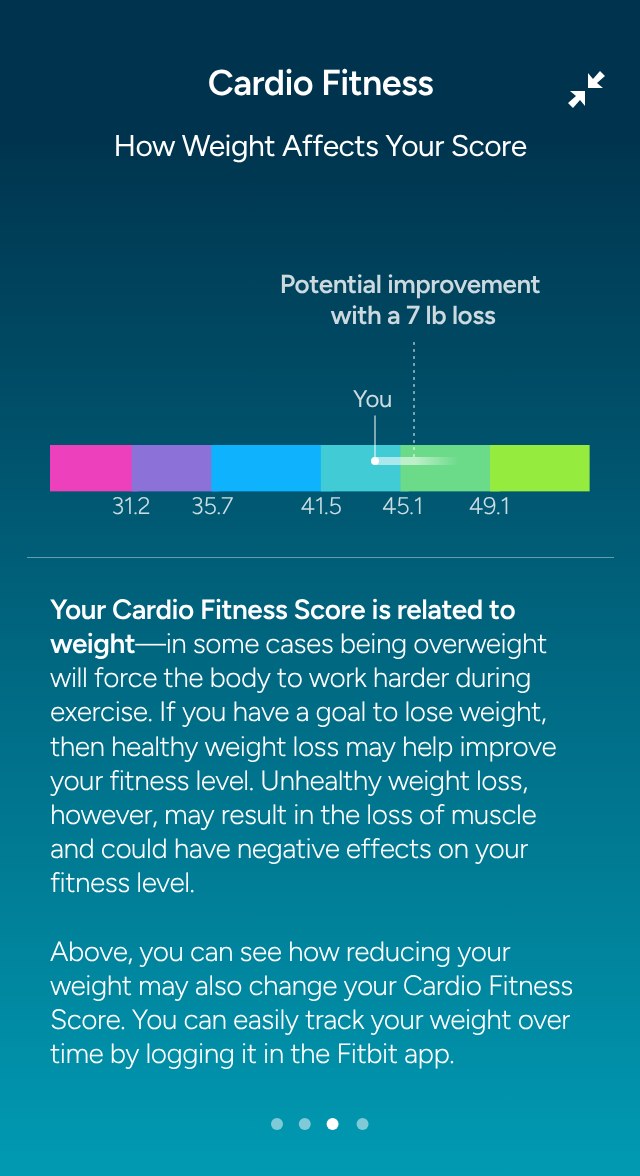
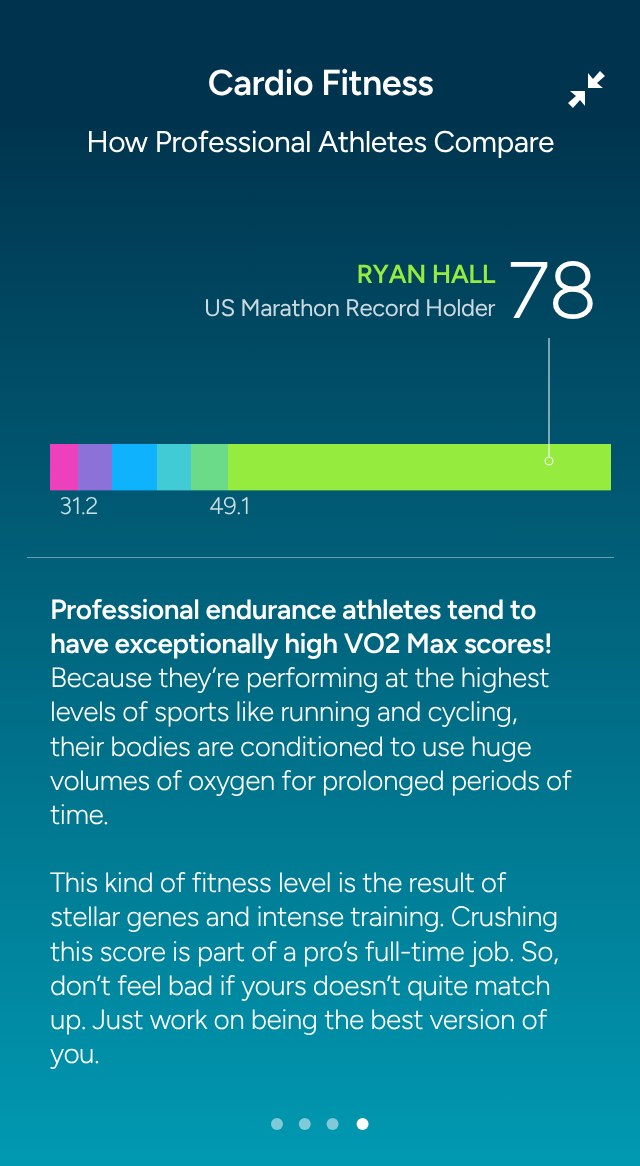
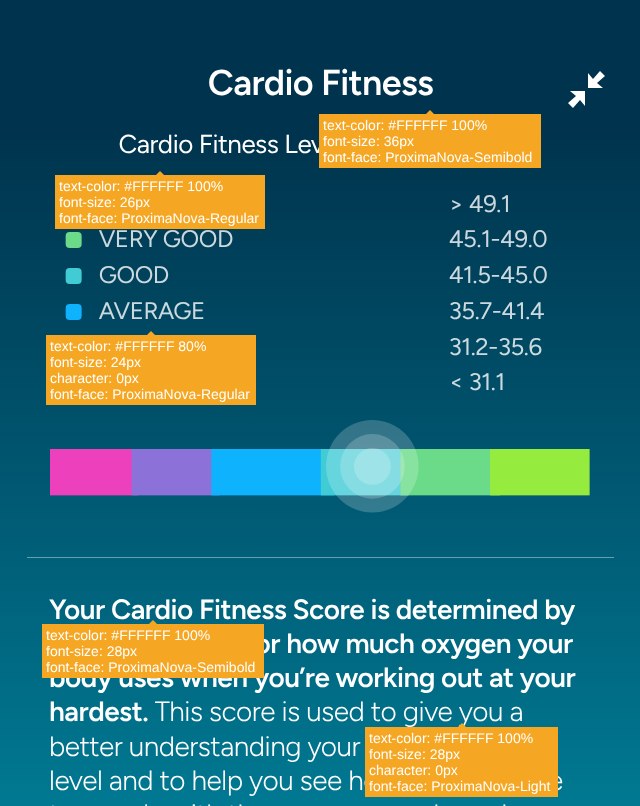
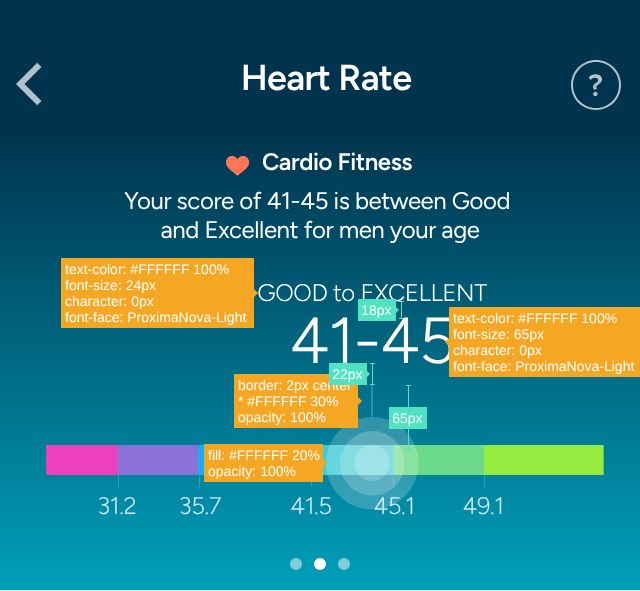
In 2017, a couple of years before Google bought the company, the Fitbit app was where millions of people checked in on their day: steps, sleep, workouts, water, weight. Working with Freedmans, I designed UX for the next version of the iOS app. That meant a rebuilt Today dashboard of glanceable tiles that change state as you close in on a goal, and an exercise section that recognises workouts automatically and tracks a weekly target. It also meant sleep logging that works in real time or after the fact, and the arrival of the Cardio Fitness Score, a personal VO2 max estimate shown first as a range and sharpened once you log a GPS run. The aim throughout was to turn a stream of numbers into small, encouraging wins that people actually want to come back to.

Services
UX, Campaign Design
Client
Fitbit
Agency
Freedmans

The App Screens

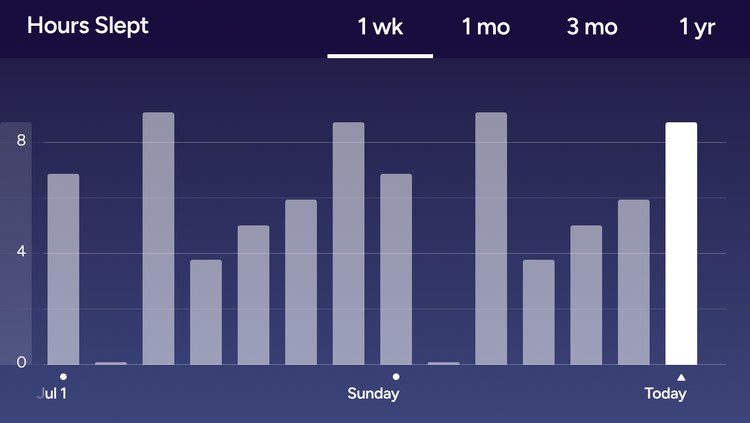
Screens from the 2016 iOS work for Fitbit: the new Today dashboard and its tiles, exercise tracking, sleep logging and the Cardio Fitness score. Hover to enlarge, click to open full size.

DASHBOARD
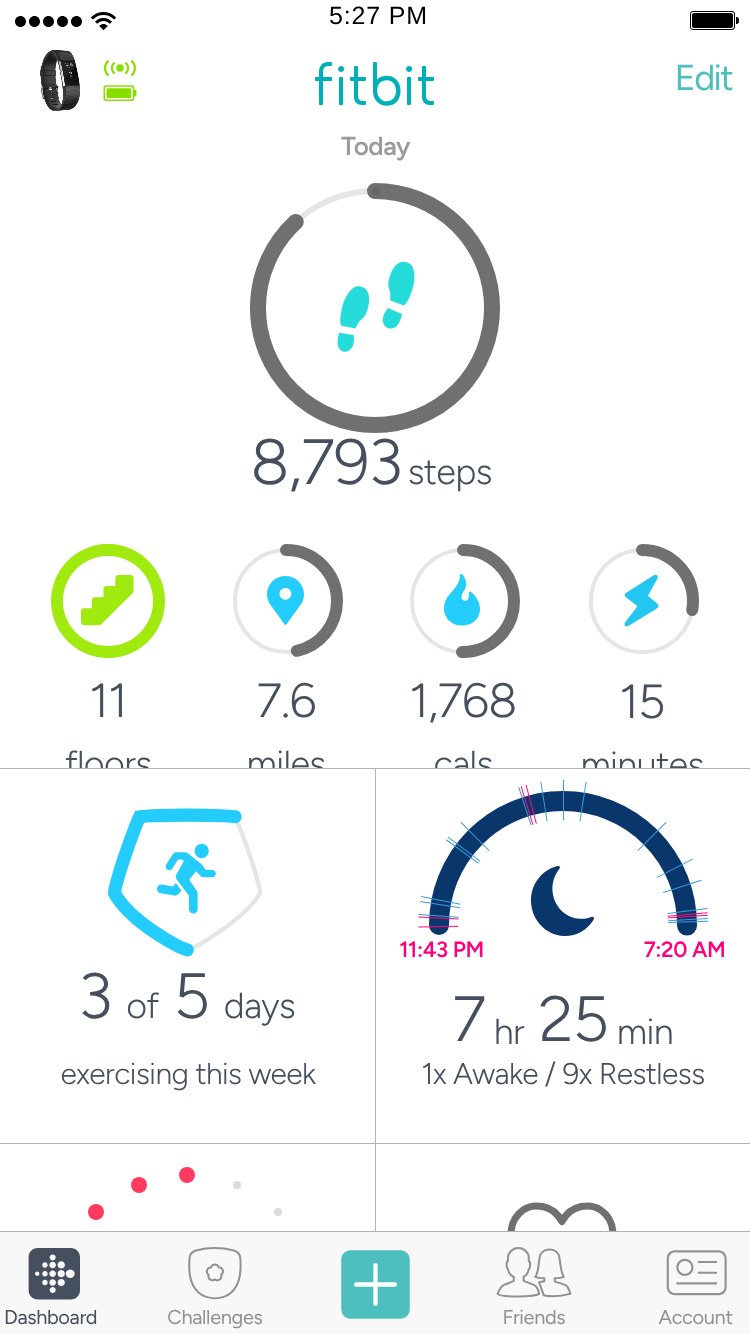
Today dashboard
Fitbit app – Today dashboard
Today, scrolled
Fitbit app – Today, scrolled
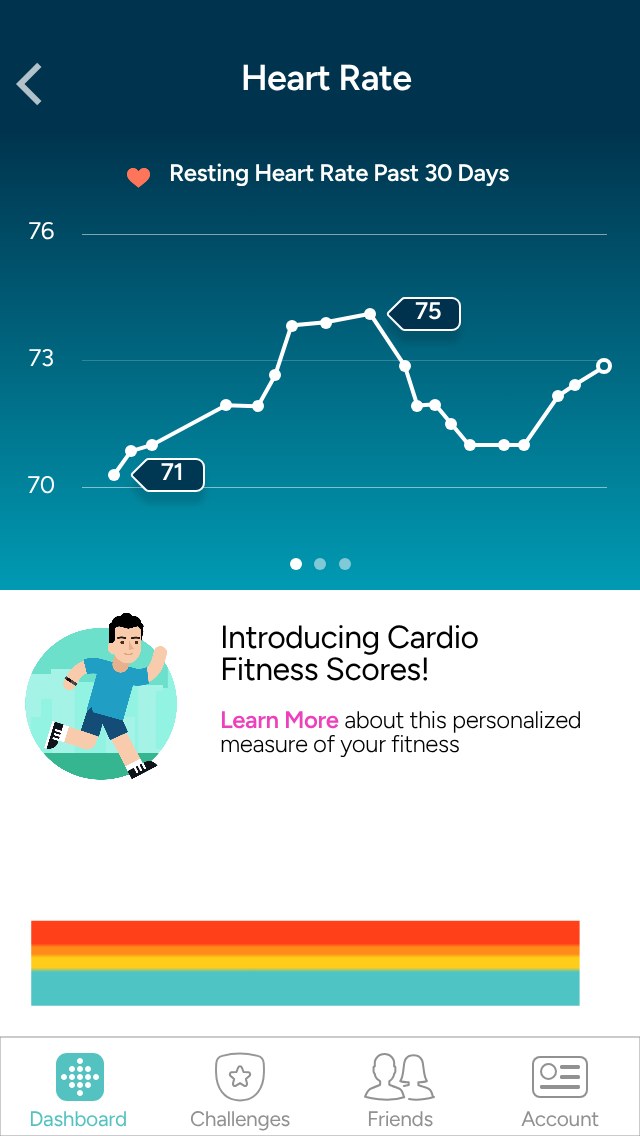
Heart rate
Fitbit app – Heart rate
Exercise week
Fitbit app – Exercise week

DASHBOARD TILES

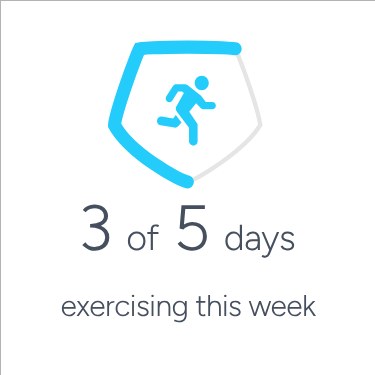
Exercise
Fitbit app – Exercise
Sleep
Fitbit app – Sleep
Hourly activity
Fitbit app – Hourly activity
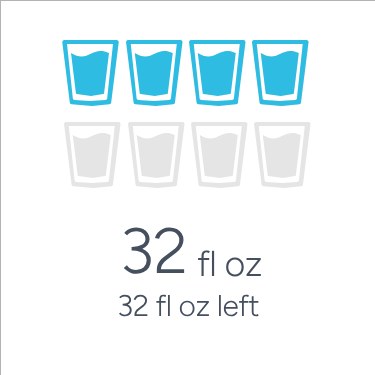
Water
Fitbit app – Water
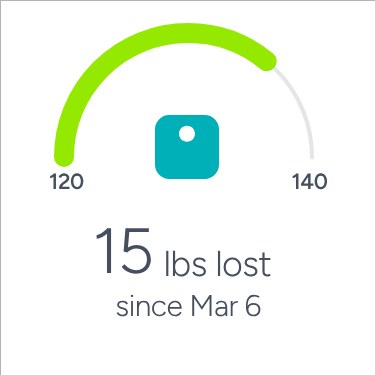
Weight
Fitbit app – Weight
Food
Fitbit app – Food
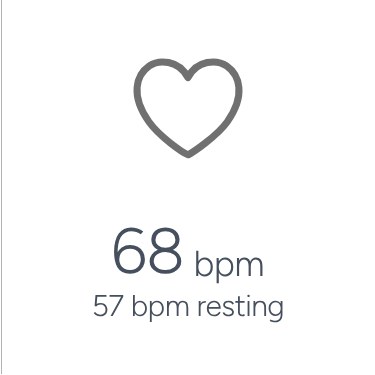
Resting heart rate
Fitbit app – Resting heart rate
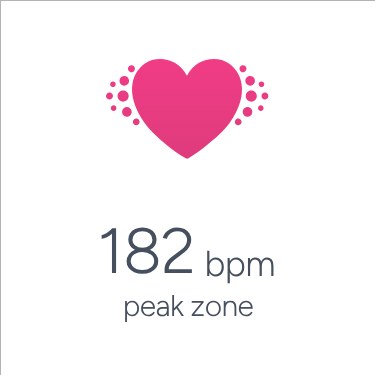
Peak zone
Fitbit app – Peak zone
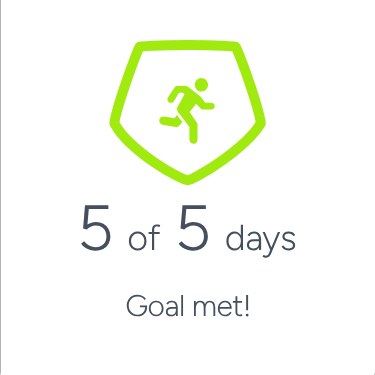
Exercise goal met
Fitbit app – Exercise goal met
Sleep goal hit
Fitbit app – Sleep goal hit
Hourly goal hit
Fitbit app – Hourly goal hit
Water goal met
Fitbit app – Water goal met

EXERCISE

This week
Fitbit app – This week
Weekly goal met
Fitbit app – Weekly goal met
History: run
Fitbit app – History: run
Run detail
Fitbit app – Run detail
Full-screen map
Fitbit app – Full-screen map
Exercise detail
Fitbit app – Exercise detail
Exercise goals
Fitbit app – Exercise goals
Change weekly goal
Fitbit app – Change weekly goal

SLEEP

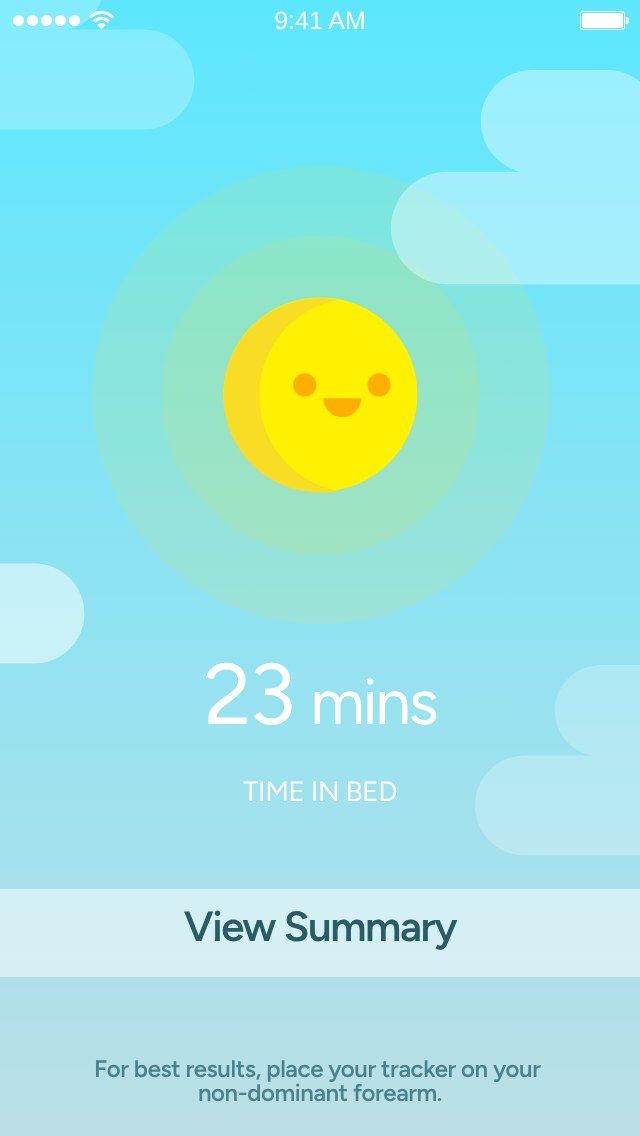
Real-time: asleep
Fitbit app – Real-time: asleep
Real-time: awake
Fitbit app – Real-time: awake
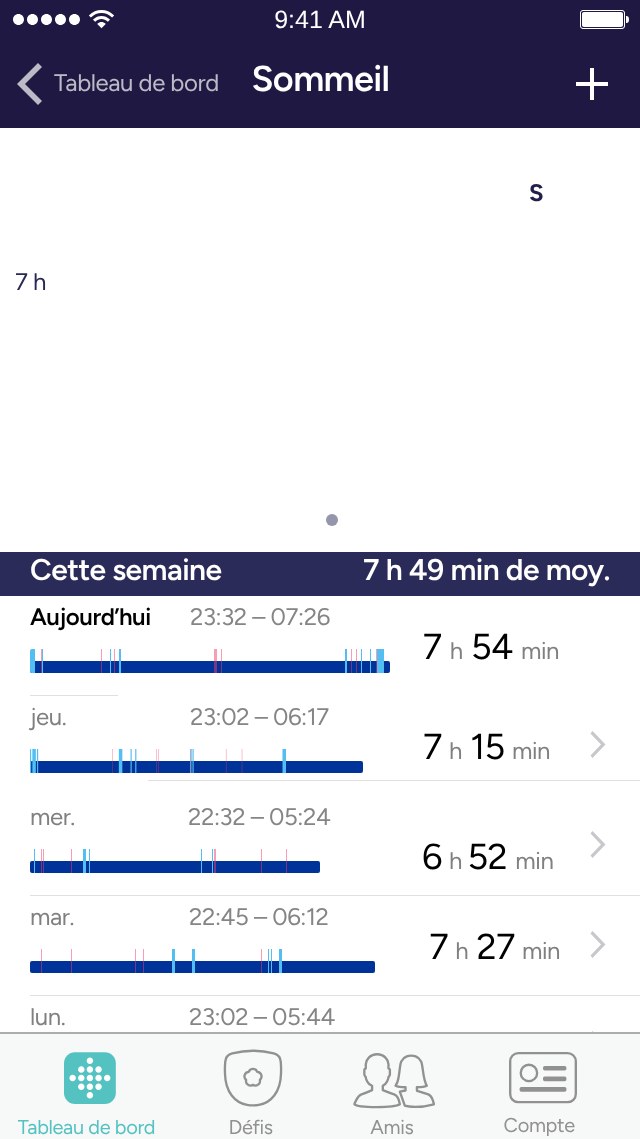
Week list
Fitbit app – Week list
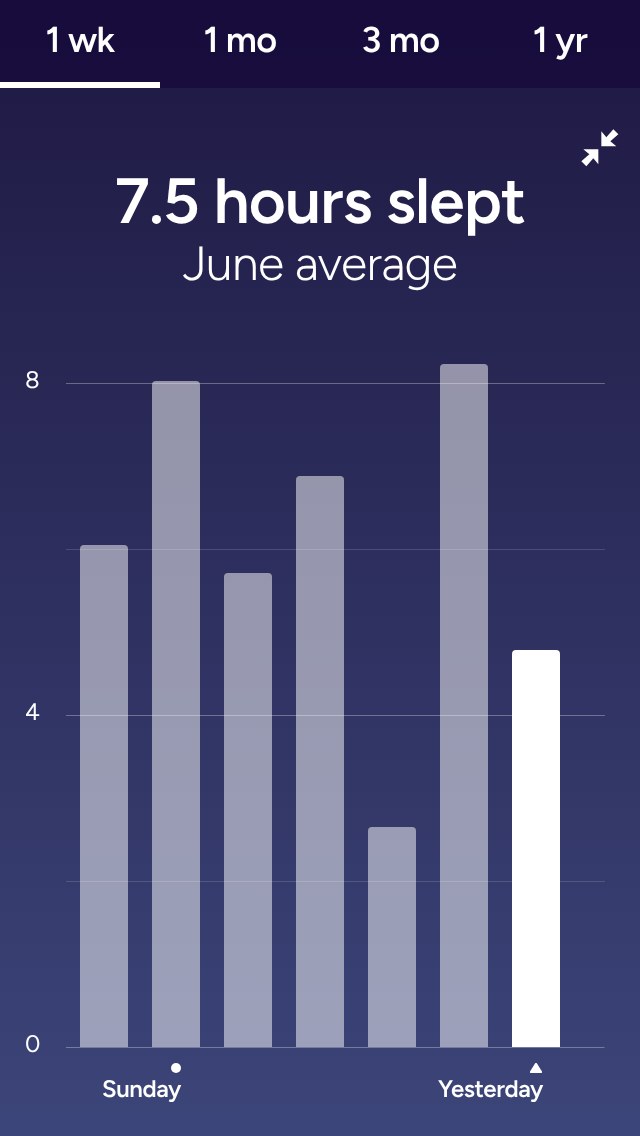
Hours slept
Fitbit app – Hours slept
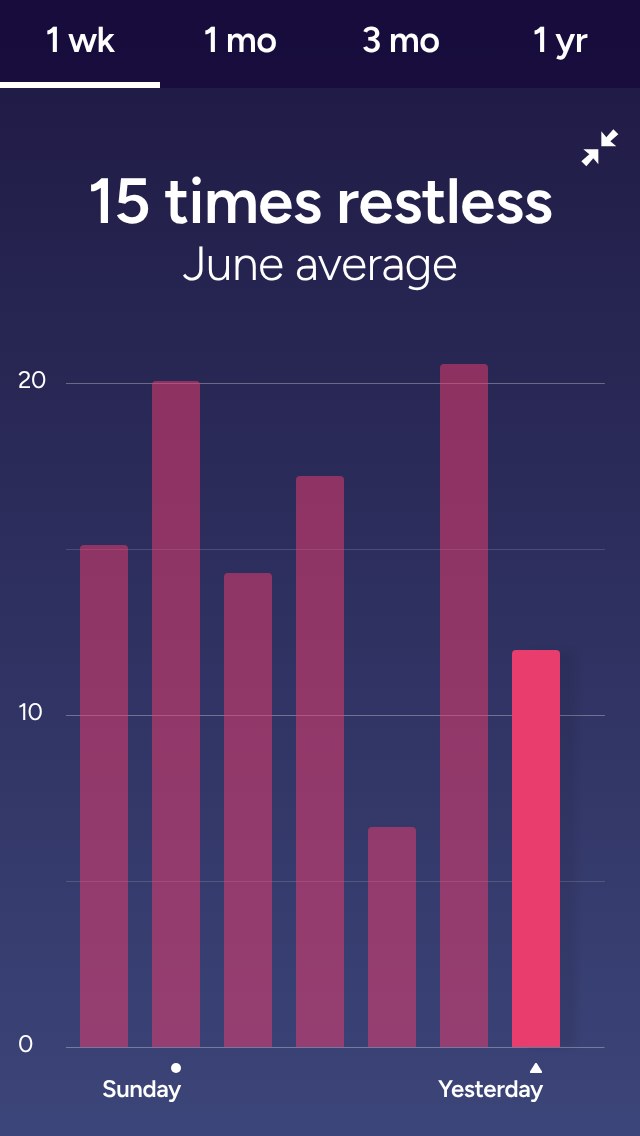
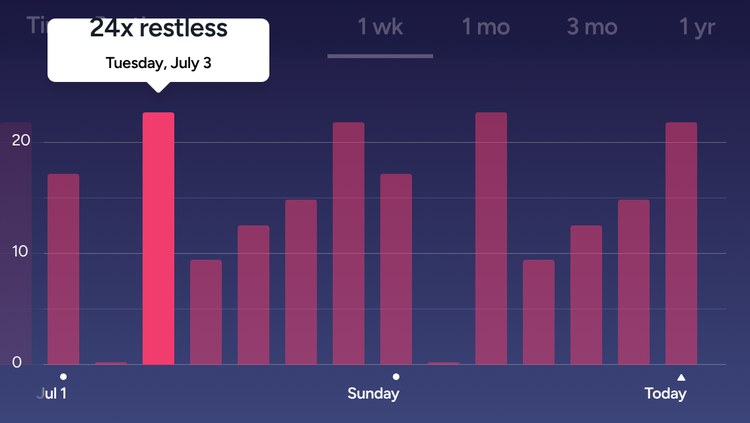
Times restless
Fitbit app – Times restless
Hours slept: detail
Fitbit app – Hours slept: detail
Log sleep
Fitbit app – Log sleep
Add sleep
Fitbit app – Add sleep
Hours slept: landscape
Fitbit app – Hours slept: landscape
Times restless: landscape
Fitbit app – Times restless: landscape

CARDIO FITNESS

Intro card
Fitbit app – Intro card
Exact score
Fitbit app – Exact score
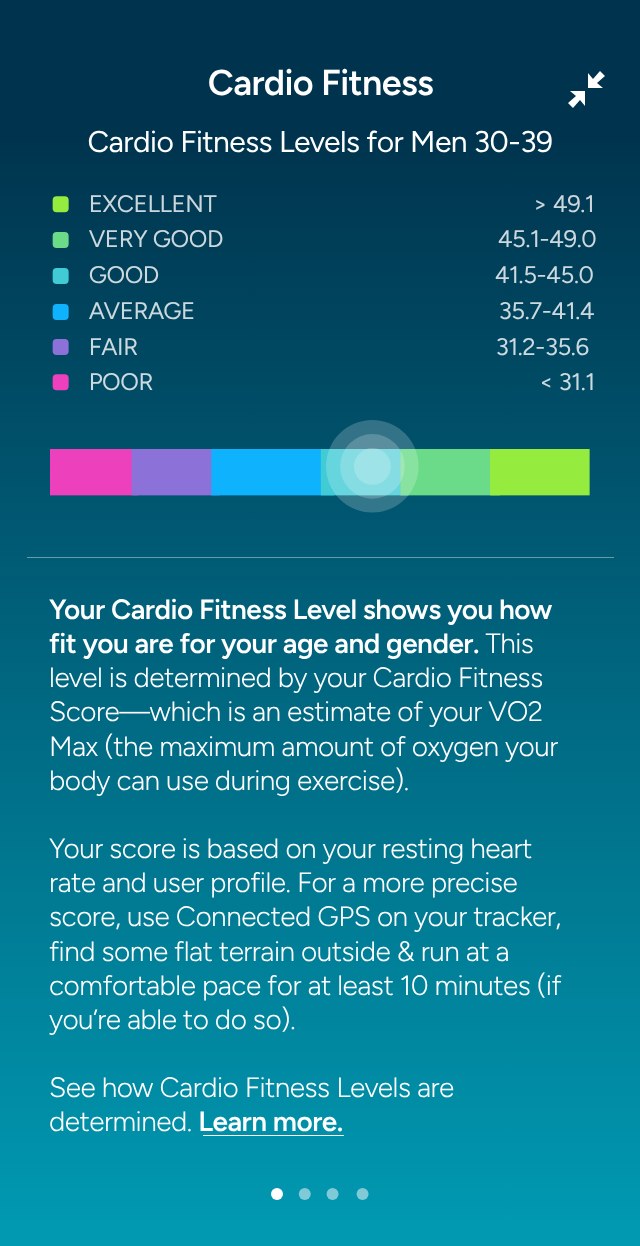
Fitness levels
Fitbit app – Fitness levels
Exercise impact
Fitbit app – Exercise impact
Weight impact
Fitbit app – Weight impact
Pro athletes
Fitbit app – Pro athletes
Redlines
Fitbit app – Redlines
Redlines: card
Fitbit app – Redlines: card

User Flows

One flow per feature, rebuilt from the design files.

DASHBOARD

The Today dashboard and the states each tile moves through, from empty to goal met.
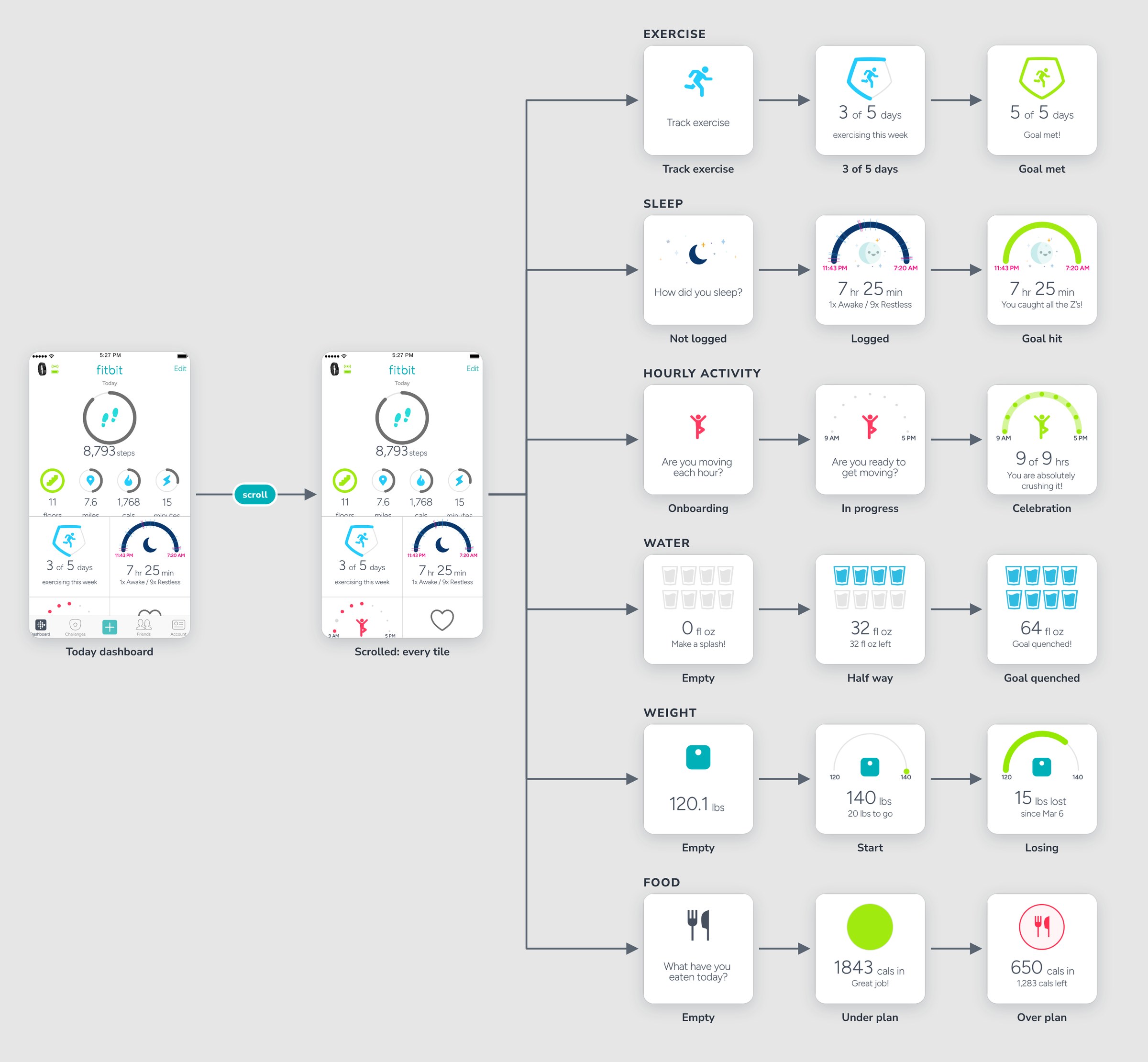
Fitbit app user flow – dashboard

EXERCISE

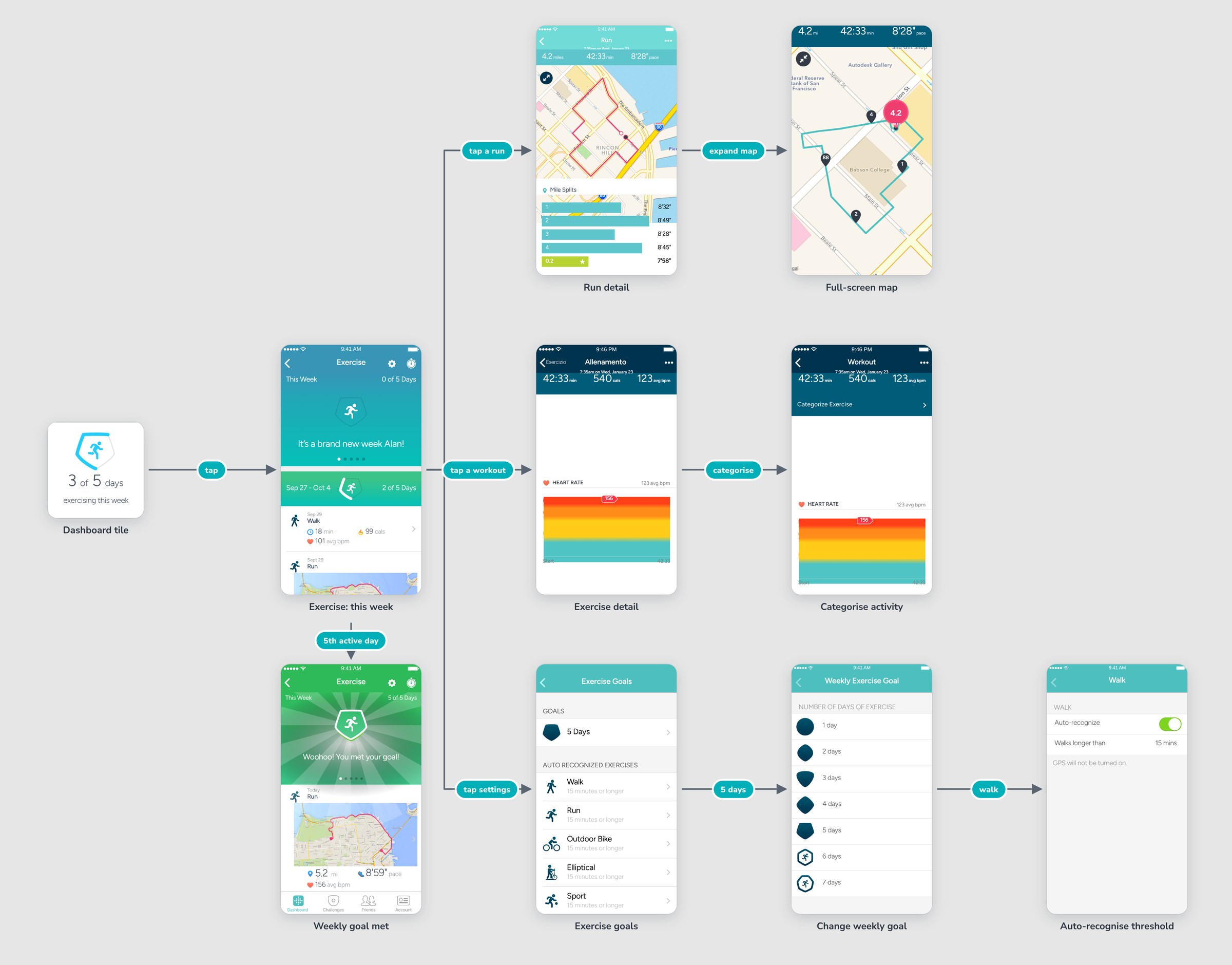
From the dashboard tile into the weekly exercise view, workout and run details, and exercise goal settings.
Fitbit app user flow – exercise

SLEEP

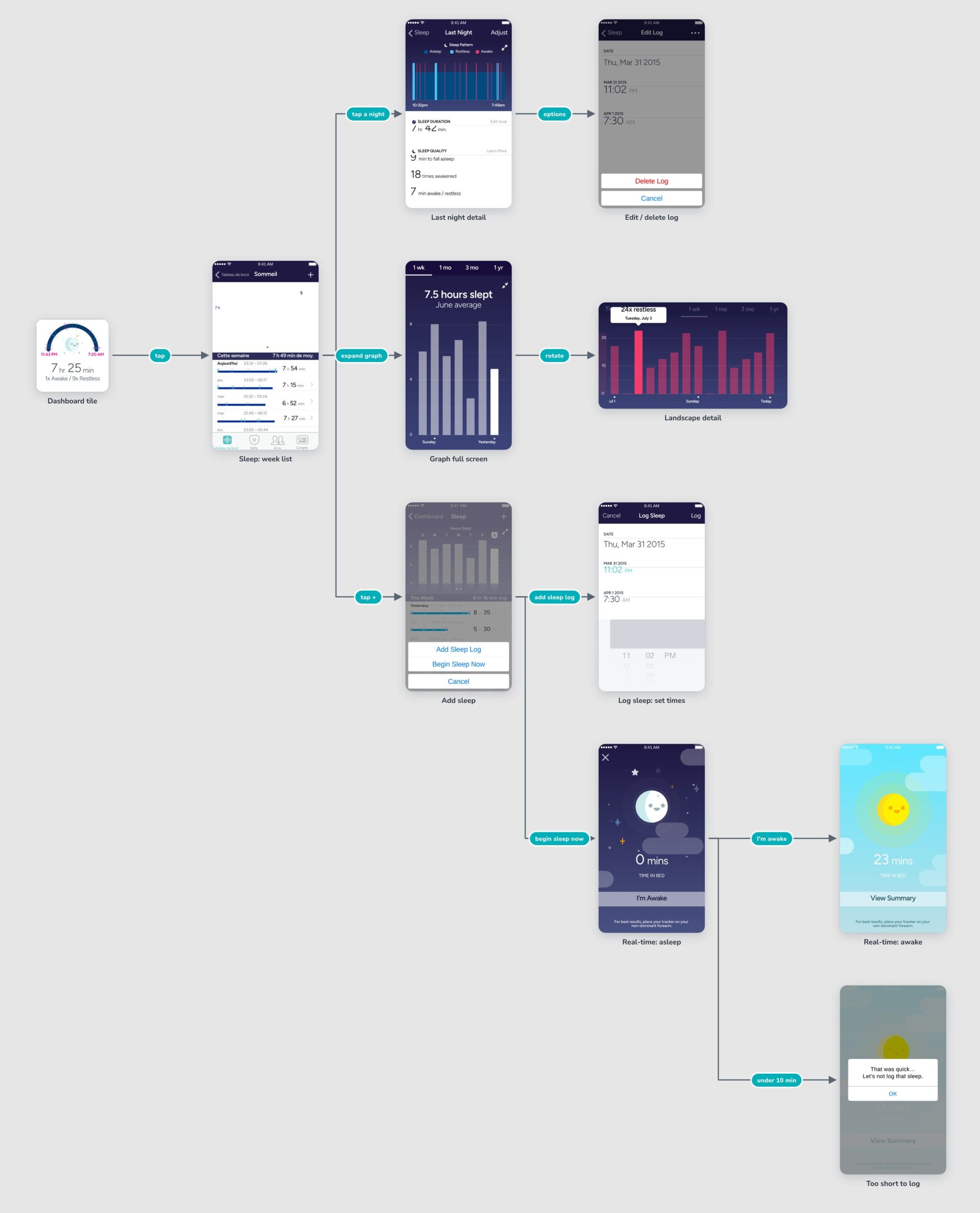
Browsing the sleep week, drilling into a night, and the two ways to log sleep: entering times or real-time logging.
Fitbit app user flow – sleep

CARDIO FITNESS

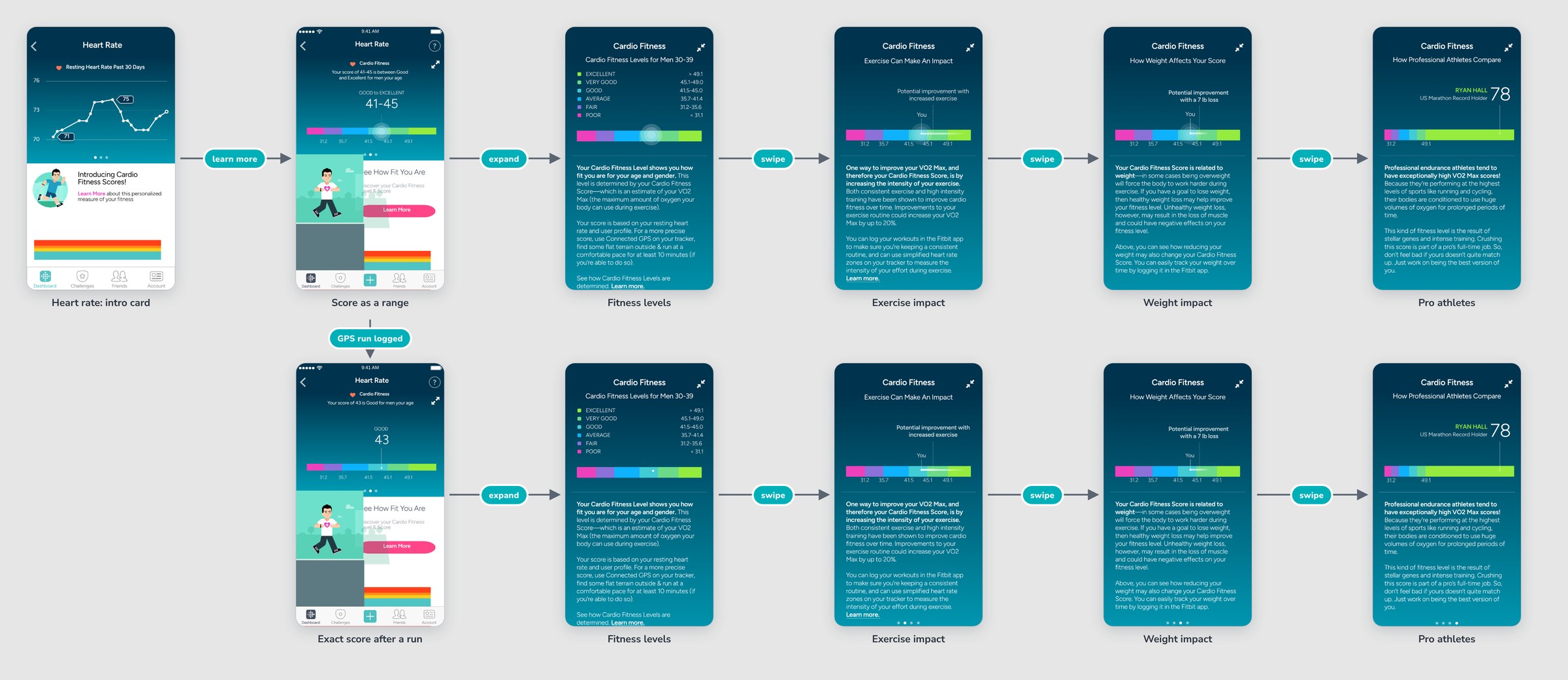
Introducing the Cardio Fitness score: a range from resting heart rate, then an exact score once a GPS run is logged.

Fitbit app user flow – cardio fitness